














Ads

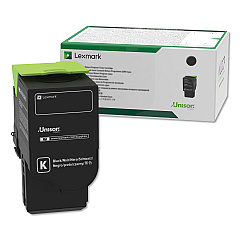
Lexmark MC2640adwe Black Toner Cartridges

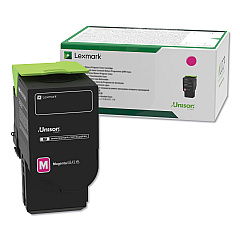
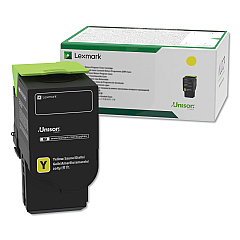
Lexmark MC2640adwe Color Toner Cartridges

Lexmark MC2640adwe Toner Set

Lexmark MC2640adwe Drum Units

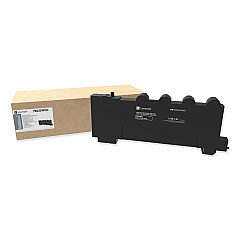
Lexmark MC2640adwe Waste Toner Kits

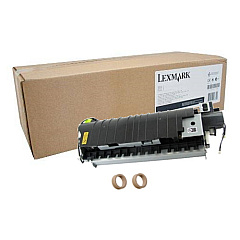
Lexmark MC2640adwe Maintenance Kits

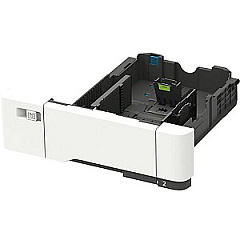
Lexmark MC2640adwe Paper Trays

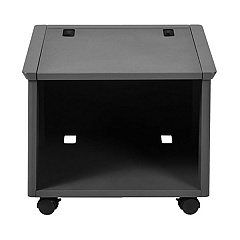
Lexmark MC2640adwe Printer Accessories

Lexmark MC2640adwe Warranty and Services

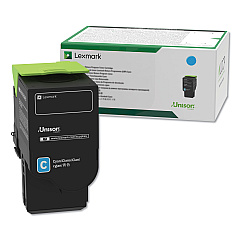
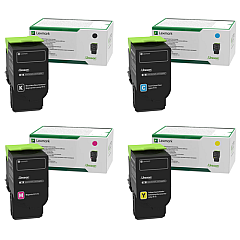
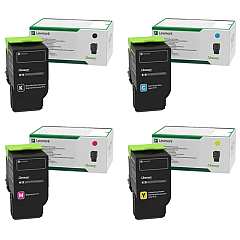
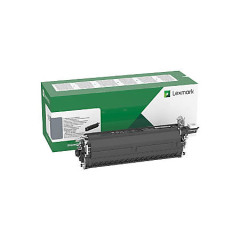
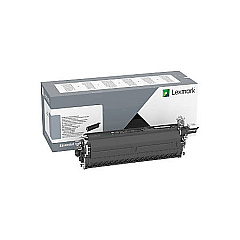
Enhance your printing experience with genuine Lexmark MC2640adwe Toner Cartridges and accessories. This versatile multifunction printer offers a wide range of compatible supplies to meet your diverse printing needs. From high-yield toner cartridges in black, cyan, magenta, and yellow to imaging kits and maintenance components, Lexmark ensures optimal performance and print quality. The MC2640adwe supports various upgrades, including wireless print servers, adjustable stands, and additional paper trays, allowing you to customize your printing setup. Whether you're looking for standard or high-capacity toner cartridges, waste toner bottles, or imaging kits, Lexmark provides reliable options to keep your MC2640adwe running smoothly. Invest in authentic Lexmark supplies to maximize your printer's efficiency and produce professional-quality documents consistently.

Lexmark MC2640adwe Toner Cartridges FAQs

  • What is the page yield of the standard Lexmark MC2640adwe toner cartridges?

    The standard Lexmark MC2640adwe toner cartridges (C2310K0, C2310C0, C2310M0, C2310Y0) typically yield around 1,500 pages each.

  • Are high-yield toner cartridges available for the Lexmark MC2640adwe?

    Yes, high-yield toner cartridges (C231HK0, C231HC0, C231HM0, C231HY0) are available, offering approximately 3,000 pages per cartridge.

  • How often should I replace the imaging kit in my Lexmark MC2640adwe?

    The imaging kit should be replaced when prompted by the printer or after approximately 125,000 pages for black and 85,000 pages for color.

  • Can I use third-party toner cartridges in my Lexmark MC2640adwe?

    While third-party cartridges may work, using genuine Lexmark toner cartridges ensures optimal print quality and printer performance.

  • What is the purpose of the waste toner bottle?

    The waste toner bottle (78C0W00) collects excess toner during printing and should be replaced when full to maintain print quality.

  • How do I install additional paper trays for my Lexmark MC2640adwe?

    You can easily install additional paper trays like the 550-Sheet Tray (42C7550) or 650-Sheet Duo Tray (42C7650) by following the instructions provided with the accessory.

  • What is the function of the fuser maintenance kit?

    The fuser maintenance kit (41X2096) is used to replace worn fuser components, ensuring consistent print quality and extending the life of your printer.

  • Can I upgrade the memory of my Lexmark MC2640adwe?

    Yes, you can upgrade the printer's memory using the Lexmark 57X9801 Flash Memory Card for improved performance with complex print jobs.

  • How do I know when to replace my toner cartridges?

    The printer will display a message when toner is low or needs replacement. You can also check toner levels through the printer's control panel or web interface.

  • Is the Lexmark MC2640adwe compatible with wireless printing?

    Yes, you can enable wireless printing by installing the Lexmark 27X6410 MarkNet N8372 Wireless Print Server accessory.

Warehouse Locations

Policy & Agreement | Copyright © 1995-2026 BlueDogInk.com
