























Ads

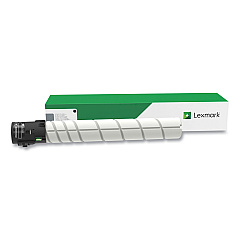
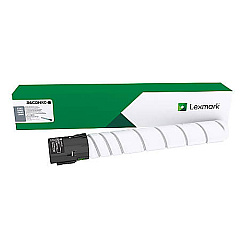
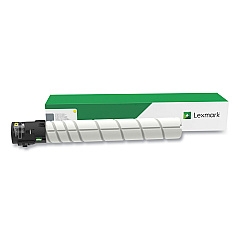
Lexmark CX923 Black Toner Cartridges

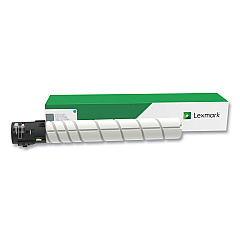
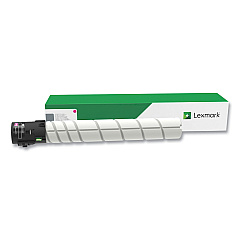
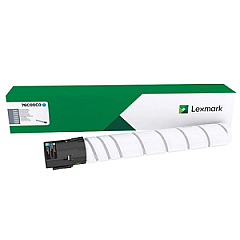
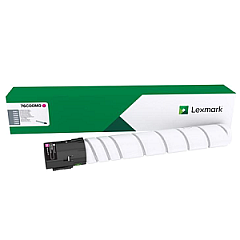
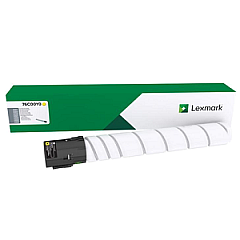
Lexmark CX923 Color Toner Cartridges

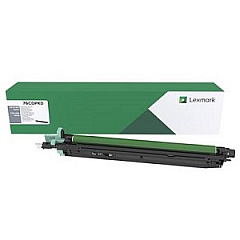
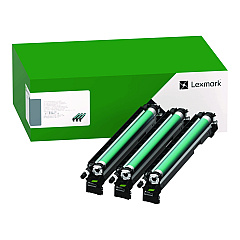
Lexmark CX923 Drum Units

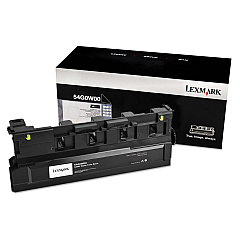
Lexmark CX923 Waste Toner Kits

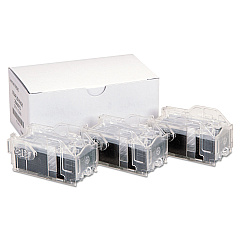
Lexmark CX923 Printer Staples

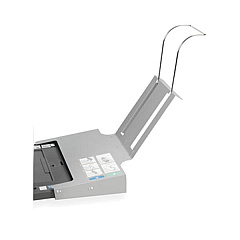
Lexmark CX923 Printer Accessories

Lexmark CX923 Printer Parts

Lexmark CX923 Warranty and Services

Enhance your printing capabilities with genuine Lexmark CX923 Toner Cartridges and accessories. This comprehensive range includes high-yield color toner cartridges, waste toner bottles, and various hardware upgrades to optimize your Lexmark CX923 multifunction printer. From staple cartridges and finishers to additional paper trays and memory upgrades, these supplies ensure peak performance and versatility. The Lexmark CX923 Toner Cartridges deliver exceptional print quality and reliability for your business, education, healthcare, or government printing needs. With options like Forms and Bar Code Cards, IPDS and PRESCRIBE compatibility, and network connectivity enhancements, you can customize your printer to meet specific requirements. Choose Lexmark original supplies for consistent, professional results and maximize your CX923's potential.

Lexmark CX923 Printers Supplies FAQs

  • What is the page yield of Lexmark CX923 Toner Cartridges?

    The page yield varies depending on the specific cartridge. High-yield cartridges typically offer greater page output compared to standard cartridges.

  • Are these toner cartridges compatible with other Lexmark printers?

    Lexmark CX923 Toner Cartridges are designed specifically for the CX923 model and may not be compatible with other Lexmark printers.

  • How often should I replace the waste toner bottle?

    The frequency of waste toner bottle replacement depends on usage. Replace it when prompted by the printer or when it reaches capacity.

  • Can I use third-party toner cartridges in my Lexmark CX923?

    While third-party cartridges may work, using genuine Lexmark toner cartridges ensures optimal print quality and printer performance.

  • What is the purpose of the Forms and Bar Code Card?

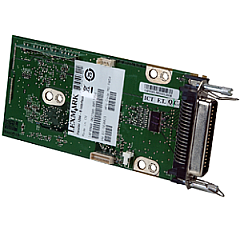
    The Forms and Bar Code Card enhances the printer's capability to print various barcode formats and electronic forms.

  • How do I install additional paper trays?

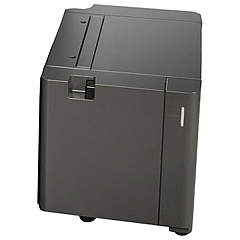
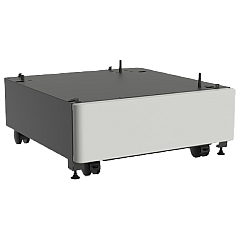
    Refer to the printer's user manual for step-by-step instructions on installing additional paper trays like the 2 x 500-Sheet Tray or 2500-Sheet Tray.

  • What is the benefit of adding more memory to the printer?

    Additional memory can improve the printer's performance, especially when handling complex print jobs or multiple tasks simultaneously.

  • How do I know which finisher is right for my needs?

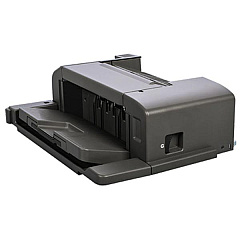
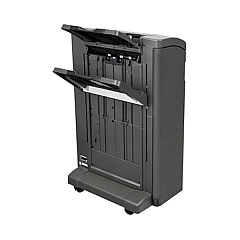
    Consider your stapling and hole-punching requirements when choosing between the Inline Staple Finisher, Staple Punch Finisher, or 2/3 Hole Punch Booklet Finisher.

  • What is the purpose of the MarkNet N8230 Fiber Ethernet card?

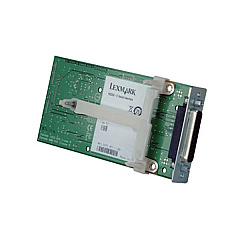
    The MarkNet N8230 Fiber Ethernet card allows for high-speed network connectivity using fiber optic cables, which can be beneficial in certain network environments.

  • Are the staple cartridges easy to replace?

    Yes, Lexmark designed the staple cartridges for easy replacement. Refer to the printer's user manual for specific instructions on replacing staple cartridges.

Warehouse Locations

Policy & Agreement | Copyright © 1995-2026 BlueDogInk.com
