

























Ads

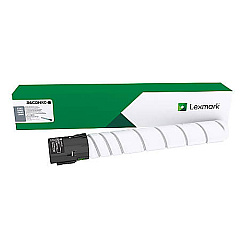
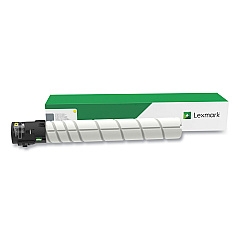
Lexmark CX922 Black Toner Cartridges

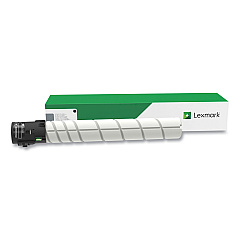
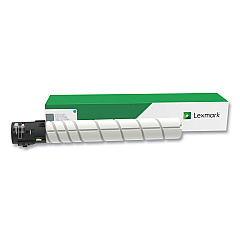
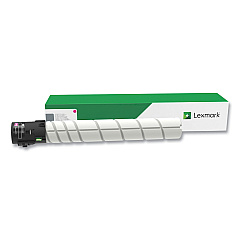
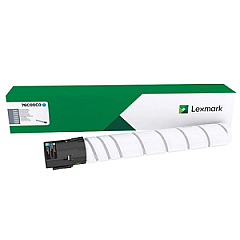
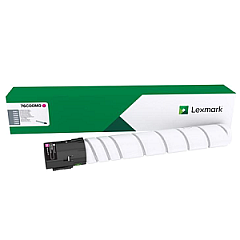
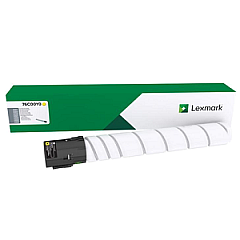
Lexmark CX922 Color Toner Cartridges

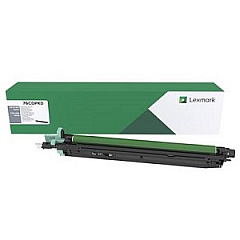
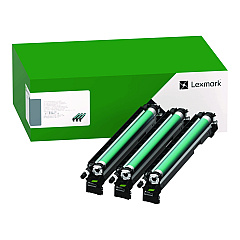
Lexmark CX922 Drum Units

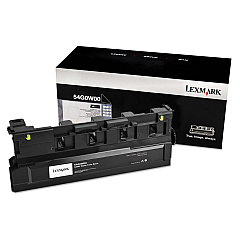
Lexmark CX922 Waste Toner Kits

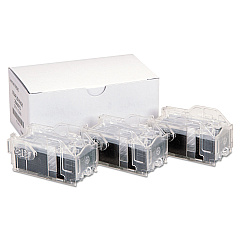
Lexmark CX922 Printer Staples

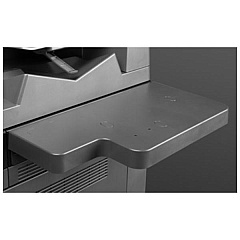
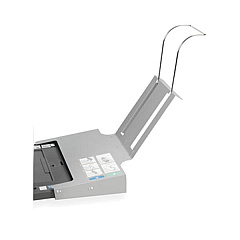
Lexmark CX922 Printer Accessories

Lexmark CX922 Printer Parts

Lexmark CX922 Copy Paper

Lexmark CX922 Warranty and Services

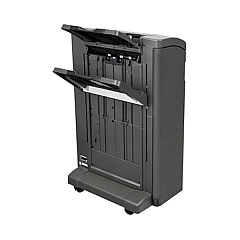
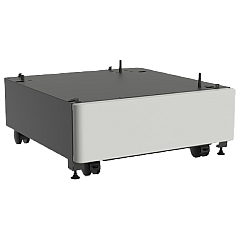
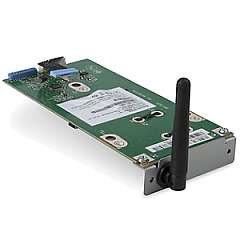
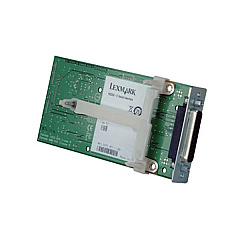
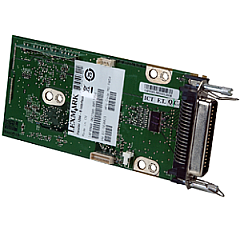
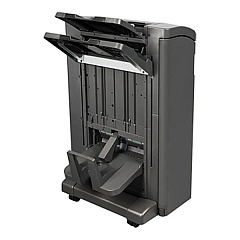
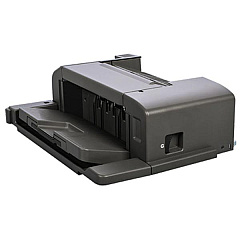
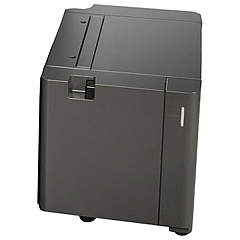
Enhance your printing capabilities with genuine Lexmark CX922 Toner Cartridges and accessories. This comprehensive range includes high-yield color toner cartridges, waste toner bottles, and various hardware upgrades to optimize your Lexmark CX922 printer's performance. From staple cartridges and finishers to additional paper trays and memory upgrades, these supplies cater to diverse business needs. The collection features essential components like the Forms and Bar Code Card, IPDS Card, and PRESCRIBE Card for specialized printing tasks. With options for wireless connectivity, hard disk expansion, and Ethernet upgrades, you can customize your printer to meet your organization's unique requirements. Choose Lexmark CX922 Toner Cartridges and accessories for superior print quality, reliability, and enhanced productivity in your office environment.

Lexmark CX922 Toner Cartridges FAQs

  • What is the page yield of Lexmark CX922 toner cartridges?

    The page yield varies depending on the specific cartridge. High-yield cartridges typically offer greater page output compared to standard cartridges.

  • Are these toner cartridges compatible with other Lexmark printer models?

    Lexmark CX922 toner cartridges are designed specifically for the CX922 model and may not be compatible with other printer models.

  • How often should I replace the waste toner bottle?

    The frequency of waste toner bottle replacement depends on usage. Replace it when prompted by the printer or when it reaches full capacity.

  • Can I use third-party toner cartridges in my Lexmark CX922 printer?

    While third-party cartridges may work, using genuine Lexmark toner cartridges ensures optimal print quality and printer performance.

  • What is the purpose of the Forms and Bar Code Card?

    The Forms and Bar Code Card enables the printer to generate various barcode formats and preprinted forms, enhancing its functionality for specific business needs.

  • How do I install additional memory in my Lexmark CX922 printer?

    Consult the printer's user manual for step-by-step instructions on installing additional memory. If unsure, contact Lexmark support or a qualified technician.

  • What is the benefit of adding a hard disk to the printer?

    Adding a hard disk increases storage capacity for print jobs, enables job accounting, and enhances overall printer performance, especially for complex print tasks.

  • Can I add wireless capabilities to my Lexmark CX922 printer?

    Yes, you can add wireless capabilities by installing the Lexmark 27X0225 Wireless Print Server, enabling convenient wireless printing.

  • What is the difference between the 2 x 500-Sheet Tray and the 2500-Sheet Tray?

    The 2 x 500-Sheet Tray provides two separate 500-sheet capacity trays, while the 2500-Sheet Tray offers a single high-capacity tray for larger print jobs.

  • How do I know which finisher option is best for my needs?

    Consider your stapling, hole-punching, and booklet-making requirements. Review the specifications of each finisher option to determine which best suits your printing needs.

Warehouse Locations

Policy & Agreement | Copyright © 1995-2026 BlueDogInk.com
