
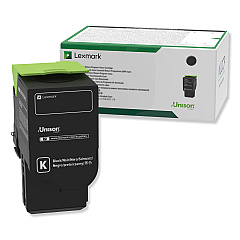






Lexmark CX625ade Black Toner Cartridges

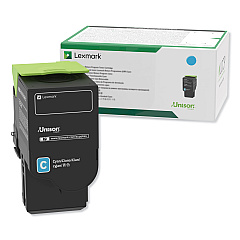
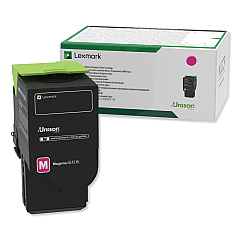
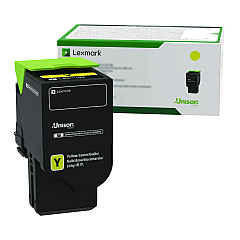
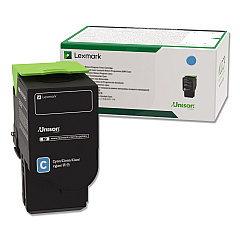
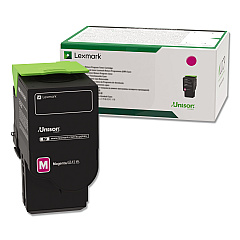
Lexmark CX625ade Color Toner Cartridges

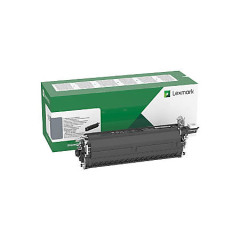
Lexmark CX625ade Drum Units

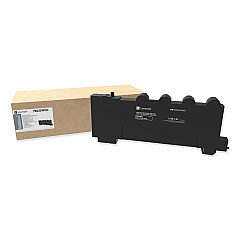
Lexmark CX625ade Waste Toner Kits

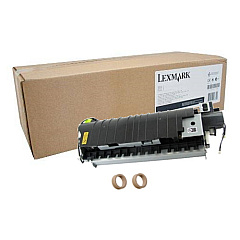
Lexmark CX625ade Maintenance Kits

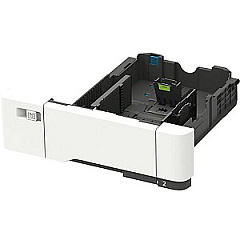
Lexmark CX625ade Paper Trays

Lexmark CX625ade Printer Accessories

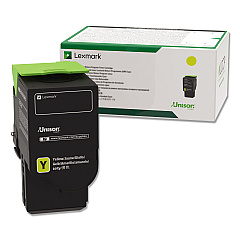
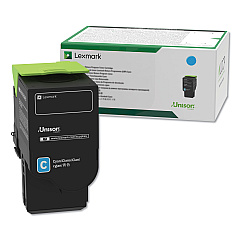
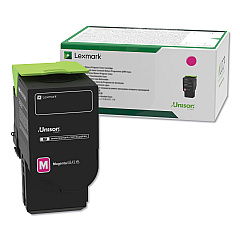
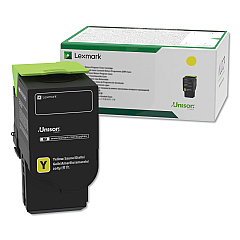
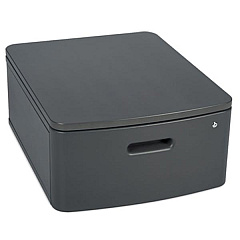
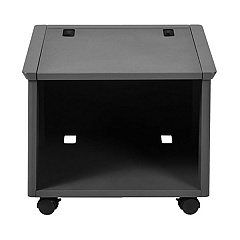
Enhance your printing capabilities with Lexmark CX625ade Toner Cartridges and accessories. This comprehensive range includes essential components like the MarkNet N8372 Wireless Print Server, Swivel Cabinet, and Adjustable Stand for optimal workspace setup. Maintain peak performance with the Fuser Maintenance Kit and expand paper capacity with 550-Sheet and 650-Sheet Duo Trays. The system supports various toner cartridges in black, cyan, magenta, and yellow, available in standard and high-yield options. Don't forget the Waste Toner Bottle and Imaging Kits for complete system maintenance. Whether you're a small business or large enterprise, these Lexmark CX625ade Toner Cartridges and supplies ensure consistent, high-quality prints while maximizing efficiency and minimizing downtime.

Lexmark CX625ade Toner Cartridges FAQs

  • What is the page yield for the standard Lexmark CX625ade toner cartridges?

    The standard yield cartridges typically produce around 2,000 pages for color (cyan, magenta, yellow) and 3,000 pages for black.

  • Are high-yield toner cartridges available for the Lexmark CX625ade?

    Yes, high-yield cartridges are available, offering approximately 7,000 pages for color and 10,500 pages for black.

  • How often should I replace the waste toner bottle?

    The waste toner bottle (78C0W00) should be replaced when indicated by the printer, typically after processing about 25,000 pages.

  • What's the difference between the Black Imaging Kit and the Black and Color Imaging Kit?

    The Black Imaging Kit (78C0ZK0) is for monochrome printing, while the Black and Color Imaging Kit (78C0ZV0) is for color printing.

  • Can I use third-party toner cartridges in the Lexmark CX625ade?

    While third-party cartridges may work, using genuine Lexmark cartridges ensures optimal print quality and printer performance.

  • How do I install the MarkNet N8372 Wireless Print Server?

    The MarkNet N8372 can be easily installed in the printer's USB port. Refer to the user manual for detailed installation instructions.

  • What is the purpose of the Fuser Maintenance Kit?

    The Fuser Maintenance Kit (41X2096) helps maintain print quality and extends the life of your printer by replacing worn fuser components.

  • Can I add multiple paper trays to the Lexmark CX625ade?

    Yes, you can add both the 550-Sheet Tray (42C7550) and the 650-Sheet Duo Tray (42C7650) to increase paper capacity.

  • How do I know when to replace the imaging kit?

    The printer will display a message when it's time to replace the imaging kit. This typically occurs after processing about 125,000 pages.

  • Are the toner cartridges for the Lexmark CX625ade recyclable?

    Yes, Lexmark offers a cartridge collection program for easy and environmentally friendly recycling of used toner cartridges.

Warehouse Locations

Policy & Agreement | Copyright © 1995-2026 BlueDogInk.com
