
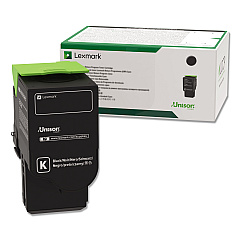
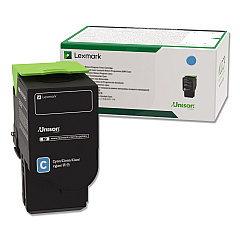
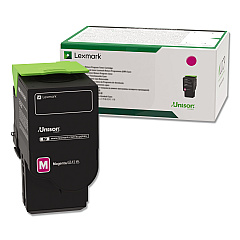
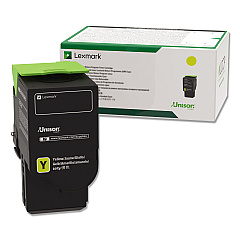
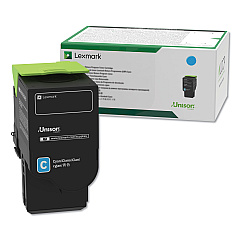
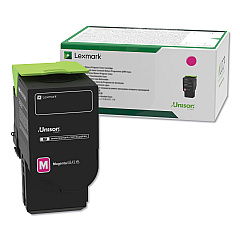
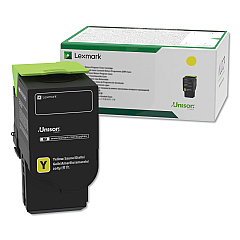
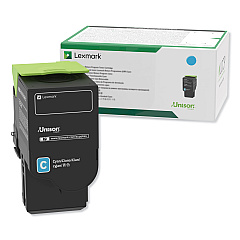
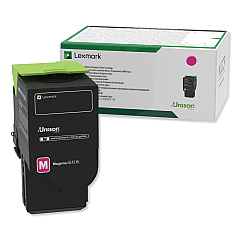
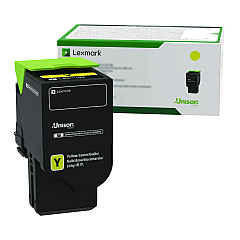
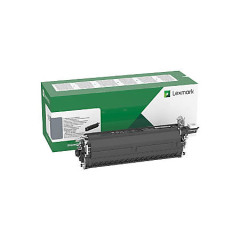
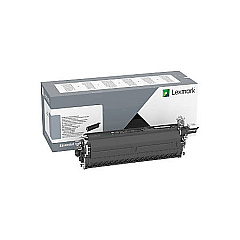



















Lexmark CX622ade Black Toner Cartridges

Lexmark CX622ade Color Toner Cartridges

Lexmark CX622ade Drum Units

Lexmark CX622ade Developer Units

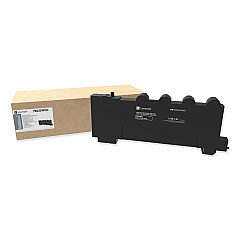
Lexmark CX622ade Waste Toner Kits

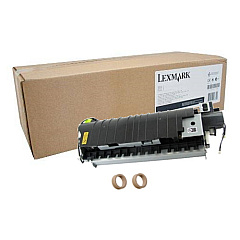
Lexmark CX622ade Maintenance Kits

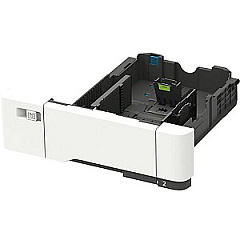
Lexmark CX622ade Paper Trays

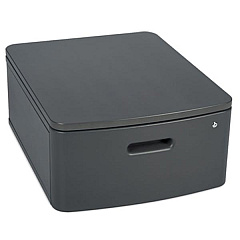
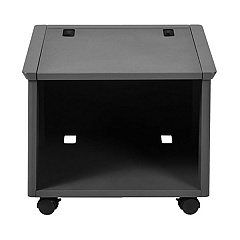
Lexmark CX622ade Printer Accessories

Lexmark CX622ade Warranty and Services

Enhance your printing experience with genuine Lexmark CX622ade Toner Cartridges and accessories. This comprehensive range includes high-capacity black, cyan, magenta, and yellow toner cartridges, ensuring vibrant and long-lasting prints. The Lexmark CX622ade supports various add-ons like the 320+GB Hard Disk Drive, wireless print server, and memory expansion for improved performance. Maintain your printer with the fuser maintenance kit and waste toner bottle. Boost productivity with additional paper trays and the adjustable stand. For optimal image quality, utilize the black and color imaging kits. Whether you need replacement toners or want to upgrade your printer's capabilities, these genuine Lexmark supplies guarantee exceptional results and reliability for your CX622ade multifunction printer.

Lexmark CX622ade Toner Cartridges FAQs

  • What is the page yield of the high-capacity toner cartridges for the Lexmark CX622ade?

    The high-capacity toner cartridges (78C0U series) typically yield around 7,000 pages for color cartridges and 8,500 pages for black.

  • Are these Lexmark CX622ade Toner Cartridges compatible with other Lexmark printers?

    These cartridges are specifically designed for the Lexmark CX622ade and may not be compatible with other Lexmark printer models. Always check your printer's compatibility before purchasing.

  • How often should I replace the waste toner bottle?

    The waste toner bottle (78C0W00) should be replaced when indicated by your printer, typically after processing about 25,000 pages.

  • What's the difference between the black imaging kit and the black and color imaging kit?

    The black imaging kit (78C0ZK0) is used for monochrome printing, while the black and color imaging kit (78C0ZV0) is required for both black and color printing.

  • Can I use third-party toner cartridges in my Lexmark CX622ade?

    While third-party cartridges may work, using genuine Lexmark toner cartridges ensures optimal print quality and prevents potential damage to your printer.

  • How do I install the 550-Sheet Tray (42C7550) on my Lexmark CX622ade?

    The 550-Sheet Tray can be easily installed by aligning it with the printer base and sliding it into place. Refer to the user manual for detailed instructions.

  • What is the purpose of the MarkNet N8372 Wireless Print Server?

    The MarkNet N8372 Wireless Print Server (27X6410) allows you to connect your Lexmark CX622ade to a wireless network, enabling wireless printing and scanning capabilities.

  • How often should I replace the developer units?

    Developer units (78C0D series) typically last for about 600,000 pages. Replace them when indicated by your printer or when print quality deteriorates.

  • Can I upgrade the memory of my Lexmark CX622ade?

    Yes, you can upgrade the printer's memory using the Lexmark 57X0204 Memory Expansion DDR3 to improve performance, especially when handling complex print jobs.

  • What's the benefit of adding the 320+GB Hard Disk Drive to my printer?

    The 320+GB Hard Disk Drive (27X0400) provides additional storage for print jobs, enables job accounting, and enhances the printer's overall performance, particularly for complex or high-volume printing tasks.

Warehouse Locations

Policy & Agreement | Copyright © 1995-2026 BlueDogInk.com
