























Ads

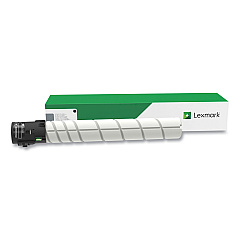
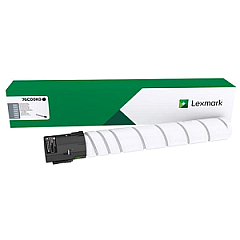
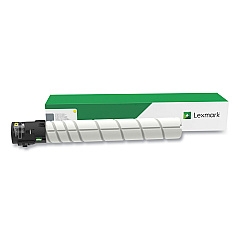
Lexmark CS923de Black Toner Cartridges

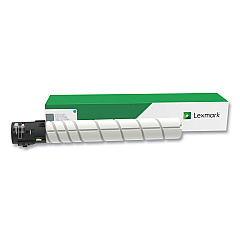
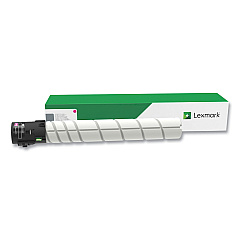
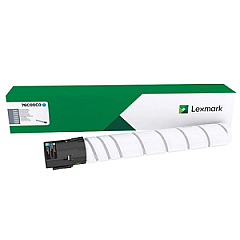
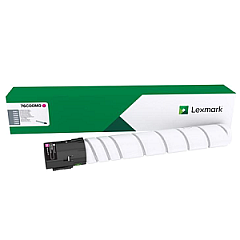
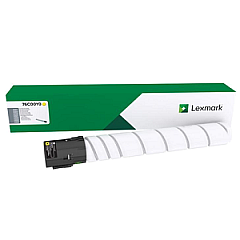
Lexmark CS923de Color Toner Cartridges

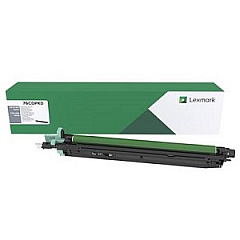
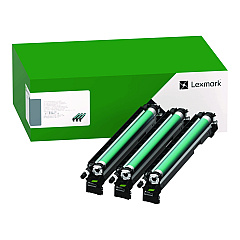
Lexmark CS923de Drum Units

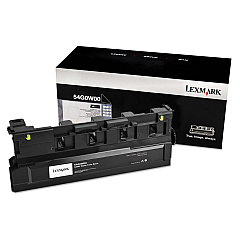
Lexmark CS923de Waste Toner Kits

Lexmark CS923de Printer Accessories

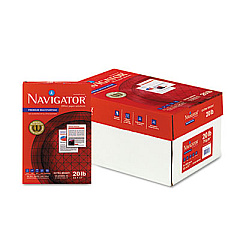
Lexmark CS923de Copy Paper

Lexmark CS923de Warranty and Services

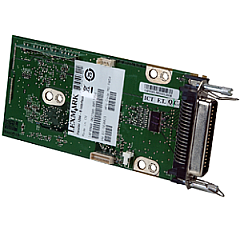
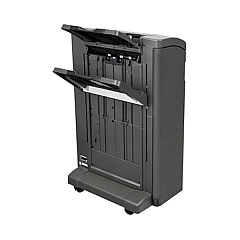
Enhance your printing capabilities with Lexmark CS923de Toner Cartridges and accessories. This comprehensive range includes high-yield color toner cartridges, photoconductor units, and various hardware upgrades. The Lexmark CS923de supports cyan, magenta, yellow, and black toner cartridges in both standard and high-yield capacities, ensuring vibrant, long-lasting prints. Boost your printer's functionality with add-ons like the Parallel Interface Card, Staple Punch Finisher, and Wireless Print Server. Maximize efficiency with memory upgrades and the PRESCRIBE card. The waste toner bottle and photoconductor units ensure optimal print quality and longevity. Whether you're a business, educational institution, government agency, healthcare provider, or wholesaler, these Lexmark CS923de Toner Cartridges and accessories deliver professional-grade results for all your printing needs.

Lexmark CS923de Toner Cartridges FAQs

  • What is the difference between standard and high-yield toner cartridges?

    High-yield cartridges contain more toner and can print more pages than standard cartridges, making them more cost-effective for high-volume printing.

  • How often should I replace the photoconductor units?

    Photoconductor units typically need replacement after processing about 100,000 pages, but this can vary based on usage and print conditions.

  • Can I use third-party toner cartridges in the Lexmark CS923de?

    While third-party cartridges may work, using genuine Lexmark cartridges ensures optimal print quality and prevents potential damage to your printer.

  • What is the purpose of the waste toner bottle?

    The waste toner bottle collects excess toner during printing, helping to maintain print quality and prevent toner from contaminating the printer's interior.

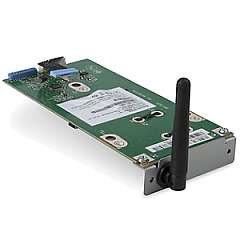
  • How do I install the Wireless Print Server?

    The Wireless Print Server (27X0225) can be installed in the printer's optional card slot. Refer to the printer's manual for specific installation instructions.

  • What is the PRESCRIBE card used for?

    The PRESCRIBE card (40C9202) enables the use of PRESCRIBE commands, allowing for more advanced control over print formatting and layout.

  • How much additional memory can I add to the Lexmark CS923de?

    The Lexmark CS923de supports memory upgrades using the 57X9012 and 57X9016 modules. Consult the printer specifications for maximum supported memory.

  • What is the purpose of the Parallel Interface Card?

    The Parallel Interface Card (14F0000) allows connection to devices using a parallel port, which may be necessary for compatibility with older systems or specialized equipment.

  • How does the Staple Punch Finisher enhance printing capabilities?

    The Staple Punch Finisher (26Z0081) automates document finishing by stapling and punching holes in printed documents, saving time and improving presentation.

  • Is the Hard Disk (27X0200) necessary for printer operation?

    While not essential for basic printing, the Hard Disk enables advanced features like job storage, encryption, and improved performance for complex print jobs.

Warehouse Locations

Policy & Agreement | Copyright © 1995-2026 BlueDogInk.com
