


















Ads

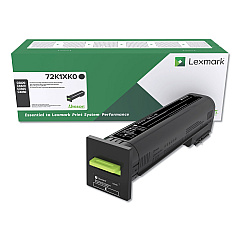
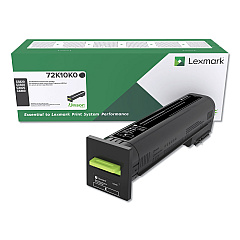
Lexmark CS820de Black Toner Cartridges

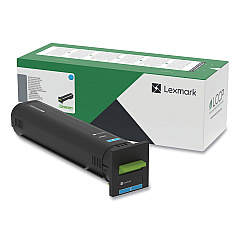
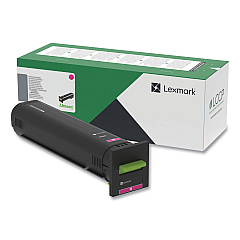
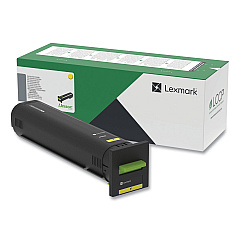
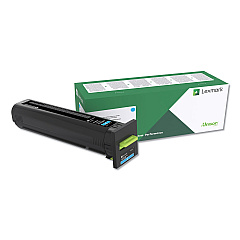
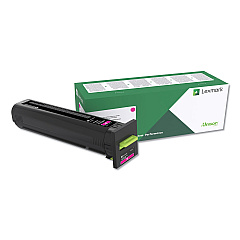
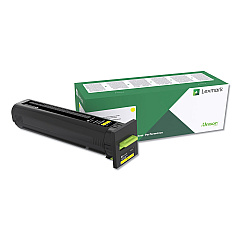
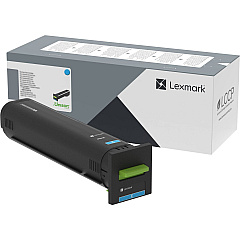
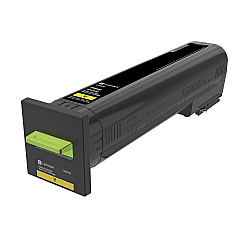
Lexmark CS820de Color Toner Cartridges

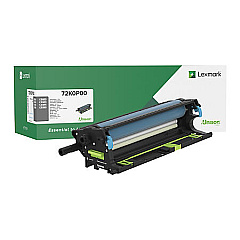
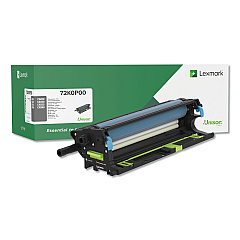
Lexmark CS820de Drum Units

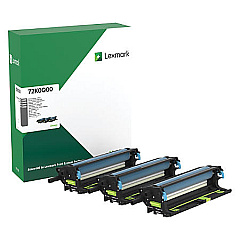
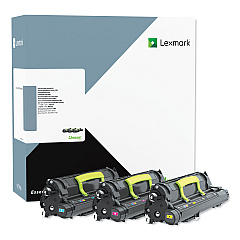
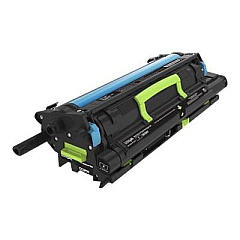
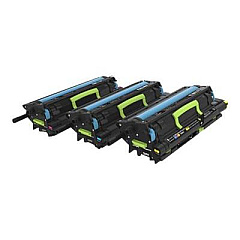
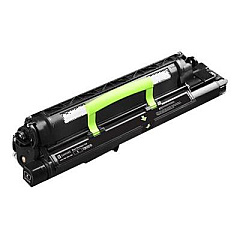
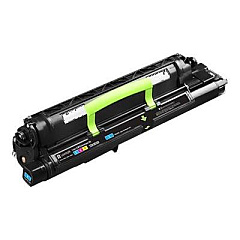
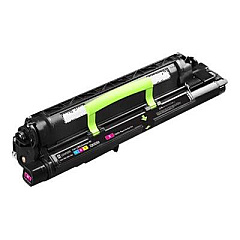
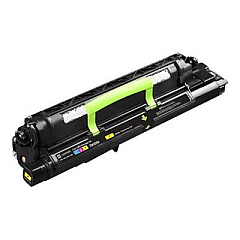
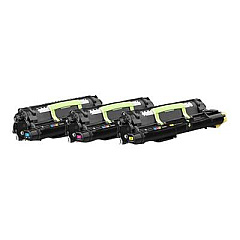
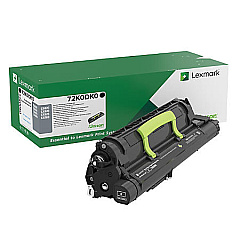
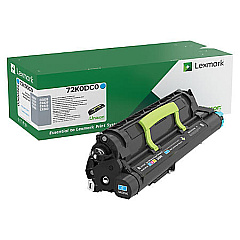
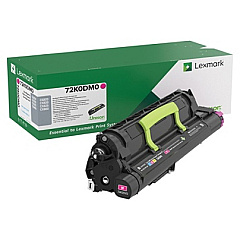
Lexmark CS820de Developer Units

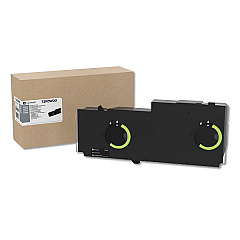
Lexmark CS820de Waste Toner Kits

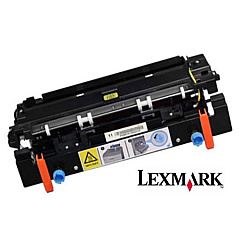
Lexmark CS820de Fusers

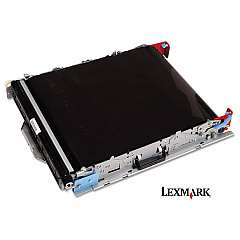
Lexmark CS820de Transfer Units

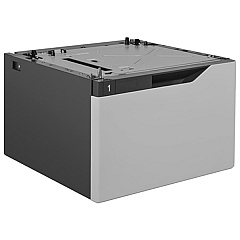
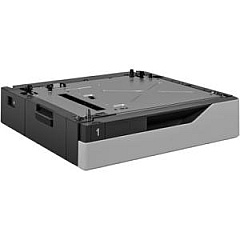
Lexmark CS820de Paper Trays

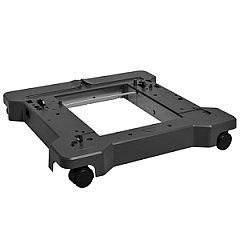
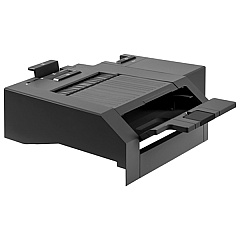
Lexmark CS820de Printer Accessories

Lexmark CS820de Copy Paper

Lexmark CS820de Warranty and Services

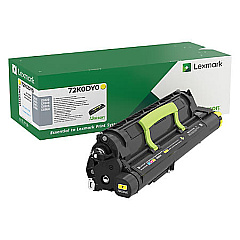
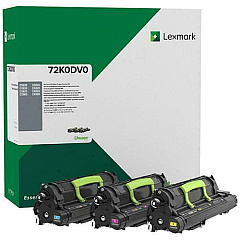
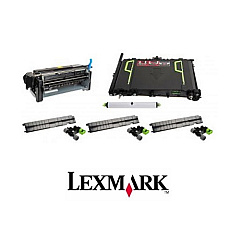
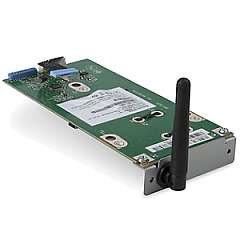
Enhance your printing capabilities with genuine Lexmark CS820de Toner Cartridges and accessories. This comprehensive range includes essential components like the Forms and Bar Code Card, IPDS Card, and PRESCRIBE Card for specialized printing needs. Boost your printer's capacity with various paper and envelope trays, or upgrade performance with the wireless print server and hard disk drive. Maintain optimal print quality with replacement transfer rollers, image transfer belts, and fusers. The lineup also features developer units for black, cyan, magenta, and yellow, ensuring vibrant color output. Whether you need to replace consumables or expand functionality, these authentic Lexmark supplies are designed to maximize the performance and longevity of your CS820de printer.

Lexmark CS820de Toner Cartridges FAQs

  • Are these Lexmark CS820de Toner Cartridges genuine?

    Yes, all toner cartridges and accessories listed are genuine Lexmark products designed specifically for the CS820de printer.

  • How often should I replace the developer units?

    Developer units typically need replacement after processing approximately 600,000 pages, but this can vary based on usage patterns.

  • Can I use third-party toner cartridges in my Lexmark CS820de?

    While third-party cartridges may work, using genuine Lexmark supplies ensures optimal print quality and prevents potential damage to your printer.

  • What's the difference between the individual developer units and the developer kit?

    Individual developer units are for replacing a single color, while the developer kit includes all color units for a complete refresh.

  • How do I know when to replace the fuser?

    The printer will typically display a message when the fuser needs replacement, usually after about 300,000 pages.

  • Is the wireless print server easy to install?

    Yes, the Lexmark 27X0225 Wireless Print Server is designed for easy installation and setup.

  • What's the purpose of the Forms and Bar Code Card?

    The Forms and Bar Code Card enables the printer to generate various barcode formats and electronic forms.

  • Can I increase the printer's memory?

    Yes, you can upgrade the printer's memory using the Lexmark 57X9022 DDR3 RAM.

  • What's the benefit of adding a hard disk drive to the printer?

    Adding the 320+GB Hard Disk Drive allows for job storage, enhanced data processing, and improved performance for complex print jobs.

  • Are these supplies compatible with other Lexmark printer models?

    While some accessories may be compatible with other models, it's best to verify compatibility for each specific item with your printer model.

Warehouse Locations

Policy & Agreement | Copyright © 1995-2026 BlueDogInk.com
