












Ads

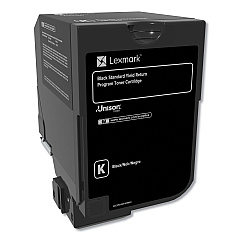
Lexmark CS720de Black Toner Cartridges

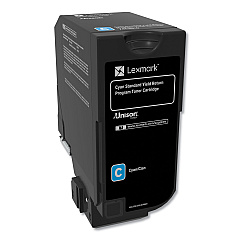
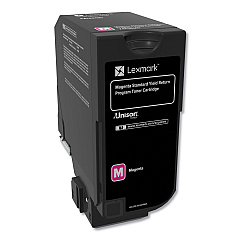
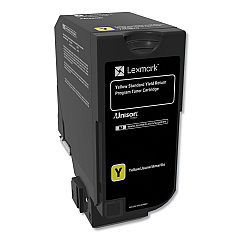
Lexmark CS720de Color Toner Cartridges

Lexmark CS720de Government Toner Cartridge

Lexmark CS720de Drum Units

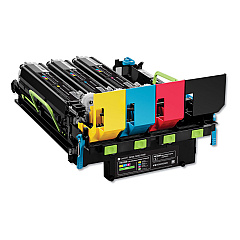
Lexmark CS720de Developer Units

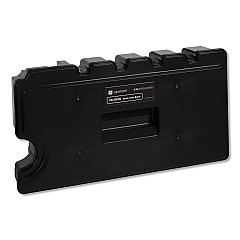
Lexmark CS720de Waste Toner Kits

Lexmark CS720de Fusers

Lexmark CS720de Transfer Units

Lexmark CS720de Paper Trays

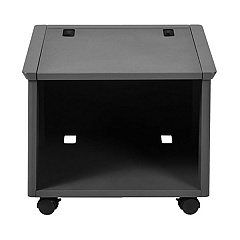
Lexmark CS720de Printer Accessories

Lexmark CS720de Copy Paper

Lexmark CS720de Warranty and Services

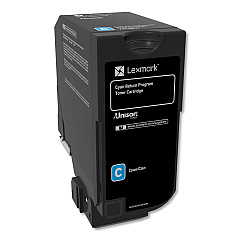
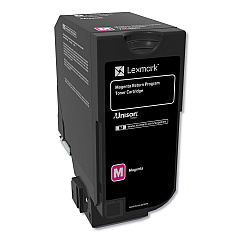
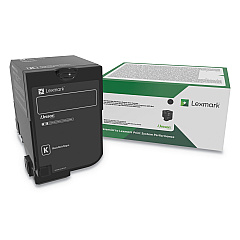
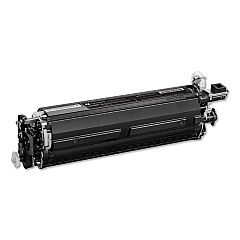
Ensure optimal performance for your Lexmark CS720de printer with our comprehensive range of Lexmark CS720de Toner Cartridges and supplies. From high-yield black and color toner cartridges to imaging units, developer units, and maintenance kits, we offer everything you need to keep your printer running smoothly. Our selection includes genuine Lexmark products like the 74C1HK0 Black Toner Cartridge for crisp text and the 74C1SC0 Cyan Toner Cartridge for vibrant color prints. We also stock essential components such as the 40X9929 Image Transfer Unit and 41X0252 Fuser for comprehensive printer care. Whether you're a business, educational institution, government agency, or healthcare provider, our Lexmark CS720de supplies ensure consistent, high-quality output for all your printing needs.

Lexmark CS720de Toner Cartridges FAQs

  • What is the page yield of the Lexmark 74C1HK0 Black Toner Cartridge?

    The Lexmark 74C1HK0 Black Toner Cartridge has a page yield of approximately 20,000 pages at 5% coverage.

  • Are these Lexmark CS720de supplies compatible with other Lexmark printer models?

    While some supplies may be compatible with other Lexmark models, it's best to check your printer's specific requirements to ensure compatibility.

  • How often should I replace the Lexmark 74C0W00 Waste Toner Bottle?

    The waste toner bottle should be replaced when indicated by your printer, typically after processing about 90,000 pages.

  • What's the difference between the standard and high-yield toner cartridges?

    High-yield cartridges like the 74C1HK0 have a higher page yield than standard cartridges, making them more cost-effective for high-volume printing.

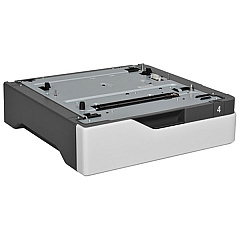
  • How do I install the Lexmark 40C2100 Paper Tray?

    The paper tray can be easily installed by aligning it with the printer base and sliding it into place until it clicks securely.

  • What is the purpose of the Lexmark 57X9801 Flash Memory Card?

    The Flash Memory Card expands the printer's storage capacity, allowing for more font and form storage, as well as faster processing of complex print jobs.

  • How often should the Lexmark 41X0554 Fuser Maintenance Kit be replaced?

    The fuser maintenance kit should typically be replaced after processing about 150,000 pages, but this can vary based on usage patterns.

  • Can I use third-party toner cartridges with the Lexmark CS720de?

    While third-party cartridges may work, using genuine Lexmark supplies ensures optimal print quality and printer performance, and maintains your warranty.

  • What's the difference between the imaging unit and the developer unit?

    The imaging unit creates the image on the drum, while the developer unit applies toner to that image. Both are essential for the printing process.

  • How do I know when it's time to replace my toner cartridge?

    Your Lexmark CS720de printer will display a message when toner is low. You can also check toner levels through the printer's menu or your computer's print settings.

Warehouse Locations

Policy & Agreement | Copyright © 1995-2026 BlueDogInk.com
