

























Ads

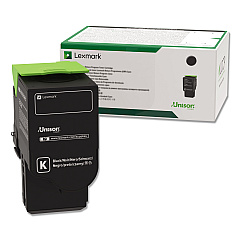
Lexmark CS622de Black Toner Cartridges

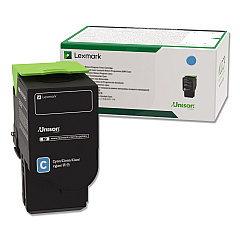
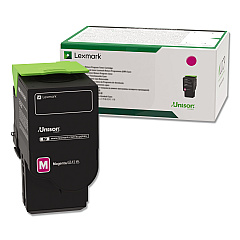
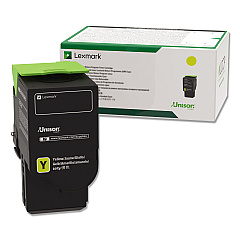
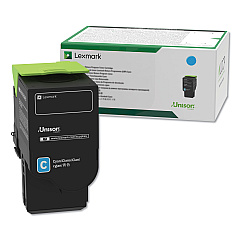
Lexmark CS622de Color Toner Cartridges

Lexmark CS622de Drum Units

Lexmark CS622de Developer Units

Lexmark CS622de Waste Toner Kits

Lexmark CS622de Maintenance Kits

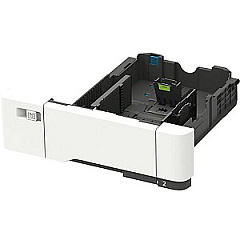
Lexmark CS622de Paper Trays

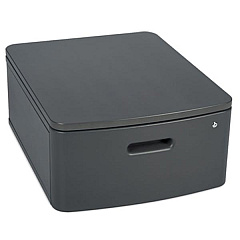
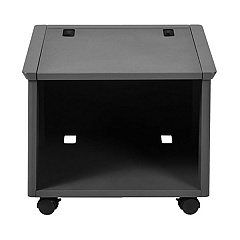
Lexmark CS622de Printer Accessories

Lexmark CS622de Warranty and Services

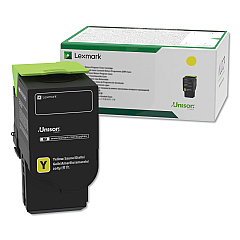
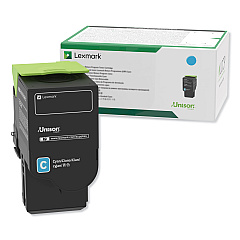
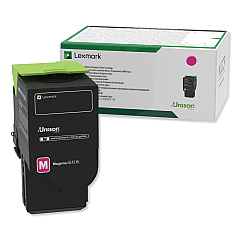
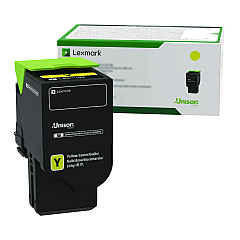
Enhance your printing experience with genuine Lexmark CS622de Toner Cartridges and accessories. This comprehensive range includes high-yield toner cartridges in black, cyan, magenta, and yellow, ensuring vibrant and long-lasting prints. The collection also features essential maintenance items like imaging kits, developer units, and waste toner bottles to keep your printer running smoothly. Boost productivity with additional paper trays, a wireless print server, and an adjustable stand. Whether you're a small business or a large enterprise, these Lexmark CS622de Toner Cartridges and supplies are designed to deliver exceptional print quality and reliability. With options for various print volumes and specialized needs, you can optimize your Lexmark CS622de printer's performance and minimize downtime.

Lexmark CS622de Toner Cartridges FAQs

  • What is the page yield of the high-yield Lexmark CS622de toner cartridges?

    The high-yield toner cartridges (78C0U series) typically yield up to 7,000 pages for color cartridges and 8,500 pages for black.

  • Are these toner cartridges compatible with other Lexmark printer models?

    These cartridges are specifically designed for the Lexmark CS622de. Always check your printer's compatibility before purchasing.

  • How often should I replace the imaging kit?

    The imaging kit typically needs replacement after processing about 150,000 pages, but this can vary based on usage patterns.

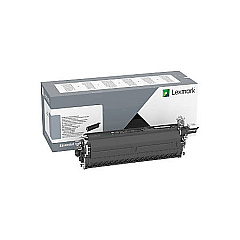
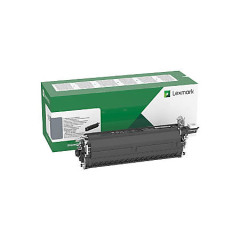
  • What's the difference between the black imaging kit and the black and color imaging kit?

    The black imaging kit (78C0ZK0) is for monochrome printing, while the black and color imaging kit (78C0ZV0) is for both color and black-and-white printing.

  • Can I use third-party toner cartridges in my Lexmark CS622de?

    While third-party cartridges may work, using genuine Lexmark cartridges ensures optimal print quality and prevents potential damage to your printer.

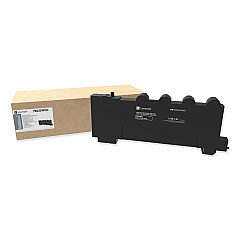
  • What's the purpose of the waste toner bottle?

    The waste toner bottle collects excess toner during printing. It should be replaced when indicated by the printer to prevent toner leaks.

  • How do I install the wireless print server?

    The Lexmark 27X6410 MarkNet N8372 Wireless Print Server can be installed in the printer's optional card slot. Refer to the user manual for detailed instructions.

  • What's the capacity of the additional paper trays?

    The Lexmark 42C7550 tray holds 550 sheets, while the Lexmark 42C7650 duo tray has a 650-sheet capacity (550-sheet tray plus 100-sheet multipurpose feeder).

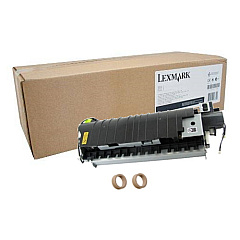
  • How often should I replace the fuser maintenance kit?

    The fuser maintenance kit (41X2096) typically needs replacement after processing about 150,000 pages, but this can vary based on usage.

  • Are the developer units user-replaceable?

    Yes, the developer units (78C0D series) are designed to be user-replaceable. Follow the instructions in your printer's manual for proper installation.

Warehouse Locations

Policy & Agreement | Copyright © 1995-2026 BlueDogInk.com
