











Ads

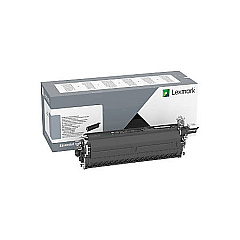
Lexmark C2240 Drum Units

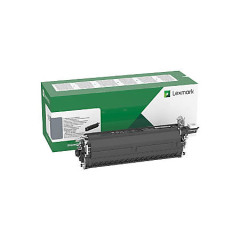
Lexmark C2240 Developer Units

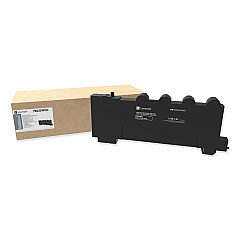
Lexmark C2240 Waste Toner Kits

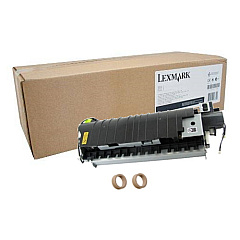
Lexmark C2240 Maintenance Kits

Lexmark C2240 Paper Trays

Lexmark C2240 Printer Accessories

Lexmark C2240 Warranty and Services

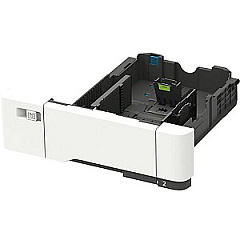
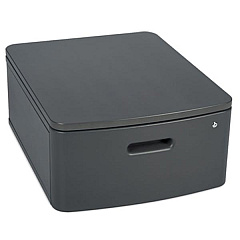
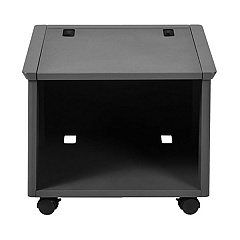
Enhance your printing capabilities with Lexmark C2240 Toner Cartridges and accessories. This comprehensive range includes essential components like the Lexmark 3073173 Swivel Cabinet and 40C2300 Adjustable Stand for ergonomic use. Boost productivity with the 42C7550 550-Sheet Tray and 42C7650 650-Sheet Duo Tray. Maintain optimal performance with the 41X2096 Fuser Maintenance Kit and various developer units. The 500GB Hard Disk Drive expands storage options, while the Surge Protective Device ensures equipment safety. From waste toner bottles to imaging kits, this collection offers everything needed to keep your Lexmark C2240 running smoothly and efficiently. Whether you're in business, education, government, healthcare, or wholesale, these high-quality supplies guarantee professional results and long-lasting performance.

Lexmark C2240 Printers Supplies FAQs

  • What is the page yield of Lexmark C2240 Toner Cartridges?

    Page yield varies depending on the specific cartridge model. Please check the individual product specifications for accurate yield information.

  • Are these toner cartridges compatible with other Lexmark printers?

    These cartridges are designed specifically for the Lexmark C2240 model. Always check your printer's compatibility before purchasing.

  • How often should I replace the waste toner bottle?

    Replace the waste toner bottle when prompted by your printer or when it's full. This varies based on usage.

  • What's the difference between the Black Imaging Kit and the Black and Color Imaging Kit?

    The Black Imaging Kit is for monochrome printing, while the Black and Color Imaging Kit supports both black and color printing.

  • Can I use third-party toner cartridges with my Lexmark C2240?

    While third-party cartridges may work, using genuine Lexmark supplies ensures optimal performance and maintains your printer's warranty.

  • How do I install the 500GB Hard Disk Drive?

    The hard drive can be easily installed via USB. Refer to your printer's manual for specific installation instructions.

  • What's the purpose of the Surge Protective Device?

    The Surge Protective Device safeguards your printer from electrical surges, protecting it from potential damage.

  • How many additional sheets can I add with the 550-Sheet Tray?

    The 42C7550 550-Sheet Tray adds 550 additional sheets to your printer's paper capacity.

  • What's included in the Fuser Maintenance Kit?

    The Fuser Maintenance Kit typically includes a new fuser unit and may contain other maintenance items. Check the product description for specific contents.

  • How often should I replace the developer units?

    Developer units should be replaced when print quality diminishes or when prompted by your printer. This varies based on usage and print volume.

Warehouse Locations

Policy & Agreement | Copyright © 1995-2026 BlueDogInk.com
