

Images
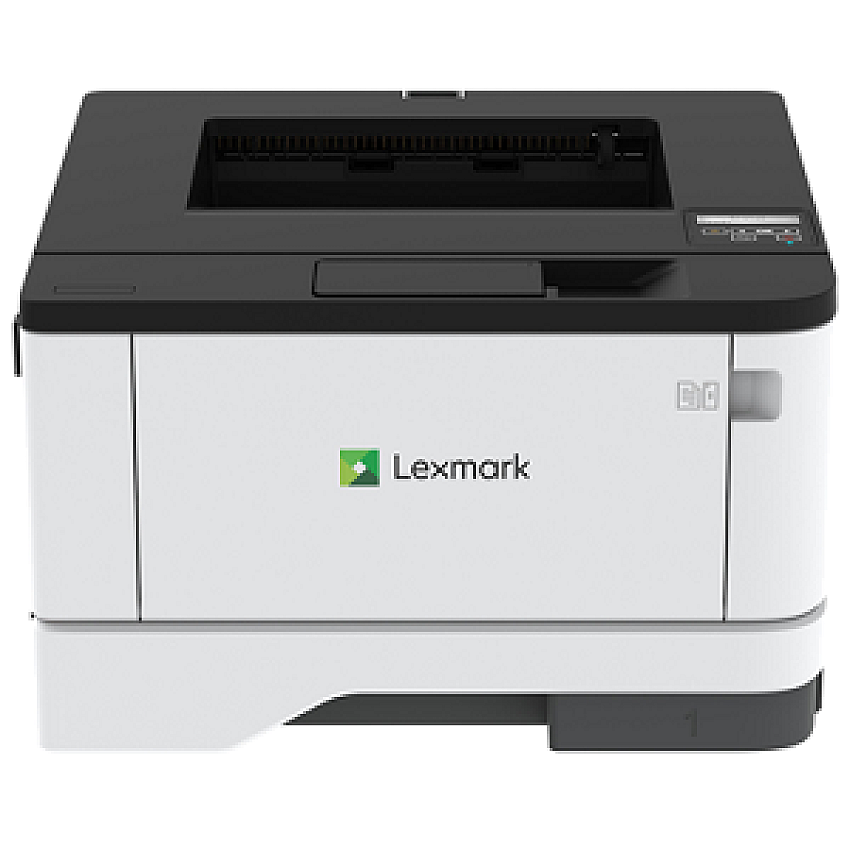


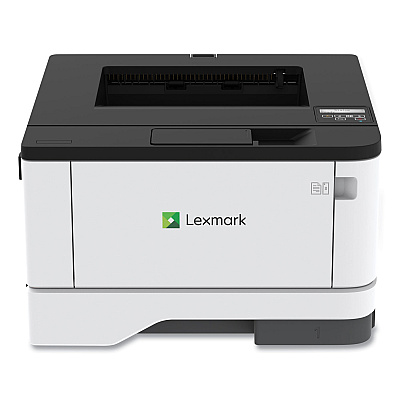
With output up to42 [40] pages per minute and a light, compact form factor, the Lexmark MS431dw provides fast, dependable performance. Connect via USB,Ethernet, or standard Wi-Fiand power through big jobs with a1-GHzmulti-core processor, 256MB of memory anda 100-sheetmultipurpose feeder. AvailableExtra High YieldUnisontonerprintsup to 20,000 pages,and optional 550-sheet paper tray supportslonger print runs.A steelframedrives durabilityand long-life reliability, while standard two-sided printing saves paper,the lifetime fuserminimizes maintenance, and Lexmark full-spectrum security helps protect your network and proprietary information.
$378.99
ITEM B341000
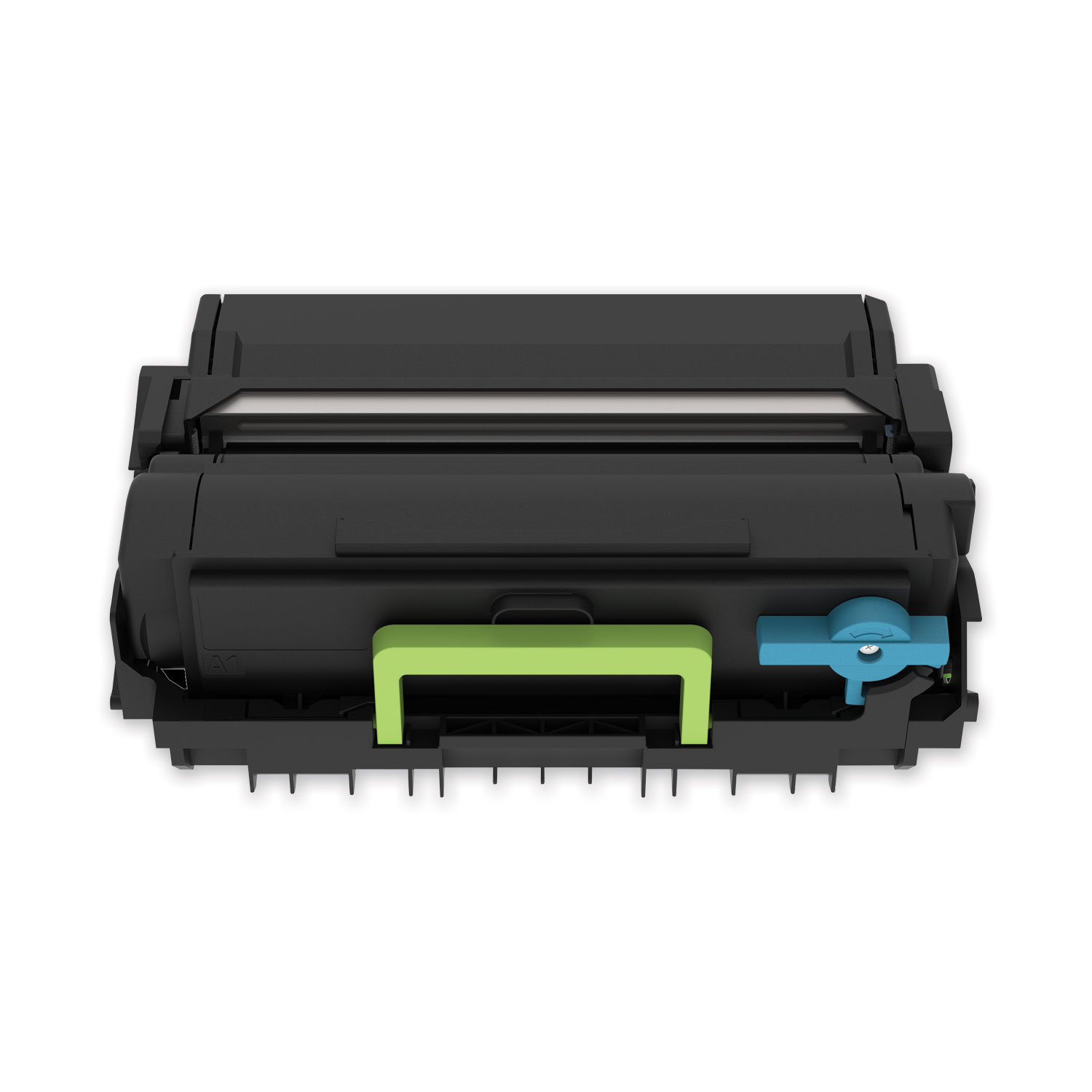
Lexmark B341000 Black Toner CartridgeLexmark (B341000) Return Program Standard Yield Toner Cartridge (1,500 Yield)
$70.98
In Stock

ITEM B341H00
Lexmark B341H00 Black Toner CartridgeLexmark (B341H00) Return Program High Yield Toner Cartridge (3,000 Yield)
$108.98
In Stock
Free Shipping
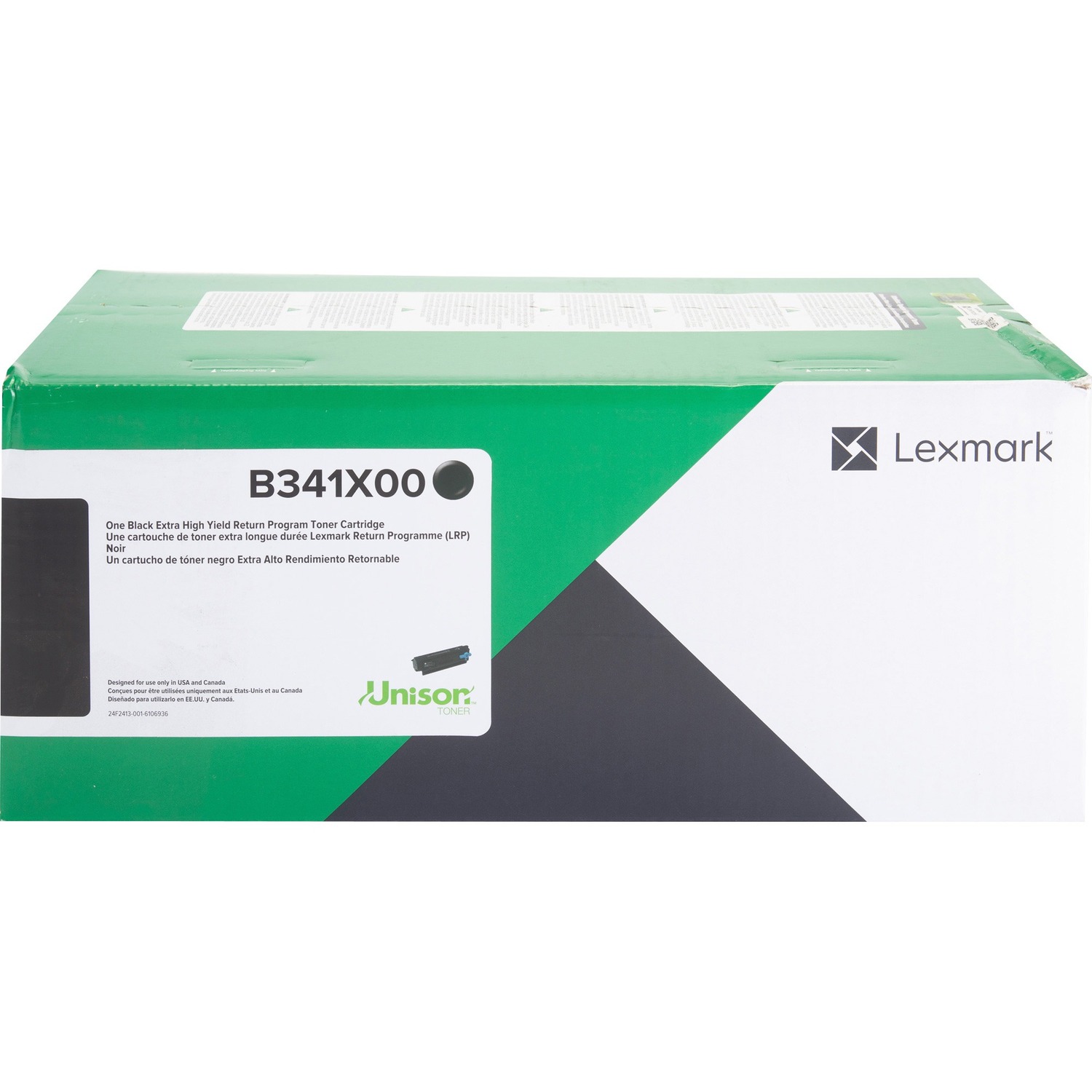
ITEM B341X00
Lexmark B341X00 Black Toner CartridgeLexmark (B341X00) Return Program Extra High Yield Toner Cartridge (6,000 Yield)
$171.98
In Stock
Free Shipping

ITEM 55B0ZA0
Lexmark 55B0ZA0 Photoconductor Kit, 40,000 Page-Yield, Black55B0ZA0 Photoconductor Kit, 40,000 Page-Yield, Black
$79.98
In Stock
Brand
Category
Model
29S0300
Country of Origin
CN
Energy Star
Yes
Equipment Models
Lexmark B3442dw
Government
No
Item Weight
23.2000
MFP
No
Power Description
1 GHz
PPM Black Print
42
Print Color
Monochrome
Print Memory
256 MB
Print Resolution
600 x 600 dpi
Print Technology
Laser
Printer Connection
Ethernet

Bluedogink is an authorized Boardwalk dealer 
What are the key features of the Lexmark B3442dw printer?
The Lexmark B3442dw printer offers fast printing speeds of up to 42 pages per minute, wireless connectivity, duplex printing, and a 2-line LCD display for easy navigation.
How do I connect the Lexmark B3442dw to a wireless network?
To connect the Lexmark B3442dw to a wireless network, press the Menu button on the printer, navigate to Network/Ports, select Wi-Fi, and follow the on-screen instructions to connect to your network.
What operating systems are compatible with the Lexmark B3442dw?
The Lexmark B3442dw is compatible with a wide range of operating systems including Windows, Mac OS, and various Linux distributions.
How do I perform a factory reset on the Lexmark B3442dw?
To perform a factory reset, turn off the printer, press and hold the Return and OK buttons while turning the printer back on, and release the buttons when the printer shows the reset menu.
What type of toner does the Lexmark B3442dw use?
The Lexmark B3442dw uses the Lexmark 60F2000 toner cartridge, which typically yields around 3,000 pages.
Can the Lexmark B3442dw handle heavy-duty printing tasks?
Yes, the Lexmark B3442dw is designed for small to medium-sized businesses and supports a monthly duty cycle of up to 80,000 pages, making it suitable for heavy-duty printing tasks.

Bluedogink.com is a leading provider of printer, printer supplies, office and paper products.
Our wholesale price on Lexmark B3442dw info is part of our commitment to provide consumers with the lowest discount price available. Our customers are very important to us. We cater to many industries including military, government, schools, educational, medical, corporate, healthcare, legal, accounting, finance and many more. So, act now and buy Lexmark B3442dw at our low price.






Thank you for your interest in this item.
Please note: Once you receive word that this item is available, it's up to you to act! An email notification guarantees neither inventory nor price. But don't worry: should you miss out on the first shipment, you can always request another notification.

your order $99+
Sign up for the best discounts and exclusive offers not advertised anywhere else
your order $99+
Sign up for the best discounts and exclusive offers not advertised anywhere else
 At Checkout
*Get $10 off your order $99+, limit one use per customer, expires in 14 days