












Ads

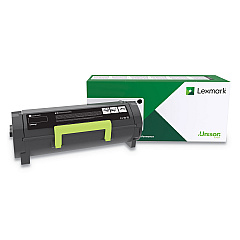
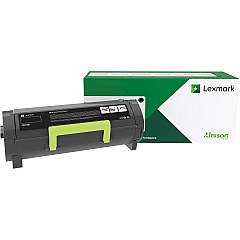
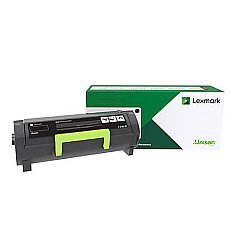
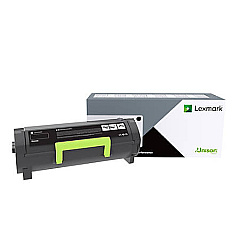
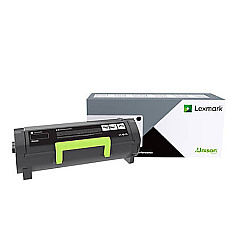
Lexmark B2650dn Black Toner Cartridges

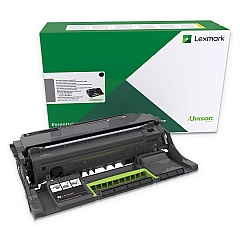
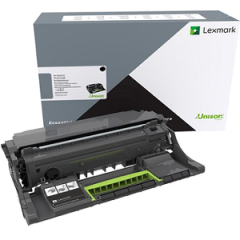
Lexmark B2650dn Drum Units

Lexmark B2650dn Fusers

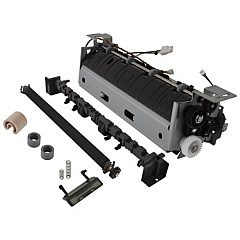
Lexmark B2650dn Maintenance Kits

Lexmark B2650dn Paper Trays

Lexmark B2650dn Printer Accessories

Lexmark B2650dn Copy Paper

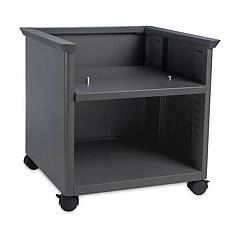
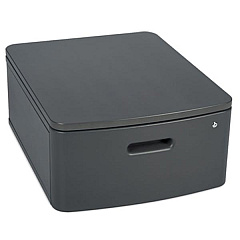
Enhance your printing experience with genuine Lexmark B2650dn Toner Cartridges and accessories. From high-yield toner cartridges to essential maintenance kits, we offer a comprehensive range of supplies to keep your printer running smoothly. Our selection includes the Lexmark B231000, B241H00, B250XA0, B251X00, B260UA0, and B261U00 Black Toner Cartridges, ensuring you have the right option for your printing needs. We also stock crucial components like the 56F0Z00 Imaging Unit, 41X1180 Fuser, and 40X8393 Transfer Roll. For added functionality, consider the 3073173 Swivel Cabinet or 35S8502 Adjustable Printer Stand. With BlueDogInk.com, you'll find everything you need to maximize the performance of your Lexmark B2650dn printer.

Lexmark B2650dn Toner Cartridges FAQs

  • What is the page yield of the Lexmark B261U00 Black Toner Cartridge?

    The Lexmark B261U00 Black Toner Cartridge has a page yield of approximately 30,000 pages at 5% coverage.

  • Are these Lexmark B2650dn Toner Cartridges compatible with other Lexmark printers?

    While some cartridges may be compatible with other Lexmark models, it's best to check your printer's specific requirements to ensure compatibility.

  • How often should I replace the Lexmark 56F0Z00 Imaging Unit?

    The imaging unit typically needs replacement after processing about 60,000 pages, but this can vary based on usage patterns.

  • What's the difference between the Lexmark 56F0Z00 and 56F0ZA0 Imaging Units?

    The 56F0ZA0 is a return program imaging unit, while the 56F0Z00 is a standard imaging unit. The return program offers a discount in exchange for returning the used unit to Lexmark.

  • Can I use third-party toner cartridges in my Lexmark B2650dn printer?

    While third-party cartridges may work, using genuine Lexmark cartridges ensures optimal print quality and prevents potential damage to your printer.

  • What is the purpose of the Lexmark 41X1225 Fuser Maintenance Kit?

    The fuser maintenance kit is used to replace worn-out fuser components, helping to maintain print quality and extend the life of your printer.

  • How do I install the Lexmark 57X9801 Flash Memory Card?

    To install the flash memory card, power off the printer, locate the card slot, insert the card, and then power on the printer. Consult your printer's manual for specific instructions.

  • What's the benefit of using the Lexmark 35S8502 Adjustable Printer Stand?

    The adjustable printer stand provides ergonomic benefits by allowing you to set the printer at a comfortable height, and it can also improve workspace organization.

  • How often should I replace the Lexmark 40X8393 Transfer Roll?

    The transfer roll typically needs replacement after processing about 200,000 pages, but this can vary based on usage and print conditions.

  • What does the Lexmark 40C9201 Card for IPDS do?

    The IPDS card enables your printer to support Intelligent Printer Data Stream (IPDS) protocol, allowing for direct printing from IBM mainframe and AS/400 systems.

Warehouse Locations

Policy & Agreement | Copyright © 1995-2026 BlueDogInk.com
