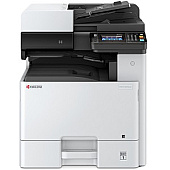










Kyocera M8124cidn Black Toner Cartridges

Kyocera M8124cidn Color Toner Cartridges

Kyocera M8124cidn Toner Set

Kyocera M8124cidn Paper Trays

Kyocera M8124cidn Printer Accessories

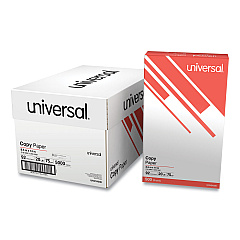
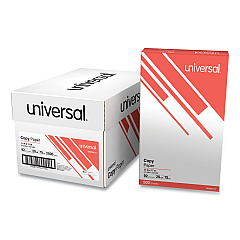
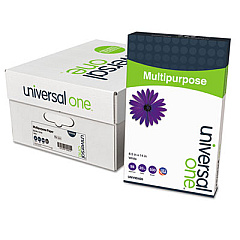
Kyocera M8124cidn Copy Paper

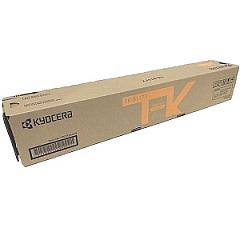
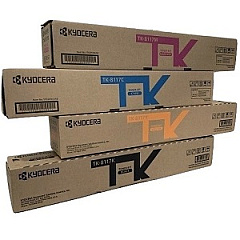
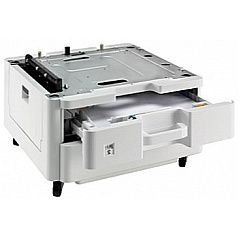
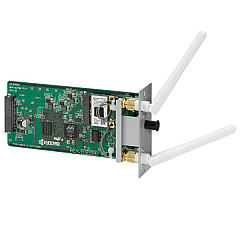
Enhance your printing experience with genuine Kyocera M8124cidn Toner Cartridges and accessories. This versatile multifunction printer offers exceptional color output and efficiency for businesses, schools, and healthcare facilities. The Kyocera M8124cidn supports a range of high-quality toner cartridges, including the TK8117 set, which features individual black, cyan, magenta, and yellow cartridges for precise color control. Expand your printer's capabilities with the Fax System 13 and IB-51 Wireless Interface for seamless connectivity. Increase paper capacity with the PF-470 and PF-471 Paper Trays, perfect for high-volume printing environments. Whether you're printing documents, presentations, or marketing materials, these Kyocera M8124cidn Toner Cartridges deliver crisp text and vibrant colors, ensuring professional results every time. Trust in Kyocera's reliability and superior print quality to meet all your printing needs.

Kyocera M8124cidn Toner Cartridges FAQs

  • What is the page yield for Kyocera TK8117 toner cartridges?

    The page yield varies by color. Black cartridges typically yield around 13,000 pages, while color cartridges (cyan, magenta, yellow) yield approximately 6,000 pages each.

  • Are compatible toner cartridges available for the Kyocera M8124cidn?

    While compatible cartridges may be available, we recommend using genuine Kyocera toner cartridges for optimal print quality and to maintain your printer's warranty.

  • How do I install the Kyocera IB-51 Wireless Interface?

    The IB-51 Wireless Interface can be easily installed by a technician or following the user manual. It typically involves inserting the module into a designated slot on the printer.

  • What is the paper capacity of the Kyocera PF-470 and PF-471 Paper Trays?

    The PF-470 Paper Tray has a capacity of 500 sheets, while the PF-471 Paper Tray can hold 1,000 sheets.

  • Is the Kyocera Fax System 13 necessary for all M8124cidn users?

    The Fax System 13 is optional and only necessary for users who require fax functionality. If you don't need fax capabilities, you can use the printer without this system.

  • How often should I replace the toner cartridges in my Kyocera M8124cidn?

    Replacement frequency depends on your print volume. The printer will alert you when toner levels are low. On average, black toner may last 2-3 months, while color toners may need replacement every 4-6 months with regular use.

  • Can I use the Kyocera M8124cidn without replacing all color cartridges at once?

    Yes, you can replace individual color cartridges as needed. The printer will continue to function even if one color is depleted, though print quality for that color will be affected.

  • What is the recommended paper type for the Kyocera M8124cidn?

    The Kyocera M8124cidn works well with a variety of paper types, including plain paper, recycled paper, and cardstock. For best results, use paper weights between 60-220 g/m².

  • How do I troubleshoot print quality issues with my Kyocera M8124cidn?

    Start by checking toner levels and replacing low cartridges. Ensure you're using genuine Kyocera toner. Clean the printer's internal components, and if issues persist, run the printer's built-in calibration tool or consult the user manual for further troubleshooting steps.

Warehouse Locations

Policy & Agreement | Copyright © 1995-2026 BlueDogInk.com
