





Ads

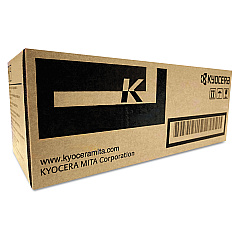
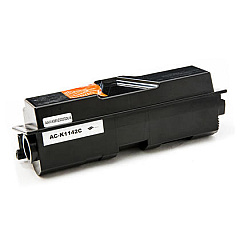
Imagistics Kyocera ECOSYS FS-1135MFP Black Toner Cartridges

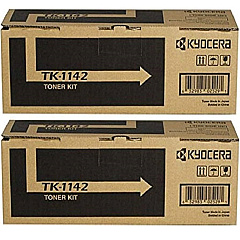
Imagistics Kyocera ECOSYS FS-1135MFP Toner Set

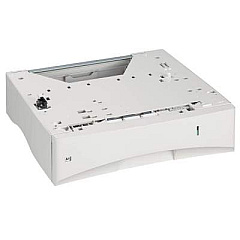
Imagistics Kyocera ECOSYS FS-1135MFP Paper Trays

Enhance your printing experience with Imagistics Kyocera ECOSYS FS-1135MFP Toner Cartridges and accessories. This versatile multifunction printer demands high-quality supplies to maintain its exceptional performance. The Kyocera MK1142 Maintenance Kit ensures your device runs smoothly, while the Kyocera PF-120 Paper Tray expands your paper capacity for uninterrupted printing. For consistent, professional-quality prints, choose from the Kyocera TK-1142 Black Toner Cartridge 2-Pack or the individual Kyocera TK1142 Black Toner Cartridge. These genuine Kyocera supplies are designed to work seamlessly with your FS-1135MFP, delivering crisp text and sharp images while maximizing the lifespan of your printer. Whether you're in a busy office, educational institution, or healthcare facility, these reliable toner cartridges and accessories will keep your Imagistics Kyocera ECOSYS FS-1135MFP running at peak efficiency, ensuring consistent, high-quality output for all your printing needs.

Imagistics Kyocera ECOSYS FS-1135MFP Printers Supplies FAQs

  • What is the page yield of the Kyocera TK1142 Black Toner Cartridge?

    The Kyocera TK1142 Black Toner Cartridge has a page yield of approximately 7,200 pages at 5% coverage.

  • Is the Kyocera MK1142 Maintenance Kit necessary for my printer?

    Yes, the maintenance kit is essential for keeping your printer in optimal condition and should be replaced at the recommended intervals.

  • How many additional sheets can the Kyocera PF-120 Paper Tray hold?

    The Kyocera PF-120 Paper Tray can hold an additional 250 sheets of paper.

  • Are these toner cartridges compatible with other Kyocera printer models?

    These toner cartridges are specifically designed for the Imagistics Kyocera ECOSYS FS-1135MFP. Always check your printer's compatibility before purchasing.

  • How often should I replace the toner cartridge?

    Replace the toner cartridge when you notice a decrease in print quality or when the printer indicates low toner levels.

  • Can I use third-party toner cartridges with this printer?

    While third-party cartridges may work, using genuine Kyocera toner cartridges ensures the best print quality and protects your printer's warranty.

  • What's the difference between the 2-Pack and individual toner cartridges?

    The 2-Pack offers two toner cartridges at a potentially lower cost per unit, while the individual cartridge is ideal for lower volume printing needs.

  • How do I install the Kyocera PF-120 Paper Tray?

    The PF-120 Paper Tray can be easily installed by aligning it with the bottom of the printer and sliding it into place. Consult your printer's manual for detailed instructions.

  • Are these supplies environmentally friendly?

    Yes, Kyocera designs its products with environmental sustainability in mind, using long-life components and recyclable materials where possible.

  • What's included in the Kyocera MK1142 Maintenance Kit?

    The maintenance kit typically includes a drum unit, developer unit, and other essential components to keep your printer running smoothly. Check the product description for specific details.

Warehouse Locations

Policy & Agreement | Copyright © 1995-2026 BlueDogInk.com
