




Ads

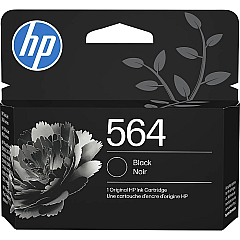
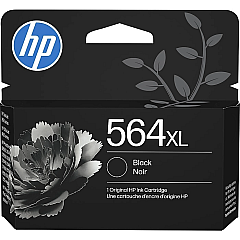
HP PhotoSmart D5463 Black Ink Cartridges

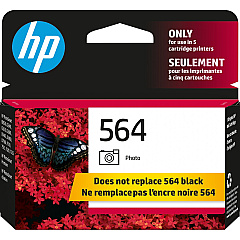
HP PhotoSmart D5463 Color Ink Cartridges

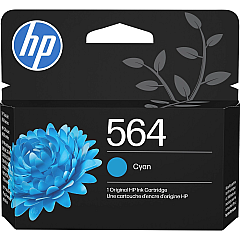
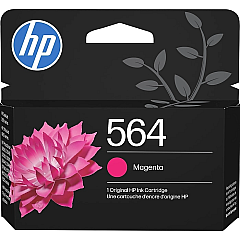
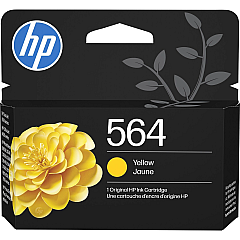
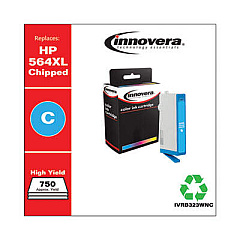
Keep your HP PhotoSmart D5463 printer running smoothly with genuine HP PhotoSmart D5463 Ink Cartridges. These high-quality ink cartridges ensure crisp text and vibrant images for all your printing needs. The comprehensive range includes HP CB316WN Black, HP CB317WN Photo Black, HP CB318WN Cyan, HP CB319WN Magenta, HP CB320WN Yellow, and HP CN684WN Black ink cartridges. Each cartridge is designed to deliver optimal performance and longevity, reducing the frequency of replacements. Whether you're printing important documents or cherished photos, these ink cartridges provide exceptional color accuracy and fade-resistant results. Compatible with your HP PhotoSmart D5463 printer, these cartridges are easy to install and offer reliable, streak-free printing. Invest in genuine HP ink cartridges to maintain your printer's warranty and enjoy consistent, professional-quality prints every time.

HP PhotoSmart D5463 Ink Cartridges FAQs

  • How long do HP PhotoSmart D5463 Ink Cartridges typically last?

    The lifespan of ink cartridges varies depending on usage, but on average, they can last for 200-300 pages for standard cartridges and up to 500 pages for high-yield cartridges.

  • Are these ink cartridges compatible with other HP printer models?

    These specific ink cartridges are designed for the HP PhotoSmart D5463 printer. Always check your printer's manual or HP's website for compatibility information before purchasing.

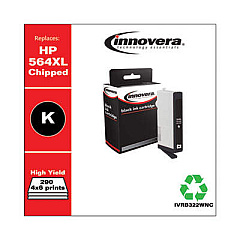
  • Can I use third-party ink cartridges in my HP PhotoSmart D5463 printer?

    While third-party cartridges may work, using genuine HP ink cartridges ensures optimal print quality and helps maintain your printer's warranty.

  • How do I properly store unused ink cartridges?

    Store unused cartridges in their original packaging, at room temperature, and away from direct sunlight to maintain their quality and prevent drying out.

  • What's the difference between the HP CB316WN and HP CN684WN Black ink cartridges?

    The HP CN684WN is a high-yield black ink cartridge, offering more prints per cartridge compared to the standard HP CB316WN black cartridge.

  • How do I know when it's time to replace my ink cartridges?

    Your printer will typically display a low ink warning. You may also notice a decrease in print quality or faded text and images.

  • Can I recycle empty HP ink cartridges?

    Yes, HP offers a free recycling program for empty ink cartridges. You can return them to participating retailers or request a free shipping label from HP's website.

  • What should I do if my printer doesn't recognize a new ink cartridge?

    Try removing and reinserting the cartridge, cleaning the cartridge contacts, or running the printer's alignment process. If issues persist, contact HP support.

  • Is it necessary to replace all ink cartridges at the same time?

    No, you only need to replace the specific color that has run out. However, replacing all cartridges simultaneously can ensure consistent print quality across all colors.

  • How can I extend the life of my HP PhotoSmart D5463 Ink Cartridges?

    Print regularly to prevent ink from drying out, use draft mode for non-essential prints, and keep your printer clean and well-maintained to optimize ink usage.

Warehouse Locations

Policy & Agreement | Copyright © 1995-2026 BlueDogInk.com
