




Ads

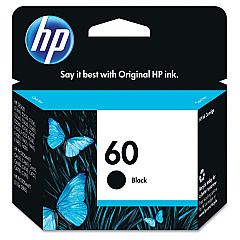
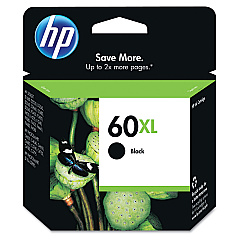
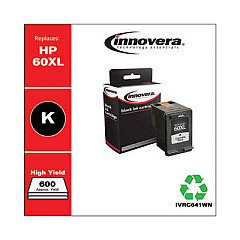
HP PhotoSmart C4610 Black Ink Cartridges

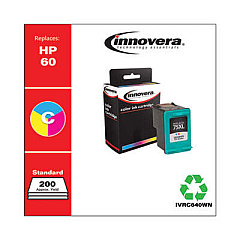
HP PhotoSmart C4610 Color Ink Cartridges

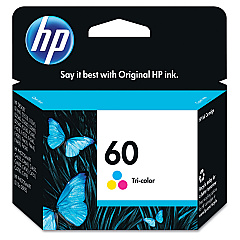
Ensure your HP PhotoSmart C4610 printer continues to deliver exceptional print quality with our range of genuine HP PhotoSmart C4610 Ink Cartridges. These cartridges are specifically designed for optimal performance in your C4610 model, guaranteeing crisp text and vibrant images. Choose from the HP CC640WN and CC641WN Black Ink Cartridges for sharp monochrome prints, or the HP CC643WN Tricolor Ink Cartridge for stunning color documents and photos. Our authentic HP ink cartridges offer superior page yield and longevity, making them a cost-effective choice for businesses, educational institutions, and healthcare facilities. With quick and easy installation, these cartridges allow you to maintain productivity without compromising on quality. Trust in the reliability and consistency of genuine HP ink to keep your PhotoSmart C4610 running smoothly for all your printing needs.

HP PhotoSmart C4610 Ink Cartridges FAQs

  • Are these ink cartridges compatible with other HP printer models?

    These cartridges are specifically designed for the HP PhotoSmart C4610 printer. Always check your printer's compatibility before purchasing.

  • What is the difference between CC640WN and CC641WN black ink cartridges?

    The CC641WN typically has a higher page yield compared to the CC640WN, offering more prints per cartridge.

  • How long do these ink cartridges last?

    The lifespan of the cartridges depends on usage, but on average, they can last several months under normal printing conditions.

  • Can I use third-party ink cartridges in my HP PhotoSmart C4610?

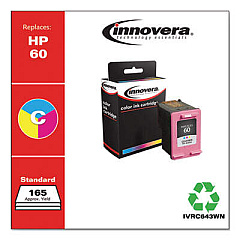
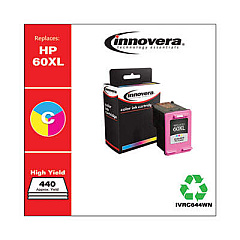
    While third-party cartridges may work, using genuine HP cartridges ensures optimal print quality and prevents potential damage to your printer.

  • How do I install these ink cartridges?

    Installation is simple: open the printer's ink cartridge access door, remove the old cartridge, insert the new one, and close the door. The printer will guide you through the process.

  • Are these cartridges environmentally friendly?

    HP offers a recycling program for used ink cartridges, promoting environmental sustainability.

  • What should I do if my printer doesn't recognize the new cartridge?

    Try removing and reinserting the cartridge. If the issue persists, clean the cartridge contacts and try again. If problems continue, contact HP support.

  • Can I buy these cartridges in bulk for my business?

    Yes, bulk purchasing options are available for businesses to help reduce costs and ensure a steady supply of ink.

  • How can I check the ink levels in my HP PhotoSmart C4610?

    You can check ink levels through the printer's control panel or by using the HP software installed on your computer.

  • Do these cartridges come with a warranty?

    Yes, genuine HP ink cartridges come with a warranty against defects in materials and workmanship.

Warehouse Locations

Policy & Agreement | Copyright © 1995-2026 BlueDogInk.com
