




Ads

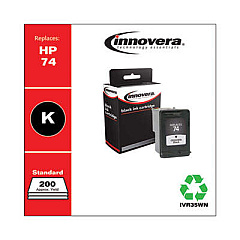
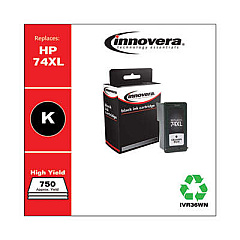
HP PhotoSmart C4575 Black Ink Cartridges

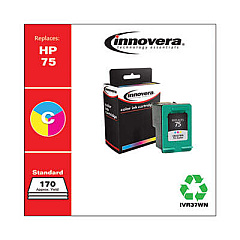
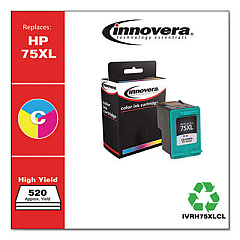
HP PhotoSmart C4575 Color Ink Cartridges

Keep your HP PhotoSmart C4575 printer running smoothly with genuine HP PhotoSmart C4575 Ink Cartridges. These high-quality cartridges ensure crisp text and vibrant color prints for all your documents and photos. The HP CB335WN Black Ink Cartridge delivers sharp, professional-looking text, while the HP CB337WN Tricolor Ink Cartridge produces stunning color images with true-to-life hues. These cartridges are designed specifically for your HP PhotoSmart C4575 printer, guaranteeing optimal performance and longevity. With easy installation and reliable results, you can count on these ink cartridges to meet all your printing needs. Whether you're printing important business documents or cherished family photos, these HP ink cartridges will help you achieve professional-quality results every time. Don't settle for subpar prints – choose genuine HP PhotoSmart C4575 Ink Cartridges for exceptional quality and reliability.

HP PhotoSmart C4575 Ink Cartridges FAQs

  • How long do HP PhotoSmart C4575 Ink Cartridges typically last?

    The lifespan of ink cartridges varies depending on usage, but on average, they can last for 200-300 pages for black ink and 150-200 pages for color ink.

  • Are these ink cartridges compatible with other HP printer models?

    These specific cartridges are designed for the HP PhotoSmart C4575 printer. Always check your printer's manual for compatible cartridge models.

  • Can I use third-party ink cartridges in my HP PhotoSmart C4575 printer?

    While third-party cartridges may work, using genuine HP ink cartridges ensures optimal print quality and prevents potential damage to your printer.

  • How do I install the ink cartridges in my HP PhotoSmart C4575 printer?

    Open the printer's front cover, wait for the cartridge holder to move to the center, remove the old cartridge, insert the new one, and close the cover. The printer will automatically align the cartridges.

  • What should I do if my printer doesn't recognize the new ink cartridge?

    Try removing and reinserting the cartridge, cleaning the cartridge contacts, or resetting the printer. If issues persist, contact HP support.

  • Can I recycle my used HP ink cartridges?

    Yes, HP offers a free recycling program for used ink cartridges. Visit their website or check with local office supply stores for recycling options.

  • How can I extend the life of my ink cartridges?

    Print in draft mode when possible, avoid leaving the printer idle for long periods, and keep the print heads clean to maximize cartridge life.

  • What's the difference between the black and tricolor cartridges?

    The black cartridge (CB335WN) contains only black ink, while the tricolor cartridge (CB337WN) contains cyan, magenta, and yellow inks for color printing.

  • Can I use just the black cartridge if the color cartridge is empty?

    Yes, you can print in black and white using only the black cartridge, but some printer functions may be limited without the color cartridge installed.

  • How should I store unused ink cartridges?

    Store cartridges in their original sealed packaging at room temperature, away from direct sunlight and heat sources, to maintain their quality and prevent drying out.

Warehouse Locations

Policy & Agreement | Copyright © 1995-2026 BlueDogInk.com
