





Ads

HP Photosmart C4550 Black Ink Cartridges

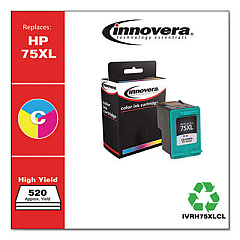
HP Photosmart C4550 Color Ink Cartridges

HP Photosmart C4550 Copy Paper

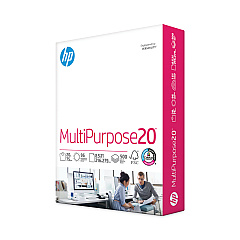
  • HP 112000 Multipurpose Paper

    Item 112000

    HP 112000 Multipurpose Paper

    HPM1120R Multipurpose Ultra White Paper, 96 Brightness, 20lb, 8 1/2 x 11, 500 Sh..

    Status

    In Stock

    $10.09

  • HP 115100 Multipurpose Paper

    Item 115100

    HP 115100 Multipurpose Paper

    HPM115RC Multipurpose Ultra White Paper, 96 Brightness, 20lb, 8-1/2 x 11, 500 sh..

    Status

    In Stock

    $50.99

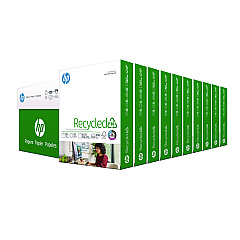
  • HP 112100 Recycled Paper

    Item 112100

    HP 112100 Recycled Paper

    HPE1120C Recycled Paper, 92 Bright, 20lb, 8-1/2 x 11, 500 sheets per ream, 10 re..

    Status

    In Stock

    Free Shipping

    $97.72

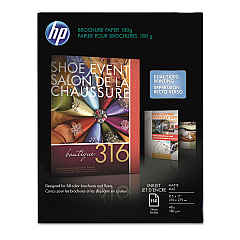
  • HP CH016A Inkjet Brochure Paper

    Item CH016A

    HP CH016A Inkjet Brochure Paper

    Inkjet Brochure/Flyer Paper, 103 Brightness, 48lb, 8-1/2 x 11, White, 150/Pack..

    Status

    In Stock

    $44.30

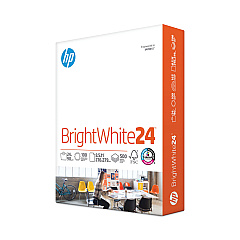
  • HP 203000 Bright White Inkjet Paper

    Item 203000

    HP 203000 Bright White Inkjet Paper

    HPB1124 Bright White Inkjet Paper, 97 Brightness, 24lb, 8-1/2 x 11, 500 Sheets/R..

    Status

    In Stock

    $14.10

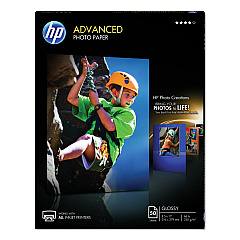
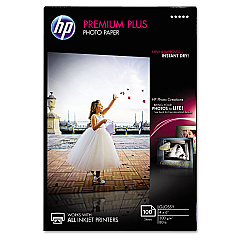
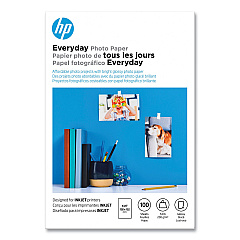
HP Photosmart C4550 Photo Paper

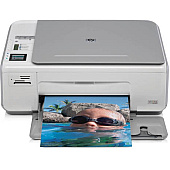
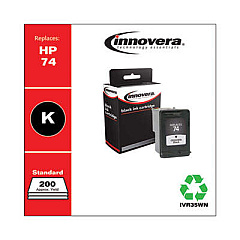
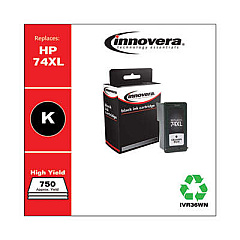
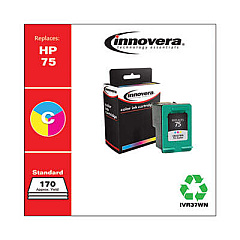
Ensure your HP Photosmart C4550 printer continues to deliver exceptional prints with genuine HP Photosmart C4550 Ink Cartridges. These high-quality cartridges are designed specifically for your printer, guaranteeing optimal performance and vibrant results. The HP CB335WN Black Ink Cartridge provides crisp, clear text for all your document needs, while the HP CB337WN Tricolor Ink Cartridge produces stunning, true-to-life photos and graphics. Together, these cartridges offer a complete printing solution for home, office, or educational use. With long-lasting ink formulas and easy installation, you'll experience hassle-free printing and reduced downtime. Trust in the reliability and consistency of genuine HP ink cartridges to bring your ideas to life, whether you're printing important reports, school projects, or cherished family photos. Upgrade your printing experience with HP Photosmart C4550 Ink Cartridges today.

HP Photosmart C4550 Ink Cartridges FAQs

  • How long do HP Photosmart C4550 Ink Cartridges typically last?

    The lifespan of ink cartridges varies depending on usage, but on average, they can last for 200-300 pages for black ink and 150-200 pages for color ink.

  • Are these ink cartridges compatible with other HP printer models?

    While these cartridges are designed specifically for the HP Photosmart C4550, they may be compatible with other HP models. Always check your printer's manual or HP's website for compatibility information.

  • Can I use third-party ink cartridges in my HP Photosmart C4550?

    While third-party cartridges may work, using genuine HP ink cartridges ensures the best print quality and helps maintain your printer's warranty.

  • How do I install new ink cartridges in my HP Photosmart C4550?

    Open the cartridge access door, wait for the carriage to move to the center, gently push down on the old cartridge to release it, insert the new cartridge, and close the access door.

  • What should I do if my printer doesn't recognize the new ink cartridge?

    Try removing and reinserting the cartridge, cleaning the cartridge contacts, or running the printer's alignment process. If issues persist, contact HP support.

  • Can I recycle my used HP ink cartridges?

    Yes, HP offers a free recycling program for used ink cartridges. Visit their website or check with local office supply stores for recycling options.

  • How can I extend the life of my ink cartridges?

    Print in draft mode when possible, avoid leaving the printer idle for long periods, and keep the print heads clean to maximize cartridge life.

  • What's the difference between the black and tricolor cartridges?

    The black cartridge (CB335WN) contains only black ink for text and monochrome printing, while the tricolor cartridge (CB337WN) contains cyan, magenta, and yellow inks for color printing.

  • Can I buy high-capacity versions of these ink cartridges?

    HP does offer high-capacity versions for some printer models, but always check compatibility with your specific HP Photosmart C4550 printer before purchasing.

  • How should I store unused ink cartridges?

    Store unused cartridges in their original sealed packaging, at room temperature, and away from direct sunlight to maintain their quality and prevent them from drying out.

Warehouse Locations

Policy & Agreement | Copyright © 1995-2026 BlueDogInk.com
