













Ads

HP PageWide Pro 577z Black Ink Cartridges

HP PageWide Pro 577z Color Ink Cartridges

HP PageWide Pro 577z Ink Set

HP PageWide Pro 577z Maintenance Kits

HP PageWide Pro 577z Paper Trays

HP PageWide Pro 577z Copy Paper

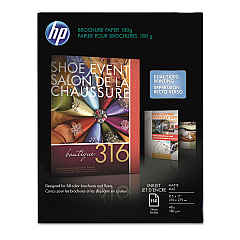
  • HP CH016A Inkjet Brochure Paper

    Item CH016A

    HP CH016A Inkjet Brochure Paper

    Inkjet Brochure/Flyer Paper, 103 Brightness, 48lb, 8-1/2 x 11, White, 150/Pack..

    Status

    In Stock

    $44.30

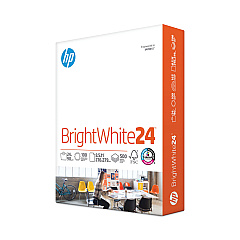
  • HP 203000 Bright White Inkjet Paper

    Item 203000

    HP 203000 Bright White Inkjet Paper

    HPB1124 Bright White Inkjet Paper, 97 Brightness, 24lb, 8-1/2 x 11, 500 Sheets/R..

    Status

    In Stock

    $14.10

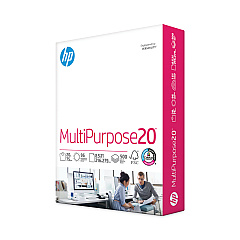
  • HP 112000 Multipurpose Paper

    Item 112000

    HP 112000 Multipurpose Paper

    HPM1120R Multipurpose Ultra White Paper, 96 Brightness, 20lb, 8 1/2 x 11, 500 Sh..

    Status

    In Stock

    $10.09

  • HP 115100 Multipurpose Paper

    Item 115100

    HP 115100 Multipurpose Paper

    HPM115RC Multipurpose Ultra White Paper, 96 Brightness, 20lb, 8-1/2 x 11, 500 sh..

    Status

    In Stock

    $50.99

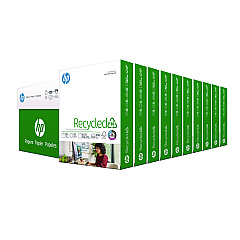
  • HP 112100 Recycled Paper

    Item 112100

    HP 112100 Recycled Paper

    HPE1120C Recycled Paper, 92 Bright, 20lb, 8-1/2 x 11, 500 sheets per ream, 10 re..

    Status

    In Stock

    Free Shipping

    $97.72

HP PageWide Pro 577z Photo Paper

HP PageWide Pro 577z Warranty and Services

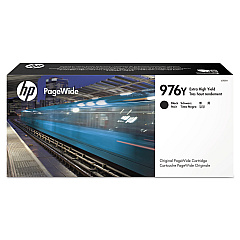
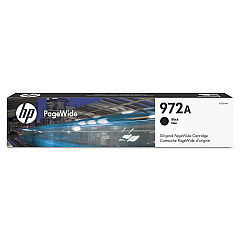
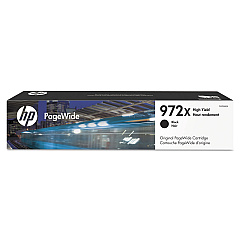
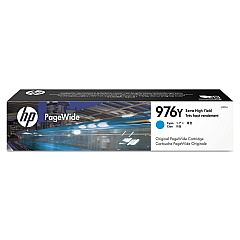
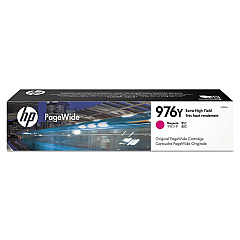
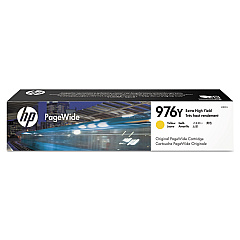
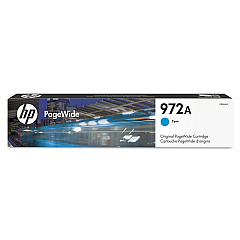
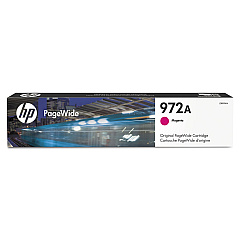
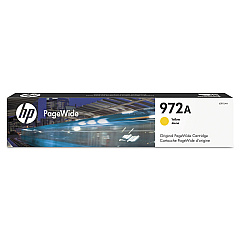
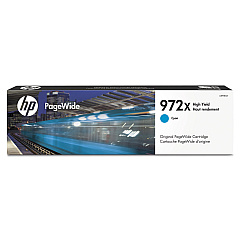
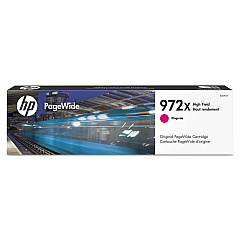
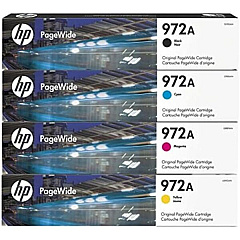
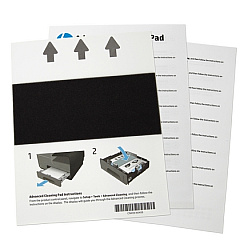
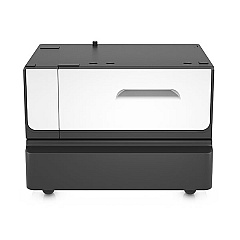
Maximize your printing efficiency with genuine HP PageWide Pro 577z Ink Cartridges. This versatile printer supports a wide range of high-quality ink options, including the HP 972A Ink Cartridge Set and individual color cartridges in cyan, magenta, yellow, and black. For optimal performance, consider the HP CN459-67006 Advanced Cleaning Kit to maintain your printer. High-yield options like the HP L0R08A Black Ink Cartridge ensure extended printing without frequent replacements. Enhance your printing setup with the HP P0V04A Paper Tray and Stand for increased paper capacity and convenience. Whether you're printing vibrant color documents or crisp black text, these genuine HP ink cartridges deliver exceptional results page after page, making them ideal for businesses, schools, and healthcare facilities requiring reliable, high-volume printing solutions.

HP PageWide Pro 577z Ink Cartridges FAQs

  • What is the page yield of HP PageWide Pro 577z ink cartridges?

    Page yields vary depending on the specific cartridge. Standard cartridges typically yield around 3,000 pages for color and 3,500 for black, while high-yield cartridges can produce up to 10,000 pages for color and 20,000 for black.

  • Are these ink cartridges compatible with other HP printers?

    These ink cartridges are specifically designed for the HP PageWide Pro 577z printer. They may not be compatible with other HP printer models.

  • How often should I replace the ink cartridges?

    Replacement frequency depends on your printing volume. The printer will alert you when ink levels are low and cartridges need replacement.

  • Can I use third-party ink cartridges in the HP PageWide Pro 577z?

    While third-party cartridges may work, using genuine HP ink cartridges ensures optimal print quality and printer performance, and maintains your printer's warranty.

  • What is the shelf life of unopened ink cartridges?

    Unopened HP ink cartridges typically have a shelf life of 24 months from the date of manufacture when stored properly.

  • How do I install new ink cartridges in the HP PageWide Pro 577z?

    Open the front cover, remove the old cartridge, and insert the new one until it clicks into place. Close the cover and follow any on-screen prompts to complete the installation.

  • Are these ink cartridges environmentally friendly?

    HP offers a recycling program for used ink cartridges, helping to reduce environmental impact. Many cartridges also contain recycled materials.

  • What's the difference between standard and high-yield cartridges?

    High-yield cartridges contain more ink and can print more pages than standard cartridges, making them more cost-effective for high-volume printing.

  • Can I mix different brands of ink cartridges in the HP PageWide Pro 577z?

    It's not recommended to mix different brands of ink cartridges. Using all genuine HP cartridges ensures the best print quality and printer performance.

  • What should I do if my printer doesn't recognize a new ink cartridge?

    Try removing and reinserting the cartridge. If the issue persists, clean the cartridge contacts and try again. If problems continue, contact HP support for assistance.

Warehouse Locations

Policy & Agreement | Copyright © 1995-2026 BlueDogInk.com
