







Ads

HP PageWide Pro 477dn Black Ink Cartridges

HP PageWide Pro 477dn Color Ink Cartridges

HP PageWide Pro 477dn Ink Set

HP PageWide Pro 477dn Maintenance Kits

HP PageWide Pro 477dn Paper Trays

HP PageWide Pro 477dn Copy Paper

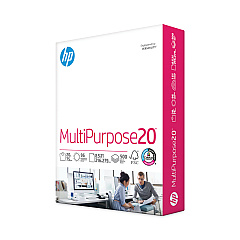
  • HP 115100 Multipurpose Paper

    Item 115100

    HP 115100 Multipurpose Paper

    HPM115RC Multipurpose Ultra White Paper, 96 Brightness, 20lb, 8-1/2 x 11, 500 sh..

    Status

    In Stock

    $50.99

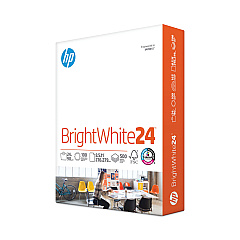
  • HP 203000 Bright White Inkjet Paper

    Item 203000

    HP 203000 Bright White Inkjet Paper

    HPB1124 Bright White Inkjet Paper, 97 Brightness, 24lb, 8-1/2 x 11, 500 Sheets/R..

    Status

    In Stock

    $14.10

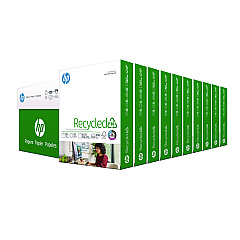
  • HP 112100 Recycled Paper

    Item 112100

    HP 112100 Recycled Paper

    HPE1120C Recycled Paper, 92 Bright, 20lb, 8-1/2 x 11, 500 sheets per ream, 10 re..

    Status

    In Stock

    Free Shipping

    $97.72

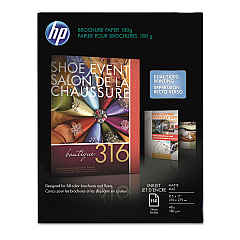
  • HP CH016A Inkjet Brochure Paper

    Item CH016A

    HP CH016A Inkjet Brochure Paper

    Inkjet Brochure/Flyer Paper, 103 Brightness, 48lb, 8-1/2 x 11, White, 150/Pack..

    Status

    In Stock

    $44.30

  • HP 112000 Multipurpose Paper

    Item 112000

    HP 112000 Multipurpose Paper

    HPM1120R Multipurpose Ultra White Paper, 96 Brightness, 20lb, 8 1/2 x 11, 500 Sh..

    Status

    In Stock

    $10.09

HP PageWide Pro 477dn Photo Paper

HP PageWide Pro 477dn Warranty and Services

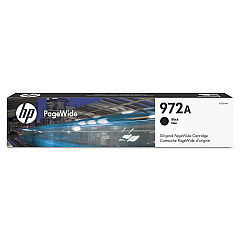
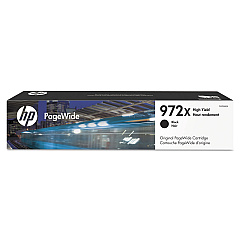
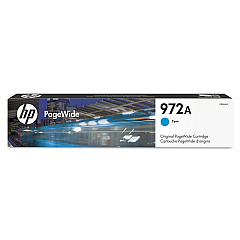
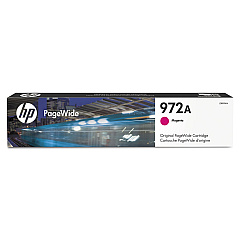
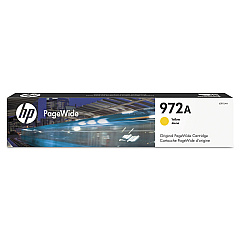
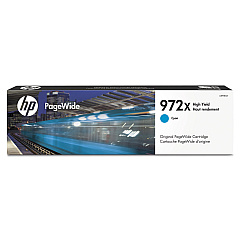
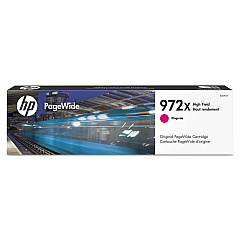
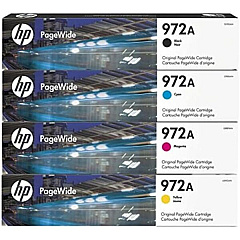
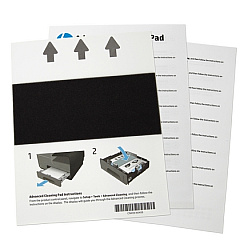
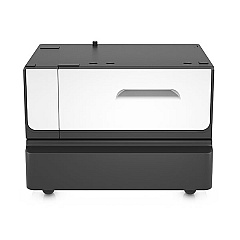
Enhance your printing experience with genuine HP PageWide Pro 477dn Ink Cartridges. This versatile printer utilizes a range of high-quality ink cartridges, including the HP 972A Ink Cartridge Set for vibrant, long-lasting prints. For optimal performance, the HP CN459-67006 Advanced Cleaning Kit ensures your printer stays in top condition. Choose from various black ink options like the F6T80AN and F6T84AN, or add a splash of color with cyan (L0R86AN, L0R98AN), magenta (L0R89AN, L0S01AN), and yellow (L0R92AN, L0S04AN) cartridges. For increased paper capacity, consider the HP P0V04A Paper Tray and Stand. Whether you're printing business documents or colorful presentations, these HP PageWide Pro 477dn Ink Cartridges deliver exceptional quality and reliability for all your printing needs.

HP PageWide Pro 477dn Ink Cartridges FAQs

  • What is the page yield for HP 972A ink cartridges?

    The page yield varies by color. Black cartridges typically yield around 3,000 pages, while color cartridges yield approximately 2,000 pages.

  • Are these ink cartridges compatible with other HP printers?

    These cartridges are specifically designed for the HP PageWide Pro 477dn printer. Always check your printer's compatibility before purchasing ink cartridges.

  • How often should I use the HP CN459-67006 Advanced Cleaning Kit?

    It's recommended to use the cleaning kit every 3-6 months, depending on your printing frequency and environmental conditions.

  • Can I use third-party ink cartridges in my HP PageWide Pro 477dn?

    While third-party cartridges may work, using genuine HP ink cartridges ensures optimal print quality and prevents potential damage to your printer.

  • What's the difference between the F6T80AN and F6T84AN black ink cartridges?

    The F6T84AN is a high-yield cartridge, offering more prints per cartridge compared to the standard F6T80AN.

  • How do I install the HP P0V04A Paper Tray and Stand?

    The paper tray and stand come with installation instructions. Generally, it's a simple process of attaching the stand to the printer and inserting the additional paper tray.

  • Are these ink cartridges environmentally friendly?

    HP ink cartridges are designed with sustainability in mind and can be recycled through HP's Planet Partners program.

  • How long do unopened ink cartridges last?

    Unopened HP ink cartridges typically have a shelf life of 24 months from the date of manufacture when stored properly.

  • Can I mix different brands of ink cartridges in my HP PageWide Pro 477dn?

    It's not recommended to mix different brands of ink cartridges as it may affect print quality and potentially damage your printer.

  • How do I know when it's time to replace my ink cartridges?

    Your printer will display a low ink warning when cartridges need replacement. You can also check ink levels through the printer's control panel or HP software on your computer.

Warehouse Locations

Policy & Agreement | Copyright © 1995-2026 BlueDogInk.com
