




Ads

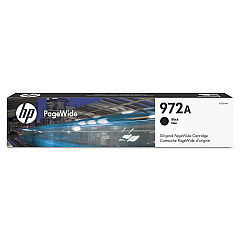
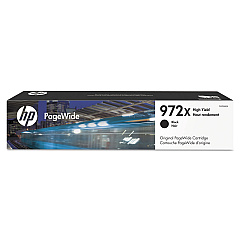
HP PageWide Pro 400 series Black Ink Cartridges

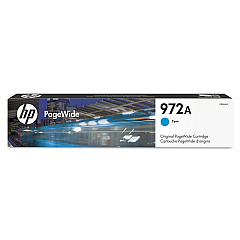
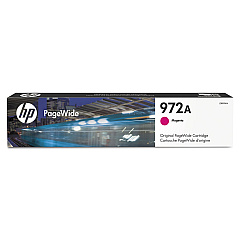
HP PageWide Pro 400 series Color Ink Cartridges

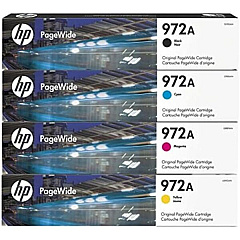
HP PageWide Pro 400 series Ink Set

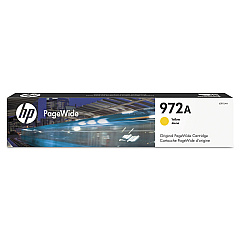
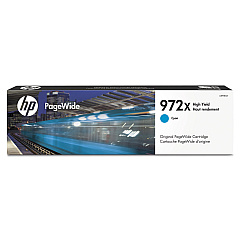
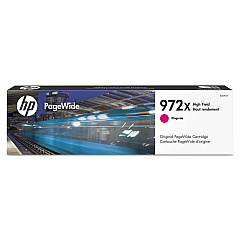
Enhance your printing efficiency with HP PageWide Pro 400 series Ink Cartridges, designed for optimal performance in high-volume environments. These cartridges, including the HP 972A Ink Cartridge Set and individual colors like F6T80AN Black, L0R86AN Cyan, L0R89AN Magenta, and L0R92AN Yellow, deliver exceptional print quality and reliability. The HP PageWide Pro 400 series Ink Cartridges are perfect for businesses, schools, government offices, and healthcare facilities that demand crisp text and vibrant graphics. With options like the high-yield F6T84AN Black and L0R98AN Cyan cartridges, you can reduce printing costs and minimize interruptions. These innovative ink cartridges are engineered to work seamlessly with your HP PageWide Pro 400 series printer, ensuring consistent, professional results page after page. Choose HP PageWide Pro 400 series Ink Cartridges for unparalleled print quality and productivity.

HP PageWide Pro 400 series Ink Cartridges FAQs

  • What is the page yield for HP 972A ink cartridges?

    The page yield varies by color. Black cartridges typically yield around 3,000 pages, while color cartridges yield approximately 2,000 pages.

  • Are these cartridges compatible with all HP PageWide Pro 400 series printers?

    Yes, these cartridges are designed to work with all HP PageWide Pro 400 series printers.

  • How long do HP PageWide Pro 400 series ink cartridges last?

    The lifespan depends on usage, but typically they can last 12-18 months if stored properly and used regularly.

  • Can I use third-party ink cartridges in my HP PageWide Pro 400 series printer?

    While third-party cartridges may work, HP recommends using genuine HP ink cartridges for optimal performance and print quality.

  • What's the difference between standard and high-yield cartridges?

    High-yield cartridges contain more ink and can print more pages, making them more cost-effective for high-volume printing.

  • Are these ink cartridges environmentally friendly?

    Yes, HP offers a recycling program for used cartridges, and the packaging is designed to be recyclable.

  • How do I install HP PageWide Pro 400 series ink cartridges?

    Simply open the ink cartridge access door, remove the old cartridge, and insert the new one until it clicks into place.

  • Can I buy individual color cartridges or do I need to purchase a complete set?

    You can buy individual color cartridges as needed, allowing you to replace only the colors that are low.

  • What should I do if my printer doesn't recognize the new ink cartridge?

    Try removing and reinserting the cartridge. If the issue persists, clean the cartridge contacts and try again.

  • Are these ink cartridges covered by a warranty?

    Yes, HP provides a warranty for these ink cartridges. Check the packaging or HP's website for specific warranty details.

Warehouse Locations

Policy & Agreement | Copyright © 1995-2026 BlueDogInk.com
