





Ads

HP PageWide Managed Color E75160 Maintenance Kits

HP PageWide Managed Color E75160 Paper Trays

HP PageWide Managed Color E75160 Printer Accessories

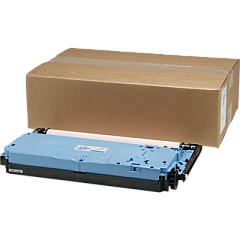
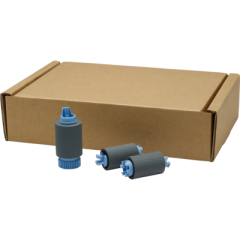
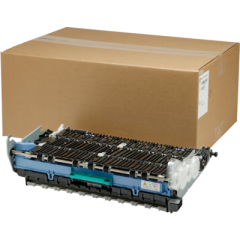
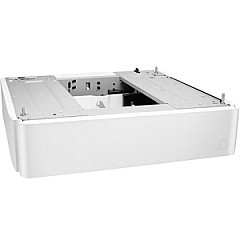
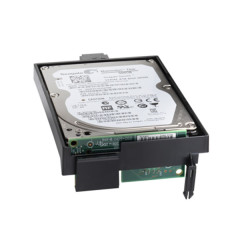
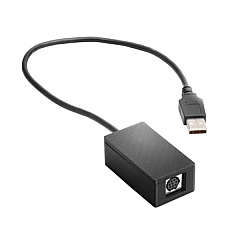
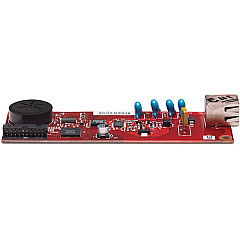
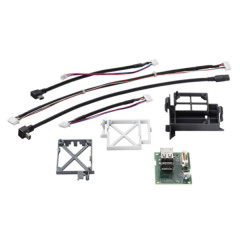
Maximize your printing efficiency with HP PageWide Managed Color E75160 Ink Cartridges and accessories. This high-performance printer offers exceptional color quality and speed for businesses, schools, and healthcare facilities. Enhance your E75160's capabilities with a range of genuine HP supplies, including the 1GB DDR3 SODIMM Memory Module for improved processing, the A7W99A Paper Tray for increased paper capacity, and the B5L28A Internal USB Port Kit for direct printing. The B5L29A Internal Hard Disk Drive provides secure storage, while the B5L31A Foreign Interface Harness enables third-party device integration. Maintain optimal print quality with the W1B43A Printhead Wiper Kit, W1B44A Service Fluid Container, and W1B45A Roller Kit. For those requiring fax functionality, the CC487A Analog Fax Accessory is available. Trust in HP's genuine supplies to keep your PageWide Managed Color E75160 running at peak performance.

HP PageWide Managed Color E75160 Printers Supplies FAQs

  • What is the page yield of HP PageWide Managed Color E75160 Ink Cartridges?

    Page yield varies depending on the specific cartridge model and print coverage. Please refer to the product specifications for detailed information.

  • Are these ink cartridges compatible with other HP printers?

    HP PageWide Managed Color E75160 Ink Cartridges are designed specifically for the E75160 model and may not be compatible with other printers.

  • How often should I replace the Printhead Wiper Kit?

    The replacement frequency depends on usage. Consult your printer's maintenance guide or contact HP support for specific recommendations.

  • Can I use third-party ink cartridges with the HP PageWide Managed Color E75160?

    While third-party cartridges may work, using genuine HP ink cartridges ensures optimal print quality and printer performance.

  • What is the purpose of the Service Fluid Container?

    The Service Fluid Container collects waste ink during the printing process, helping to maintain printer cleanliness and performance.

  • How do I install the Internal USB Port Kit?

    Installation should be performed by a qualified technician. Refer to the product manual or contact HP support for guidance.

  • Is the Analog Fax Accessory necessary for all users?

    The Analog Fax Accessory is only required if you need fax functionality. It's an optional add-on for the E75160 printer.

  • What is the capacity of the A7W99A Paper Tray?

    The A7W99A Paper Tray typically adds 550 sheets of paper capacity to your printer, but verify the exact specifications for your model.

  • How does the Foreign Interface Harness benefit my printing setup?

    The Foreign Interface Harness allows you to connect third-party devices and solutions to your printer, enhancing its functionality and integration capabilities.

  • What is the warranty period for these HP supplies and accessories?

    Warranty periods may vary by product. Check the individual product listings or contact HP support for specific warranty information.

Warehouse Locations

Policy & Agreement | Copyright © 1995-2026 BlueDogInk.com
