





Ads

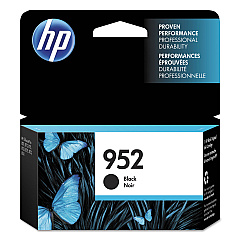
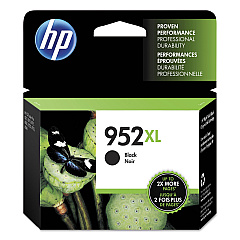
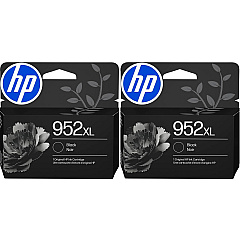
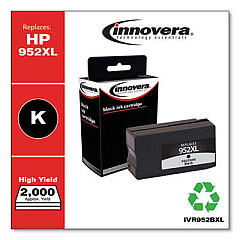
HP OfficeJet Pro 8745 Black Ink Cartridges

HP OfficeJet Pro 8745 Color Ink Cartridges

HP OfficeJet Pro 8745 Warranty and Services

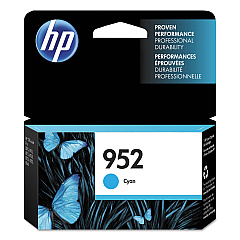
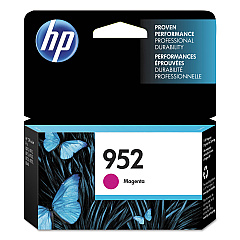
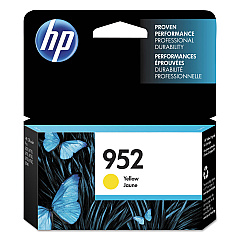
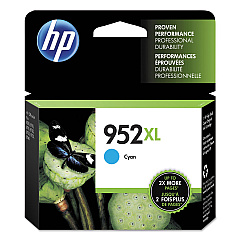
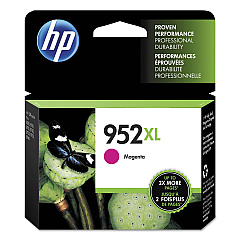
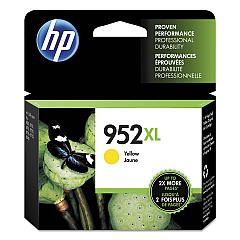
Enhance your printing experience with genuine HP OfficeJet Pro 8745 Ink Cartridges. These high-quality cartridges are designed to deliver exceptional results for businesses, schools, government offices, and healthcare facilities. Choose from a range of options including HP F6U15AN and F6U19AN Black, L0S49AN and L0S61AN Cyan, L0S52AN and L0S64AN Magenta, and L0S55AN and L0S67AN Yellow ink cartridges. These cartridges ensure crisp text, vibrant colors, and long-lasting prints that resist fading. With their high page yield and reliable performance, HP OfficeJet Pro 8745 Ink Cartridges help maximize productivity while minimizing downtime. Whether you're printing important documents, marketing materials, or high-quality images, these cartridges provide consistent, professional results. Trust in HP's innovative technology to meet your diverse printing needs and keep your OfficeJet Pro 8745 running smoothly.

HP OfficeJet Pro 8745 Printers Supplies FAQs

  • What is the page yield for HP OfficeJet Pro 8745 Ink Cartridges?

    Page yield varies by cartridge. Standard cartridges typically yield around 1,000 pages for color and 1,500 for black, while high-yield cartridges can produce up to 1,600 color pages and 3,000 black pages.

  • Are these ink cartridges compatible with other HP printers?

    These cartridges are specifically designed for the HP OfficeJet Pro 8745. Always check your printer's compatibility before purchasing ink cartridges.

  • How long do HP OfficeJet Pro 8745 Ink Cartridges last?

    Cartridge life depends on usage, but unopened cartridges typically last up to 24 months. Once installed, it's best to use them within 6 months for optimal quality.

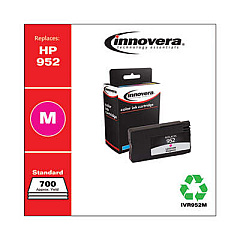
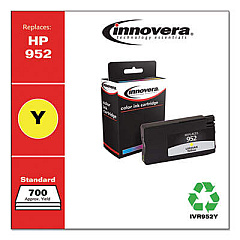
  • Can I use third-party ink cartridges in my HP OfficeJet Pro 8745?

    While third-party cartridges may work, HP recommends using genuine HP cartridges to ensure the best print quality and to protect your printer's warranty.

  • How do I install HP OfficeJet Pro 8745 Ink Cartridges?

    Open the ink cartridge access door, remove the old cartridge, insert the new one until it clicks into place, and close the door. The printer will automatically align the new cartridge.

  • Are these ink cartridges environmentally friendly?

    Yes, HP offers a recycling program for used ink cartridges. Many cartridges are made with recycled plastic, supporting HP's commitment to sustainability.

  • What's the difference between standard and high-yield cartridges?

    High-yield cartridges contain more ink and can print more pages than standard cartridges, making them more cost-effective for high-volume printing.

  • How can I tell if my ink cartridge is genuine HP?

    Look for the HP logo on the packaging and cartridge. You can also check the security label and use HP's online verification tool to confirm authenticity.

  • What should I do if my printer doesn't recognize the new ink cartridge?

    Try removing and reinserting the cartridge, cleaning the contacts, or running the printer's cleaning utility. If issues persist, contact HP support for assistance.

  • Can I buy these ink cartridges in bulk for my business?

    Yes, many retailers offer bulk purchasing options for businesses. Consider HP's Instant Ink subscription service for convenient and cost-effective ink management.

Warehouse Locations

Policy & Agreement | Copyright © 1995-2026 BlueDogInk.com
