







Ads

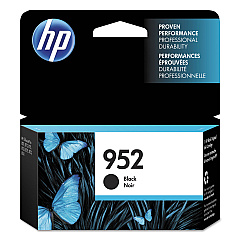
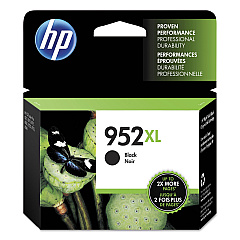
HP OfficeJet Pro 8730 Black Ink Cartridges

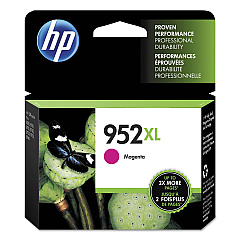
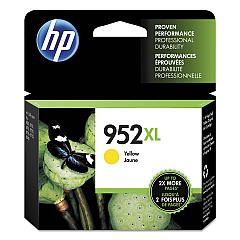
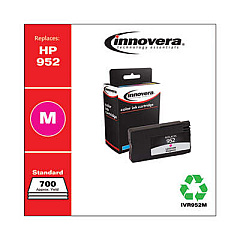
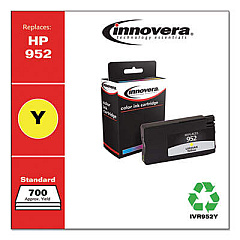
HP OfficeJet Pro 8730 Color Ink Cartridges

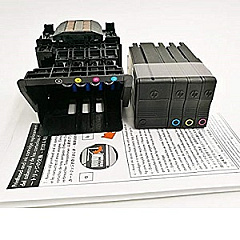
HP OfficeJet Pro 8730 Printheads

HP OfficeJet Pro 8730 Copy Paper

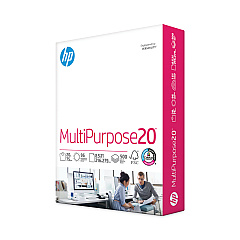
  • HP 115100 Multipurpose Paper

    Item 115100

    HP 115100 Multipurpose Paper

    HPM115RC Multipurpose Ultra White Paper, 96 Brightness, 20lb, 8-1/2 x 11, 500 sh..

    Status

    In Stock

    $50.99

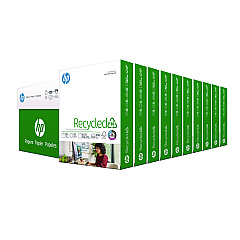
  • HP 112100 Recycled Paper

    Item 112100

    HP 112100 Recycled Paper

    HPE1120C Recycled Paper, 92 Bright, 20lb, 8-1/2 x 11, 500 sheets per ream, 10 re..

    Status

    In Stock

    Free Shipping

    $97.72

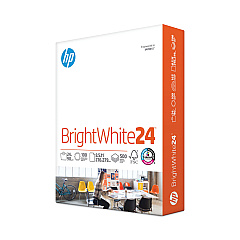
  • HP 203000 Bright White Inkjet Paper

    Item 203000

    HP 203000 Bright White Inkjet Paper

    HPB1124 Bright White Inkjet Paper, 97 Brightness, 24lb, 8-1/2 x 11, 500 Sheets/R..

    Status

    In Stock

    $14.10

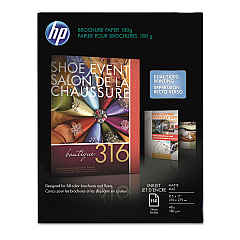
  • HP CH016A Inkjet Brochure Paper

    Item CH016A

    HP CH016A Inkjet Brochure Paper

    Inkjet Brochure/Flyer Paper, 103 Brightness, 48lb, 8-1/2 x 11, White, 150/Pack..

    Status

    In Stock

    $44.30

  • HP 112000 Multipurpose Paper

    Item 112000

    HP 112000 Multipurpose Paper

    HPM1120R Multipurpose Ultra White Paper, 96 Brightness, 20lb, 8 1/2 x 11, 500 Sh..

    Status

    In Stock

    $10.09

HP OfficeJet Pro 8730 Photo Paper

HP OfficeJet Pro 8730 Warranty and Services

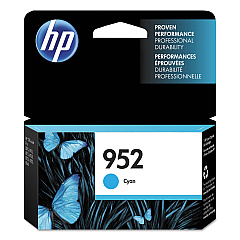
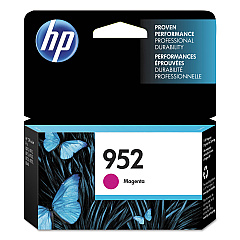
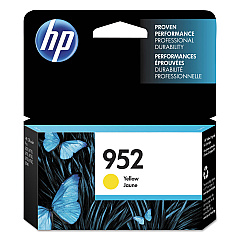
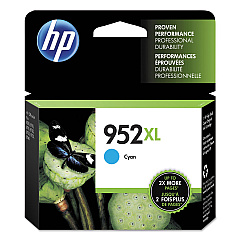
Enhance your printing experience with genuine HP OfficeJet Pro 8730 Ink Cartridges. These high-quality cartridges are designed to deliver exceptional results for businesses, schools, government offices, and healthcare facilities. Choose from a range of options including HP F6U15AN and F6U19AN Black, L0S49AN and L0S61AN Cyan, L0S52AN and L0S64AN Magenta, and L0S55AN and L0S67AN Yellow ink cartridges. The HP M0H91A Printhead ensures optimal performance and crisp, professional-quality prints. With these reliable supplies, you'll achieve vibrant colors, sharp text, and long-lasting documents. Whether you're printing reports, presentations, or marketing materials, HP OfficeJet Pro 8730 Ink Cartridges provide the consistency and quality you need to make a lasting impression. Trust in HP's innovative technology to keep your office running smoothly and efficiently.

HP OfficeJet Pro 8730 Ink Cartridges FAQs

  • How long do HP OfficeJet Pro 8730 Ink Cartridges typically last?

    The lifespan of ink cartridges varies depending on usage, but standard cartridges typically yield around 1,000 pages, while high-yield cartridges can print up to 3,000 pages.

  • Are these ink cartridges compatible with other HP printers?

    These cartridges are specifically designed for the HP OfficeJet Pro 8730 printer. Always check your printer's compatibility before purchasing ink cartridges.

  • Can I use third-party ink cartridges in my HP OfficeJet Pro 8730?

    While third-party cartridges may work, using genuine HP cartridges ensures optimal print quality and helps maintain your printer's warranty.

  • How do I install the HP M0H91A Printhead?

    To install the printhead, turn on the printer, open the ink cartridge access door, and follow the on-screen instructions. Detailed steps can be found in your printer's manual.

  • What's the difference between standard and high-yield ink cartridges?

    High-yield cartridges contain more ink and can print more pages than standard cartridges, making them more cost-effective for high-volume printing.

  • How can I tell if my ink cartridges are running low?

    Your HP OfficeJet Pro 8730 printer will display a low ink warning on its control panel and through the HP Smart app when cartridges are running low.

  • Are these ink cartridges environmentally friendly?

    HP offers a recycling program for used ink cartridges, helping to reduce environmental impact. You can return empty cartridges to HP or participating retailers.

  • Can I buy these ink cartridges in bulk?

    Yes, bulk purchasing options are available for HP OfficeJet Pro 8730 Ink Cartridges, which can be more economical for high-volume users.

  • How should I store unused ink cartridges?

    Store unused cartridges in their original sealed packaging at room temperature, away from direct sunlight and heat sources, to maintain their quality and shelf life.

  • What should I do if my prints are streaky or faded?

    First, try cleaning the printheads using the printer's built-in cleaning function. If the issue persists, you may need to replace the ink cartridges or printhead.

Warehouse Locations

Policy & Agreement | Copyright © 1995-2026 BlueDogInk.com
