





Ads

HP OfficeJet Pro 8710 Black Ink Cartridges

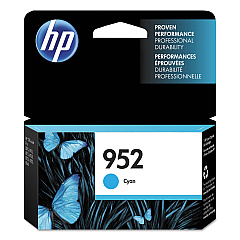
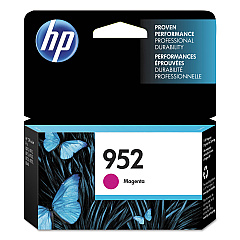
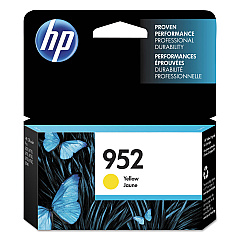
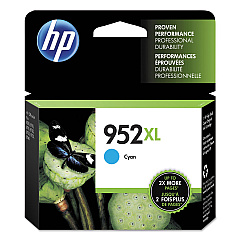
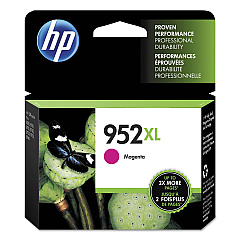
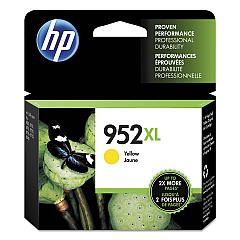
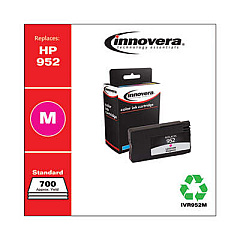
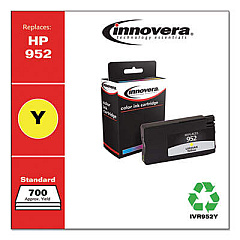
HP OfficeJet Pro 8710 Color Ink Cartridges

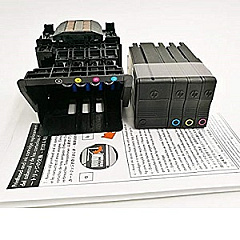
HP OfficeJet Pro 8710 Printheads

HP OfficeJet Pro 8710 Copy Paper

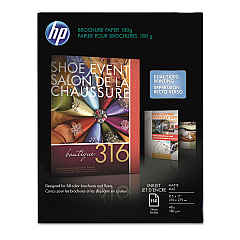
  • HP CH016A Inkjet Brochure Paper

    Item CH016A

    HP CH016A Inkjet Brochure Paper

    Inkjet Brochure/Flyer Paper, 103 Brightness, 48lb, 8-1/2 x 11, White, 150/Pack..

    Status

    In Stock

    $44.30

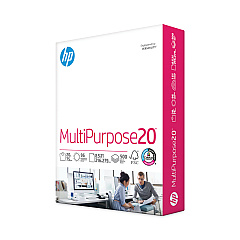
  • HP 112000 Multipurpose Paper

    Item 112000

    HP 112000 Multipurpose Paper

    HPM1120R Multipurpose Ultra White Paper, 96 Brightness, 20lb, 8 1/2 x 11, 500 Sh..

    Status

    In Stock

    $10.09

  • HP 115100 Multipurpose Paper

    Item 115100

    HP 115100 Multipurpose Paper

    HPM115RC Multipurpose Ultra White Paper, 96 Brightness, 20lb, 8-1/2 x 11, 500 sh..

    Status

    In Stock

    $50.99

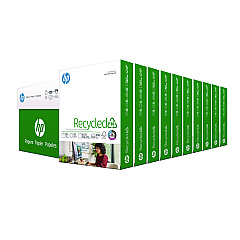
  • HP 112100 Recycled Paper

    Item 112100

    HP 112100 Recycled Paper

    HPE1120C Recycled Paper, 92 Bright, 20lb, 8-1/2 x 11, 500 sheets per ream, 10 re..

    Status

    In Stock

    Free Shipping

    $97.72

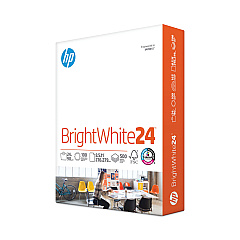
  • HP 203000 Bright White Inkjet Paper

    Item 203000

    HP 203000 Bright White Inkjet Paper

    HPB1124 Bright White Inkjet Paper, 97 Brightness, 24lb, 8-1/2 x 11, 500 Sheets/R..

    Status

    In Stock

    $14.10

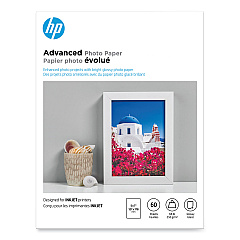
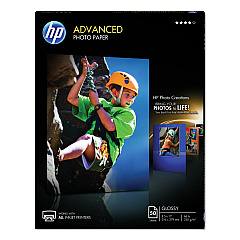
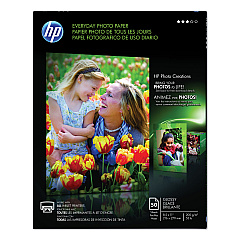
HP OfficeJet Pro 8710 Photo Paper

Enhance your printing experience with genuine HP OfficeJet Pro 8710 Ink Cartridges. These high-quality cartridges are designed to deliver exceptional results for businesses, schools, government offices, and healthcare facilities. Choose from a range of options including the HP F6U15AN and F6U19AN Black Ink Cartridges for crisp text, and the L0S49AN Cyan, L0S52AN Magenta, and L0S55AN Yellow Ink Cartridges for vibrant color prints. For higher volume printing, opt for the L0S61AN Cyan, L0S64AN Magenta, and L0S67AN Yellow Ink Cartridges. The HP M0H91A Printhead ensures optimal performance and longevity. With these reliable supplies, you'll consistently produce professional-quality documents and marketing materials. Trust in HP's advanced ink technology to provide sharp, smudge-resistant prints that make a lasting impression. Maximize your OfficeJet Pro 8710's potential with these authentic HP ink cartridges.

HP Officejet Pro 8710 Ink Cartridges FAQs

  • How long do HP OfficeJet Pro 8710 Ink Cartridges typically last?

    The lifespan of ink cartridges varies depending on usage, but standard cartridges typically yield about 1,000 pages, while high-yield cartridges can print up to 3,000 pages.

  • Are these ink cartridges compatible with other HP printers?

    These cartridges are specifically designed for the HP OfficeJet Pro 8710 series. Always check your printer's compatibility before purchasing ink cartridges.

  • Can I use third-party ink cartridges in my HP OfficeJet Pro 8710?

    While third-party cartridges may work, HP recommends using genuine HP ink cartridges to ensure optimal print quality and to protect your printer's warranty.

  • How do I install new ink cartridges in my HP OfficeJet Pro 8710?

    Open the front access door, wait for the carriage to move to the center, then remove the old cartridge and insert the new one until it clicks into place. Close the access door when finished.

  • What's the difference between standard and high-yield ink cartridges?

    High-yield cartridges contain more ink and can print more pages than standard cartridges, making them more cost-effective for high-volume printing.

  • How often should I replace the HP M0H91A Printhead?

    The printhead typically lasts for the lifetime of the printer. However, if you notice a decline in print quality that cleaning doesn't resolve, you may need to replace it.

  • Can I recycle my used HP ink cartridges?

    Yes, HP offers a free recycling program for genuine HP ink cartridges. You can return them to participating retailers or request a free shipping label from HP's website.

  • What should I do if my printer doesn't recognize the new ink cartridge?

    Try removing and reinserting the cartridge, ensuring it's properly seated. If the issue persists, clean the cartridge contacts and try again. If problems continue, contact HP support.

  • Are these ink cartridges available in multi-packs?

    Yes, HP offers multi-packs for the OfficeJet Pro 8710 ink cartridges, which can be more cost-effective for frequent printing needs.

  • How can I extend the life of my HP OfficeJet Pro 8710 Ink Cartridges?

    To extend cartridge life, print only when necessary, use draft mode for non-critical documents, and keep your printer on to maintain printhead health and prevent ink from drying out.

Warehouse Locations

Policy & Agreement | Copyright © 1995-2026 BlueDogInk.com
