





Ads

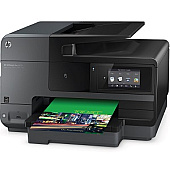
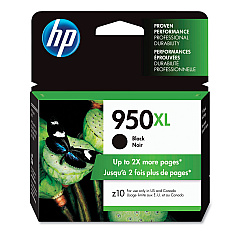
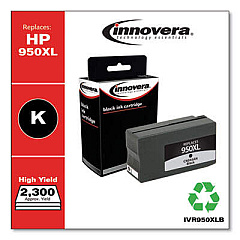
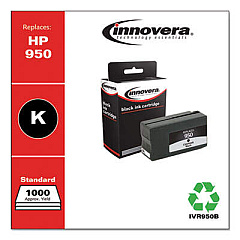
HP Officejet Pro 8620 Black Ink Cartridges

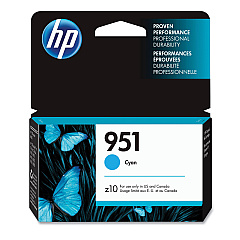
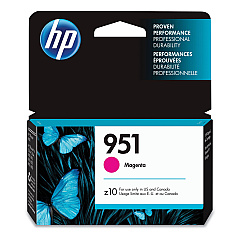
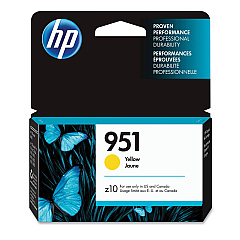
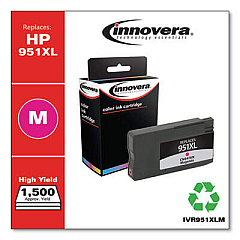
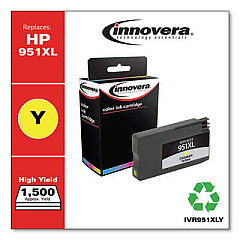
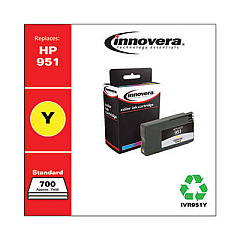
HP Officejet Pro 8620 Color Ink Cartridges

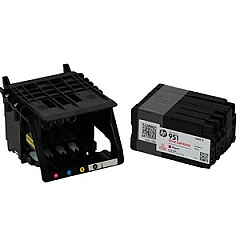
HP Officejet Pro 8620 Printheads

HP Officejet Pro 8620 Copy Paper

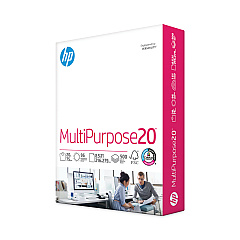
  • HP 115100 Multipurpose Paper

    Item 115100

    HP 115100 Multipurpose Paper

    HPM115RC Multipurpose Ultra White Paper, 96 Brightness, 20lb, 8-1/2 x 11, 500 sh..

    Status

    In Stock

    $50.99

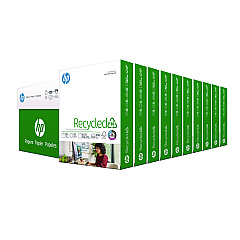
  • HP 112100 Recycled Paper

    Item 112100

    HP 112100 Recycled Paper

    HPE1120C Recycled Paper, 92 Bright, 20lb, 8-1/2 x 11, 500 sheets per ream, 10 re..

    Status

    In Stock

    Free Shipping

    $97.72

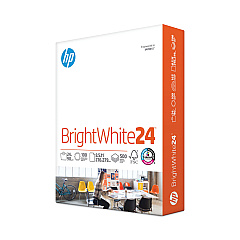
  • HP 203000 Bright White Inkjet Paper

    Item 203000

    HP 203000 Bright White Inkjet Paper

    HPB1124 Bright White Inkjet Paper, 97 Brightness, 24lb, 8-1/2 x 11, 500 Sheets/R..

    Status

    In Stock

    $14.10

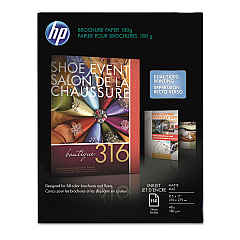
  • HP CH016A Inkjet Brochure Paper

    Item CH016A

    HP CH016A Inkjet Brochure Paper

    Inkjet Brochure/Flyer Paper, 103 Brightness, 48lb, 8-1/2 x 11, White, 150/Pack..

    Status

    In Stock

    $44.30

  • HP 112000 Multipurpose Paper

    Item 112000

    HP 112000 Multipurpose Paper

    HPM1120R Multipurpose Ultra White Paper, 96 Brightness, 20lb, 8 1/2 x 11, 500 Sh..

    Status

    In Stock

    $10.09

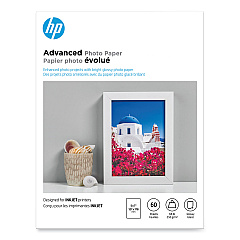
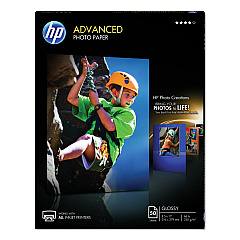
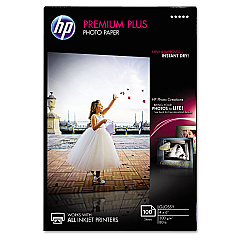
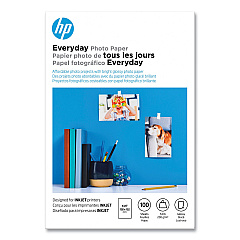
HP Officejet Pro 8620 Photo Paper

Keep your HP Officejet Pro 8620 running at peak performance with genuine HP Officejet Pro 8620 Ink Cartridges from BlueDogInk.com. Our comprehensive selection includes high-capacity black (CN045AN) and color cartridges (CN046AN cyan, CN047AN magenta, CN048AN yellow) for maximum productivity. We also offer standard-yield options (CN049AN black, CN050AN cyan, CN051AN magenta, CN052AN yellow) for more economical printing. Don't forget the essential CR322A Printhead to ensure crisp, clear output. These authentic HP supplies are designed to work seamlessly with your printer, delivering superior print quality and reliability. Whether you're a busy office or a high-volume home user, our HP Officejet Pro 8620 Ink Cartridges provide the perfect balance of performance and value. Trust BlueDogInk.com for all your HP Officejet Pro 8620 printing needs and enjoy free shipping on orders over $75.

HP Officejet Pro 8620 Ink Cartridges FAQs

  • How long do HP Officejet Pro 8620 ink cartridges last?

    The lifespan of ink cartridges varies depending on usage, but high-capacity cartridges typically last for about 2,300 pages for black and 1,500 pages for color.

  • Can I use generic ink cartridges in my HP Officejet Pro 8620?

    While generic cartridges may work, we recommend using genuine HP cartridges for optimal print quality and to avoid potential damage to your printer.

  • How do I know when to replace my ink cartridges?

    Your printer will display a low ink warning when cartridges need replacement. You can also check ink levels through the printer's control panel or HP software.

  • What's the difference between high-capacity and standard-yield cartridges?

    High-capacity cartridges contain more ink and are ideal for frequent printing, while standard-yield cartridges are more suitable for occasional use and have a lower upfront cost.

  • How often should I replace the CR322A Printhead?

    The printhead typically lasts for the lifetime of the printer, but may need replacement if print quality deteriorates and cannot be resolved by cleaning or replacing cartridges.

  • Are these ink cartridges compatible with other HP printers?

    These cartridges are specifically designed for the HP Officejet Pro 8620 and may not be compatible with other models. Always check your printer's compatibility before purchasing.

  • Do you offer a warranty on ink cartridges?

    Yes, all genuine HP ink cartridges come with a warranty against defects in materials and workmanship.

  • How should I store unused ink cartridges?

    Store cartridges in their original sealed packaging at room temperature until ready for use. Avoid extreme temperatures and direct sunlight.

  • Can I recycle empty ink cartridges?

    Yes, HP offers a free recycling program for empty cartridges. You can also check with local office supply stores for recycling options.

  • What should I do if my printer doesn't recognize a new cartridge?

    Try removing and reinserting the cartridge, cleaning the contacts, or updating your printer's firmware. If issues persist, contact HP support or our customer service team for assistance.

Warehouse Locations

Policy & Agreement | Copyright © 1995-2026 BlueDogInk.com
