




Ads

HP OfficeJet Pro 8600 Plus - N911g Black Ink Cartridges

HP OfficeJet Pro 8600 Plus - N911g Color Ink Cartridges

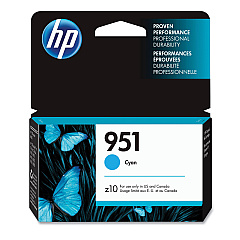
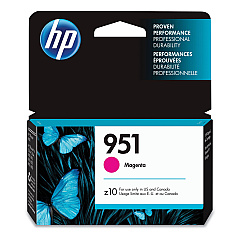
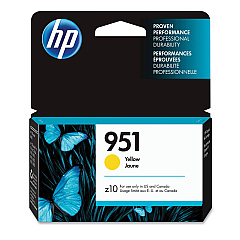
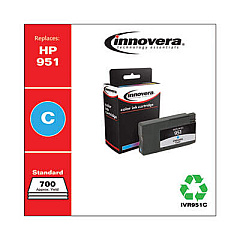
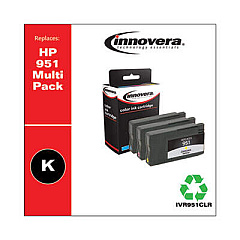
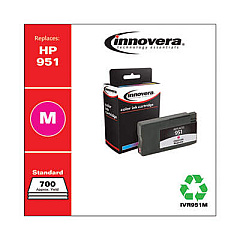
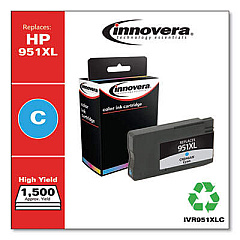
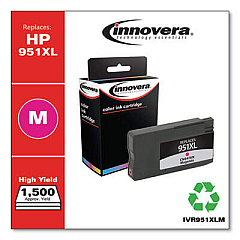
Enhance your printing experience with genuine HP OfficeJet Pro 8600 Plus - N911g Ink Cartridges. These high-quality cartridges ensure crisp text and vibrant colors for all your business documents. The range includes CN045AN Black, CN046AN Cyan, CN047AN Magenta, and CN048AN Yellow for standard capacity, as well as CN049AN Black, CN050AN Cyan, CN051AN Magenta, and CN052AN Yellow for high-yield options. These cartridges are designed to work seamlessly with your HP OfficeJet Pro 8600 Plus - N911g printer, delivering consistent, professional results page after page. Whether you're printing reports, presentations, or marketing materials, these ink cartridges provide exceptional print quality and reliability. Maximize your printer's performance and minimize downtime with these genuine HP supplies, ensuring your office stays productive and efficient.

HP OfficeJet Pro 8600 Plus - N911g Ink Cartridges FAQs

  • What is the difference between standard and high-yield cartridges?

    High-yield cartridges contain more ink and are designed for higher volume printing, offering a lower cost per page compared to standard cartridges.

  • Are these cartridges compatible with other HP printers?

    These cartridges are specifically designed for the HP OfficeJet Pro 8600 Plus - N911g. Always check your printer's compatibility before purchasing.

  • How long do these ink cartridges typically last?

    The lifespan of ink cartridges varies depending on usage and print settings. High-yield cartridges generally last longer than standard ones.

  • Can I use third-party ink cartridges instead of genuine HP ones?

    While third-party cartridges may work, using genuine HP cartridges ensures optimal print quality and helps maintain your printer's warranty.

  • How do I install these ink cartridges?

    Open the printer's front cover, remove the old cartridge, and insert the new one until it clicks into place. Close the cover and follow any on-screen prompts.

  • What should I do if my printer doesn't recognize the new cartridge?

    Try removing and reinserting the cartridge, cleaning the contacts, or running a printer diagnostic. If issues persist, contact HP support.

  • Are these cartridges environmentally friendly?

    HP offers a recycling program for used cartridges, helping to reduce environmental impact. Check HP's website for details on their recycling initiatives.

  • How can I extend the life of my ink cartridges?

    Use draft mode for non-critical prints, maintain your printer regularly, and avoid leaving the printer idle for long periods to prevent ink from drying out.

  • What's the shelf life of unopened ink cartridges?

    Unopened HP ink cartridges typically have a shelf life of 24 months from the date of manufacture when stored properly.

  • Can I mix different brands of ink cartridges in my printer?

    It's not recommended to mix brands. Using all genuine HP cartridges ensures the best print quality and printer performance.

Warehouse Locations

Policy & Agreement | Copyright © 1995-2026 BlueDogInk.com
