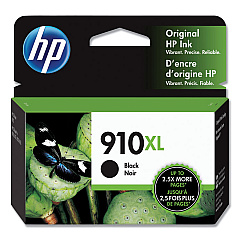
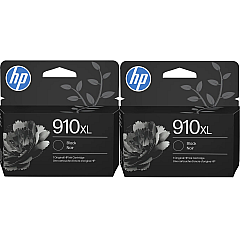
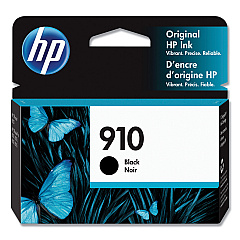
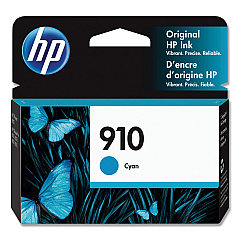





HP OfficeJet Pro 8025e Black Ink Cartridges

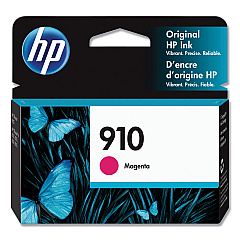
HP OfficeJet Pro 8025e Color Ink Cartridges

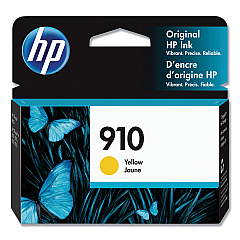
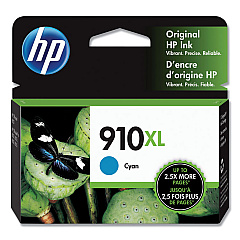
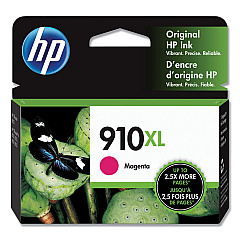
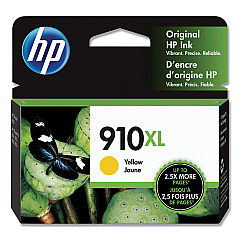
Enhance your printing experience with genuine HP OfficeJet Pro 8025e Ink Cartridges. These high-quality cartridges are designed to deliver exceptional results for your business, educational, healthcare, or wholesale needs. Choose from a range of options including HP 3YL58AN Cyan, 3YL59AN Magenta, 3YL60AN Yellow, and 3YL61AN Black cartridges for standard printing, or opt for the high-yield HP 3YL62AN Cyan, 3YL63AN Magenta, 3YL64AN Yellow, and 3YL65AN Black cartridges for increased efficiency. These ink cartridges ensure crisp text, vibrant colors, and professional-quality prints every time. Compatible with the HP OfficeJet Pro 8025e printer, these cartridges are easy to install and provide reliable performance. Whether you're printing important documents, presentations, or marketing materials, trust HP OfficeJet Pro 8025e Ink Cartridges to deliver outstanding results that make a lasting impression.

HP OfficeJet Pro 8025e Ink Cartridges FAQs

  • What is the difference between standard and high-yield cartridges?

    High-yield cartridges contain more ink and are designed for higher volume printing, offering better value for frequent users.

  • How long do HP OfficeJet Pro 8025e Ink Cartridges typically last?

    The lifespan of cartridges varies depending on usage, but standard cartridges typically print 700-800 pages, while high-yield cartridges can print up to 1,500 pages.

  • Are these cartridges compatible with other HP printers?

    These cartridges are specifically designed for the HP OfficeJet Pro 8025e printer and may not be compatible with other models.

  • Can I use third-party ink cartridges in my HP OfficeJet Pro 8025e?

    While third-party cartridges may work, using genuine HP cartridges ensures optimal print quality and printer performance.

  • How do I install new ink cartridges in my HP OfficeJet Pro 8025e?

    Open the front cover, wait for the carriage to move to the center, remove the old cartridge, and insert the new one until it clicks into place.

  • Can I recycle used HP ink cartridges?

    Yes, HP offers a free recycling program for used ink cartridges. Visit their website for details on how to participate.

  • What should I do if my printer doesn't recognize the new cartridge?

    Try removing and reinserting the cartridge, cleaning the contacts, or updating your printer's firmware. If issues persist, contact HP support.

  • How can I check the ink levels in my HP OfficeJet Pro 8025e?

    You can check ink levels through the printer's control panel or by using the HP Smart app on your computer or mobile device.

  • Do these cartridges come with a warranty?

    Yes, genuine HP ink cartridges come with a warranty against defects in materials and workmanship.

  • Can I buy these cartridges in bulk for my business?

    Yes, bulk purchasing options are available for businesses. Contact the seller or HP directly for volume pricing and options.

Warehouse Locations

Policy & Agreement | Copyright © 1995-2026 BlueDogInk.com
