




Ads

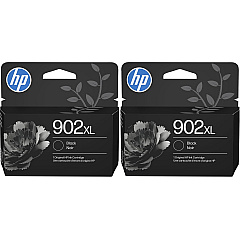
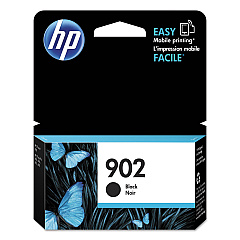
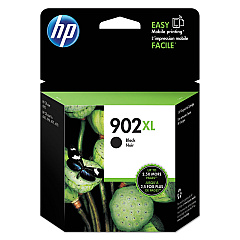
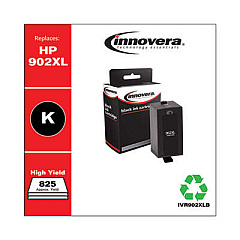
HP OfficeJet Pro 6964 Black Ink Cartridges

HP OfficeJet Pro 6964 Color Ink Cartridges

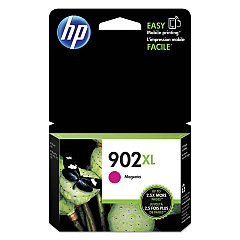
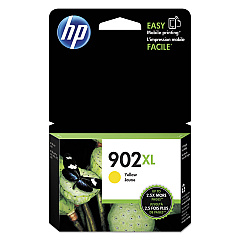
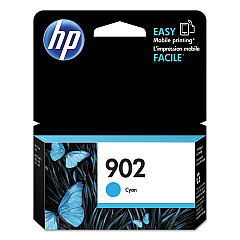
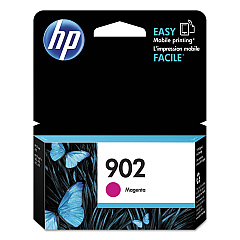
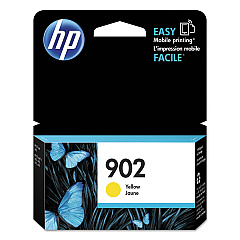
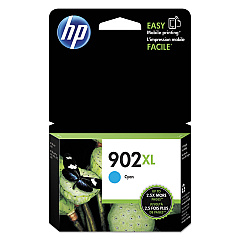
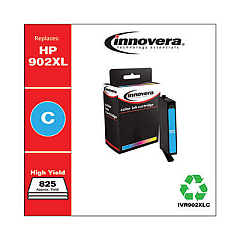
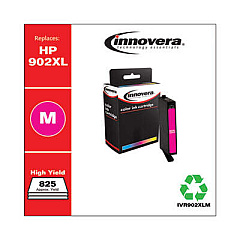
Enhance your printing experience with genuine HP OfficeJet Pro 6964 Ink Cartridges. These high-quality cartridges are designed to deliver exceptional results for your business, educational, governmental, healthcare, or wholesale printing needs. Choose from a range of options including HP T6L86AN Cyan, T6L90AN Magenta, T6L94AN Yellow, and T6L98AN Black cartridges for standard printing, or opt for the high-yield versions: HP T6M02AN Cyan, T6M06AN Magenta, T6M10AN Yellow, and T6M14AN Black. These cartridges ensure crisp text, vibrant colors, and long-lasting prints that resist fading. Compatible with your HP OfficeJet Pro 6964 printer, these cartridges are easy to install and provide reliable performance. Whether you're printing important documents, presentations, or marketing materials, trust HP OfficeJet Pro 6964 Ink Cartridges to deliver professional-quality results every time.

HP OfficeJet Pro 6964 Ink Cartridges FAQs

  • How long do HP OfficeJet Pro 6964 Ink Cartridges typically last?

    The lifespan of ink cartridges varies depending on usage, but standard cartridges typically yield around 300-400 pages, while high-yield cartridges can print up to 825 pages for color and 1,500 pages for black.

  • Are these cartridges compatible with other HP printer models?

    These cartridges are specifically designed for the HP OfficeJet Pro 6964 printer. Always check your printer's compatibility before purchasing ink cartridges.

  • Can I use third-party ink cartridges in my HP OfficeJet Pro 6964?

    While third-party cartridges may work, HP recommends using genuine HP ink cartridges to ensure optimal print quality and to protect your printer's warranty.

  • What's the difference between standard and high-yield cartridges?

    High-yield cartridges contain more ink and can print more pages than standard cartridges, making them more cost-effective for high-volume printing.

  • How do I install new ink cartridges in my HP OfficeJet Pro 6964?

    Open the ink cartridge access door, wait for the carriage to move to the center, remove the old cartridge, insert the new one, and close the access door. The printer will automatically align the cartridges.

  • Can I recycle used HP ink cartridges?

    Yes, HP offers a free recycling program for used ink cartridges. You can return them to participating retailers or request a free shipping label from HP's website.

  • How can I tell if my ink cartridge is genuine HP?

    Look for the HP logo on the packaging and cartridge, check for a hologram on the security label, and verify the warranty end date, which should be far in the future for new cartridges.

  • What should I do if my printer doesn't recognize the new cartridge?

    Try removing and reinserting the cartridge, cleaning the cartridge contacts, or running a printer diagnostic. If issues persist, contact HP support.

  • Can I mix high-yield and standard cartridges in my printer?

    Yes, you can use a combination of high-yield and standard cartridges in your HP OfficeJet Pro 6964 printer without any issues.

  • How should I store unused ink cartridges?

    Store unused cartridges in their original sealed packaging at room temperature. Avoid extreme temperatures and direct sunlight to maintain ink quality.

Warehouse Locations

Policy & Agreement | Copyright © 1995-2026 BlueDogInk.com
