




Ads

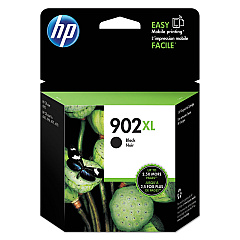
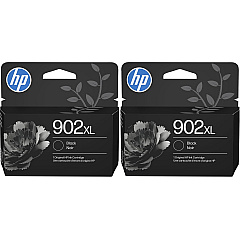
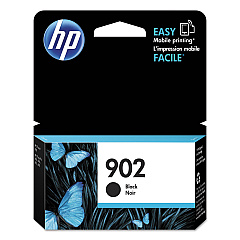
HP Officejet Pro 6875 Black Ink Cartridges

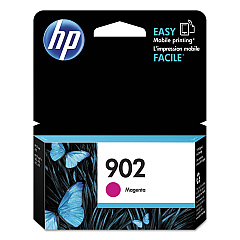
HP Officejet Pro 6875 Color Ink Cartridges

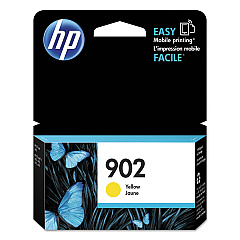
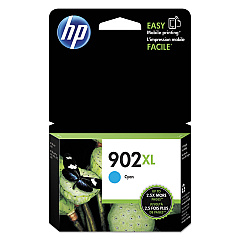
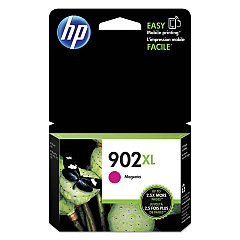
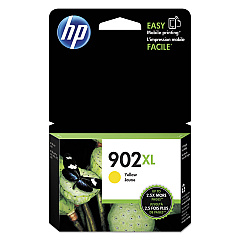
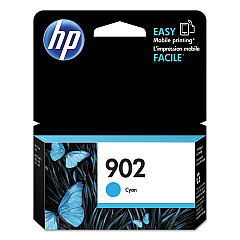
Ensure uninterrupted, high-quality printing with genuine HP Officejet Pro 6875 Ink Cartridges. These reliable cartridges are designed specifically for your HP Officejet Pro 6875 printer, delivering crisp text and vibrant colors for all your business documents. Choose from a range of options including HP T6L86AN Cyan, T6L90AN Magenta, T6L94AN Yellow, and T6L98AN Black cartridges for standard yield, or opt for the high-capacity HP T6M02AN Cyan, T6M06AN Magenta, T6M10AN Yellow, and T6M14AN Black cartridges for more extensive printing needs. With these authentic HP ink cartridges, you'll experience consistent, professional-grade results page after page. Don't compromise on quality – trust HP Officejet Pro 6875 Ink Cartridges to keep your office running smoothly and efficiently.

HP Officejet Pro 6875 Printers Supplies FAQs

  • Are these ink cartridges compatible with other HP printers?

    These cartridges are specifically designed for the HP Officejet Pro 6875 printer. Always check your printer's compatibility before purchasing.

  • What's the difference between standard and high-capacity cartridges?

    High-capacity cartridges contain more ink and are ideal for high-volume printing, while standard cartridges are suitable for regular use.

  • How long do these ink cartridges typically last?

    The lifespan of ink cartridges varies depending on usage, but high-capacity cartridges generally last longer than standard ones.

  • Can I use third-party ink cartridges in my HP Officejet Pro 6875?

    While third-party cartridges may work, using genuine HP cartridges ensures optimal print quality and printer performance.

  • How do I install these ink cartridges?

    Installation is simple: open the printer's ink cartridge access door, remove the old cartridge, and insert the new one until it clicks into place.

  • Are these cartridges environmentally friendly?

    HP offers a recycling program for used ink cartridges, contributing to environmental sustainability.

  • What should I do if my printer doesn't recognize the new cartridge?

    Try removing and reinserting the cartridge. If the issue persists, clean the cartridge contacts and try again.

  • Can I buy these cartridges in bulk?

    Yes, bulk purchasing options are often available and can be more cost-effective for high-volume users.

  • How can I extend the life of my ink cartridges?

    Print in draft mode for non-critical documents, maintain your printer regularly, and avoid leaving the printer idle for long periods.

  • What's the shelf life of unopened ink cartridges?

    Unopened HP ink cartridges typically have a shelf life of 24 months from the date of manufacture when stored properly.

Warehouse Locations

Policy & Agreement | Copyright © 1995-2026 BlueDogInk.com
