




Ads

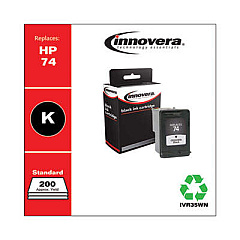
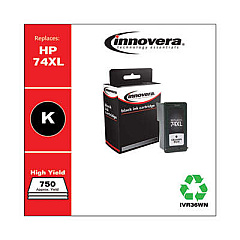
HP OfficeJet J6400 Series Black Ink Cartridges

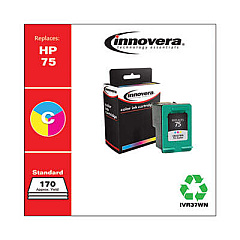
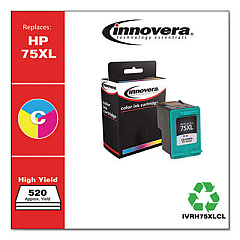
HP OfficeJet J6400 Series Color Ink Cartridges

Enhance your printing experience with genuine HP OfficeJet J6400 Series Ink Cartridges. These high-quality cartridges are designed specifically for your HP OfficeJet J6400 printer, ensuring optimal performance and stunning results. The series includes the HP CB335WN Black Ink Cartridge for crisp text and sharp documents, and the HP CB337WN Tricolor Ink Cartridge for vibrant color prints. These cartridges deliver exceptional page yields, allowing you to print more while reducing cartridge changes. With HP's advanced ink formulation, your prints resist fading and smudging, maintaining their quality for years. Whether you're printing important business documents or colorful family photos, HP OfficeJet J6400 Series Ink Cartridges provide reliable, professional-quality results every time. Trust in HP's commitment to sustainability with their cartridge recycling program, making these cartridges an eco-friendly choice for your printing needs.

HP OfficeJet J6400 Series Ink Cartridges FAQs

  • How long do HP OfficeJet J6400 Series Ink Cartridges typically last?

    The lifespan of the cartridges depends on usage, but on average, the black cartridge yields about 200 pages, while the color cartridge yields about 170 pages.

  • Are these cartridges compatible with other HP printer models?

    These cartridges are specifically designed for the HP OfficeJet J6400 series. Always check your printer's compatibility before purchasing.

  • Can I use third-party ink cartridges in my HP OfficeJet J6400 printer?

    While third-party cartridges may work, HP recommends using genuine HP cartridges for optimal print quality and to maintain your printer's warranty.

  • How do I install the ink cartridges in my HP OfficeJet J6400 printer?

    Open the printer's front access door, wait for the carriage to move to the center, then insert the cartridges into their respective slots until they click into place.

  • What should I do if my printer doesn't recognize the new cartridge?

    Try removing and reinserting the cartridge, ensuring it's properly seated. If the issue persists, clean the cartridge contacts and try again.

  • Can I recycle my used HP ink cartridges?

    Yes, HP offers a free recycling program for their ink cartridges. You can return them to HP or drop them off at participating retail locations.

  • How can I tell if my ink cartridge is genuine HP?

    Look for the HP logo on the packaging and cartridge. You can also check the security label for holographic features and a QR code for verification.

  • What's the shelf life of unopened HP ink cartridges?

    Unopened HP ink cartridges typically have a shelf life of 24 months from the date of manufacture when stored properly.

  • Can I use the color cartridge if the black cartridge is empty?

    Some HP printers allow you to print using only the color cartridge, but print quality may be affected. It's best to replace the empty black cartridge.

  • How can I troubleshoot print quality issues with these cartridges?

    Try cleaning the print heads, aligning the cartridges, and ensuring you're using genuine HP cartridges. If issues persist, check your printer manual for more troubleshooting steps.

Warehouse Locations

Policy & Agreement | Copyright © 1995-2026 BlueDogInk.com
