





Ads

HP Officejet Enterprise X585f Black Ink Cartridges

HP Officejet Enterprise X585f Color Ink Cartridges

HP Officejet Enterprise X585f Ink Set

HP Officejet Enterprise X585f Maintenance Kits

HP Officejet Enterprise X585f Copy Paper

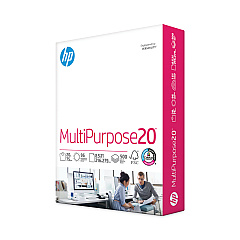
  • HP 115100 Multipurpose Paper

    Item 115100

    HP 115100 Multipurpose Paper

    HPM115RC Multipurpose Ultra White Paper, 96 Brightness, 20lb, 8-1/2 x 11, 500 sh..

    Status

    In Stock

    $50.99

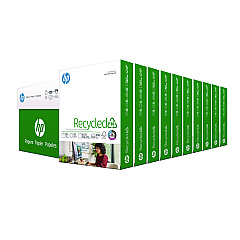
  • HP 112100 Recycled Paper

    Item 112100

    HP 112100 Recycled Paper

    HPE1120C Recycled Paper, 92 Bright, 20lb, 8-1/2 x 11, 500 sheets per ream, 10 re..

    Status

    In Stock

    Free Shipping

    $97.72

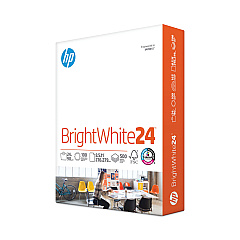
  • HP 203000 Bright White Inkjet Paper

    Item 203000

    HP 203000 Bright White Inkjet Paper

    HPB1124 Bright White Inkjet Paper, 97 Brightness, 24lb, 8-1/2 x 11, 500 Sheets/R..

    Status

    In Stock

    $14.10

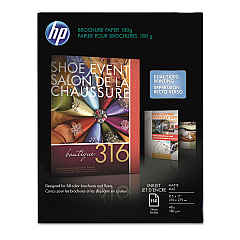
  • HP CH016A Inkjet Brochure Paper

    Item CH016A

    HP CH016A Inkjet Brochure Paper

    Inkjet Brochure/Flyer Paper, 103 Brightness, 48lb, 8-1/2 x 11, White, 150/Pack..

    Status

    In Stock

    $44.30

  • HP 112000 Multipurpose Paper

    Item 112000

    HP 112000 Multipurpose Paper

    HPM1120R Multipurpose Ultra White Paper, 96 Brightness, 20lb, 8 1/2 x 11, 500 Sh..

    Status

    In Stock

    $10.09

HP Officejet Enterprise X585f Photo Paper

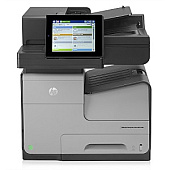
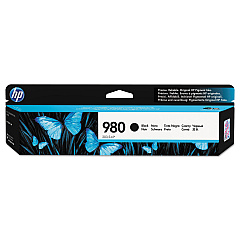
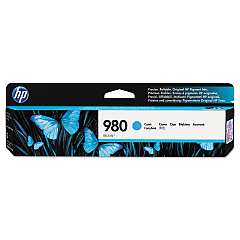
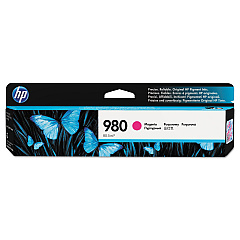
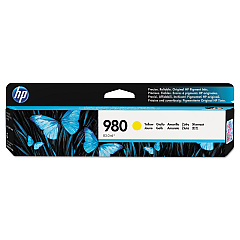
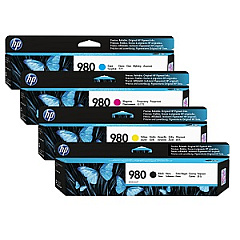
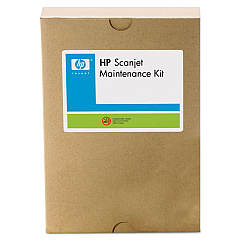
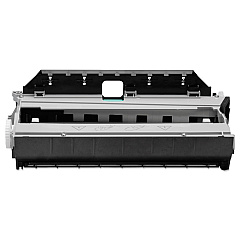
Ensure peak performance from your HP Officejet Enterprise X585f with genuine HP Officejet Enterprise X585f Ink Cartridges. This high-volume printer demands reliable supplies to maintain its exceptional print quality and efficiency. The comprehensive range includes the HP 980 Ink Cartridge Set, offering vibrant colors and crisp black text. For maintenance, the HP B5L09A Ink Collection Unit and HP L2718A ADF Roller Replacement Kit keep your device running smoothly. Individual cartridges - HP D8J07A Cyan, HP D8J08A Magenta, HP D8J09A Yellow, and HP D8J10A Black - allow for cost-effective color management. These cartridges are designed to work seamlessly with your X585f, delivering professional-quality prints page after page. Whether you're printing reports, presentations, or marketing materials, these genuine HP supplies ensure your X585f continues to meet the demands of your busy office environment.

HP Officejet Enterprise X585f Ink Cartridges FAQs

  • How long do HP Officejet Enterprise X585f ink cartridges typically last?

    The lifespan of cartridges varies depending on usage, but HP 980 cartridges typically yield around 6,600 pages for color and 10,000 pages for black.

  • Can I use non-HP ink cartridges in my X585f printer?

    While third-party cartridges may work, HP recommends using genuine HP cartridges to ensure optimal print quality and printer performance.

  • How often should I replace the HP B5L09A Ink Collection Unit?

    The ink collection unit should be replaced when prompted by the printer, typically after processing about 150,000 pages.

  • Are these ink cartridges compatible with other HP printers?

    HP 980 ink cartridges are designed specifically for the HP Officejet Enterprise X series and are not compatible with other HP printer models.

  • What's the shelf life of unopened HP 980 ink cartridges?

    Unopened HP 980 ink cartridges typically have a shelf life of 24 months from the date of manufacture.

  • How do I know when it's time to replace the ADF Roller Replacement Kit?

    Replace the ADF Roller Kit after approximately 150,000 scans or when you notice degradation in scan quality or paper feeding issues.

  • Can I recycle used HP ink cartridges?

    Yes, HP offers a free recycling program for genuine HP ink cartridges. You can return them via HP Planet Partners program.

  • What's the difference between standard and high-yield cartridges for the X585f?

    The HP 980 cartridges for the X585f are all high-yield cartridges, designed for high-volume printing environments.

  • How can I extend the life of my ink cartridges?

    To extend cartridge life, print only when necessary, use draft mode for internal documents, and keep the printer on to maintain printhead health.

  • What should I do if my printer doesn't recognize a new ink cartridge?

    Try removing and reinserting the cartridge, cleaning the contacts, or updating your printer's firmware. If issues persist, contact HP support.

Warehouse Locations

Policy & Agreement | Copyright © 1995-2026 BlueDogInk.com
