




Ads

HP LaserJet Pro MFP M426dw Black Toner Cartridges

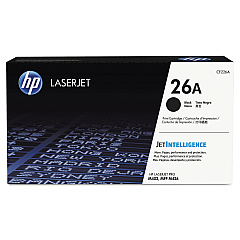
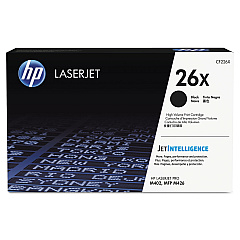
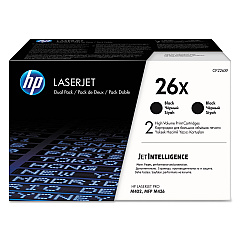
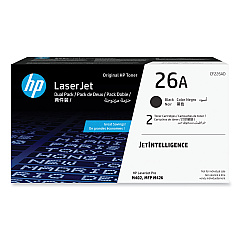
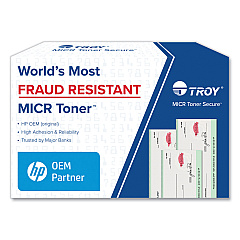
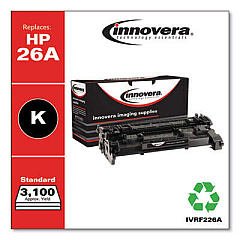
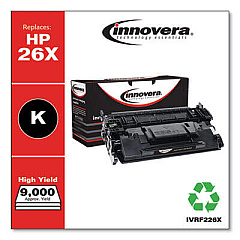
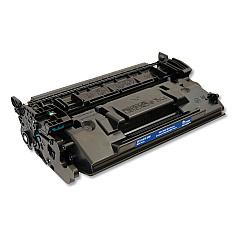
Enhance your printing experience with genuine HP LaserJet Pro MFP M426dw Toner Cartridges. These high-quality cartridges are designed to deliver exceptional results for businesses, schools, government offices, and healthcare facilities. Choose from a range of options, including the HP 26A Black Dual Toner Cartridge (CF226AD) for extended printing, the standard HP CF226A Black Toner Cartridge for everyday use, the high-yield HP CF226X Black Toner Cartridge for increased efficiency, and the HP CF226XD Black Toner Cartridge Pack for bulk savings. These cartridges ensure crisp, professional-quality prints with sharp text and clear graphics. Compatible with the HP LaserJet Pro MFP M426dw printer, these toner cartridges offer reliability, consistency, and optimal performance. Maximize your productivity and minimize downtime with these genuine HP supplies, designed to work seamlessly with your printer for superior results.

HP LaserJet Pro MFP M426dw Toner Cartridges FAQs

  • What is the page yield for the HP CF226A Black Toner Cartridge?

    The HP CF226A Black Toner Cartridge has an approximate page yield of 3,100 pages.

  • Is the HP CF226X Black Toner Cartridge compatible with the HP LaserJet Pro MFP M426dw?

    Yes, the HP CF226X Black Toner Cartridge is fully compatible with the HP LaserJet Pro MFP M426dw printer.

  • What is the difference between the CF226A and CF226X toner cartridges?

    The CF226X is a high-yield cartridge with a higher page yield compared to the standard CF226A cartridge.

  • How long do HP LaserJet Pro MFP M426dw Toner Cartridges typically last?

    The lifespan of toner cartridges depends on usage, but they generally last several months to a year for average users.

  • Can I use non-HP toner cartridges in my HP LaserJet Pro MFP M426dw?

    While third-party cartridges may work, using genuine HP toner cartridges ensures optimal print quality and printer performance.

  • What is the benefit of purchasing the HP 26A Black Dual Toner Cartridge pack?

    The dual pack offers cost savings and convenience by providing two cartridges in one package, reducing the frequency of replacements.

  • How do I install a new toner cartridge in the HP LaserJet Pro MFP M426dw?

    Open the printer's front cover, remove the old cartridge, and insert the new one until it clicks into place. Close the cover to complete installation.

  • Are HP LaserJet Pro MFP M426dw Toner Cartridges recyclable?

    Yes, HP offers a free recycling program for used toner cartridges through their HP Planet Partners initiative.

  • What should I do if I experience print quality issues with my new toner cartridge?

    Try removing and reinserting the cartridge, running a printer cleaning cycle, or contacting HP support for further assistance.

  • Can I store unused HP LaserJet Pro MFP M426dw Toner Cartridges for later use?

    Yes, store unopened cartridges in a cool, dry place away from direct sunlight. Use within the expiration date for best results.

Warehouse Locations

Policy & Agreement | Copyright © 1995-2026 BlueDogInk.com
