




Ads

HP LaserJet Pro MFP M227sdn Black Toner Cartridges

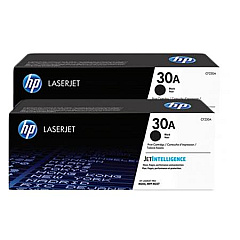
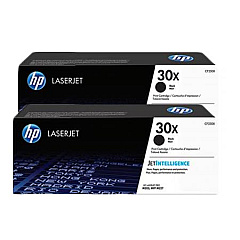
HP LaserJet Pro MFP M227sdn Toner Set

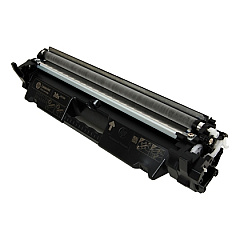
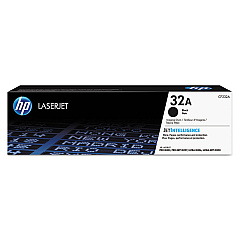
HP LaserJet Pro MFP M227sdn Drum Units

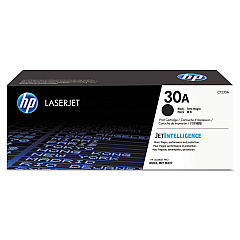
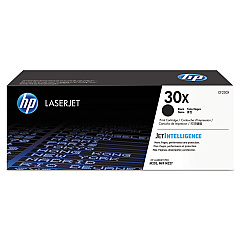
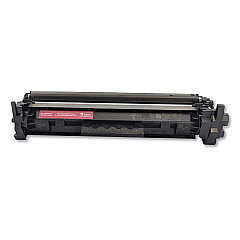
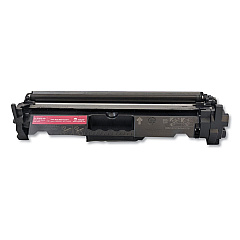
Enhance your printing experience with genuine HP LaserJet Pro MFP M227sdn Toner Cartridges. These high-quality supplies ensure optimal performance and crisp, professional results for your business, educational, or healthcare needs. Choose from a range of options, including the cost-effective HP 30A Black Toner Cartridge 2-pack or the high-yield HP 30X Black Toner Cartridge 2-pack for increased productivity. For individual replacements, the HP CF230A and CF230X Black Toner Cartridges offer reliable output. Don't forget the HP CF232A Imaging Drum, essential for maintaining print quality. These authentic HP supplies are designed specifically for your M227sdn printer, guaranteeing compatibility and longevity. Invest in genuine HP LaserJet Pro MFP M227sdn Toner Cartridges to maximize your printer's potential and deliver consistently impressive documents that meet the demands of your professional environment.

HP LaserJet Pro MFP M227sdn Toner Cartridges FAQs

  • What is the page yield for the HP 30A Black Toner Cartridge?

    The HP 30A Black Toner Cartridge has a page yield of approximately 1,600 pages.

  • How does the HP 30X High Yield Black Toner Cartridge differ from the standard 30A?

    The HP 30X High Yield Black Toner Cartridge offers a higher page yield of about 3,500 pages, compared to the 1,600 pages of the standard 30A cartridge.

  • Are these toner cartridges compatible with other HP LaserJet models?

    These cartridges are specifically designed for the HP LaserJet Pro MFP M227sdn and may not be compatible with other models. Always check your printer's compatibility before purchasing.

  • How often should I replace the HP CF232A Imaging Drum?

    The HP CF232A Imaging Drum typically needs replacement after processing about 23,000 pages, but this can vary based on usage patterns.

  • Can I use third-party toner cartridges in my HP LaserJet Pro MFP M227sdn?

    While third-party cartridges may work, using genuine HP toner cartridges ensures optimal print quality and prevents potential damage to your printer.

  • What's the benefit of buying the 2-pack toner cartridges?

    Purchasing 2-pack toner cartridges often provides cost savings compared to buying individual cartridges and ensures you have a replacement on hand.

  • How can I tell when it's time to replace my toner cartridge?

    Your printer will typically display a low toner warning. You may also notice a decrease in print quality or faded text.

  • Are these toner cartridges environmentally friendly?

    HP offers a recycling program for used toner cartridges, helping to reduce environmental impact. Check HP's website for details on their recycling initiatives.

  • What's the shelf life of unopened toner cartridges?

    Unopened toner cartridges typically have a shelf life of about two years when stored in proper conditions (cool, dry place away from direct sunlight).

  • Can I use the high-yield (30X) cartridge if my printer currently has a standard (30A) cartridge?

    Yes, the high-yield 30X cartridge is compatible with printers that use the standard 30A cartridge. It will provide more prints before needing replacement.

Warehouse Locations

Policy & Agreement | Copyright © 1995-2026 BlueDogInk.com
