




Ads

HP LaserJet Pro 500 Color MFP M570dn Black Toner Cartridges

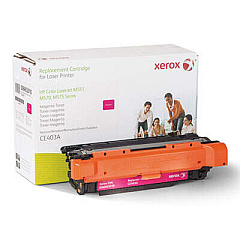
HP LaserJet Pro 500 Color MFP M570dn Color Toner Cartridges

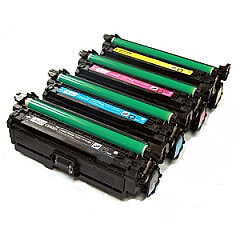
HP LaserJet Pro 500 Color MFP M570dn Toner Set

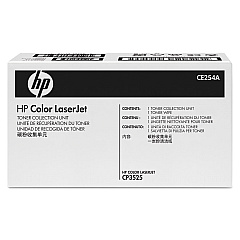
HP LaserJet Pro 500 Color MFP M570dn Waste Toner Kits

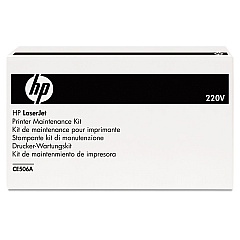
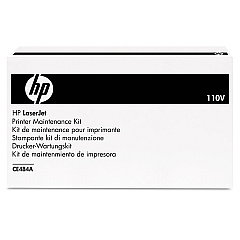
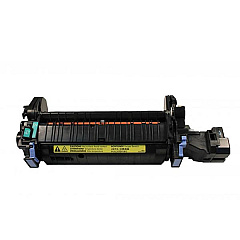
HP LaserJet Pro 500 Color MFP M570dn Fusers

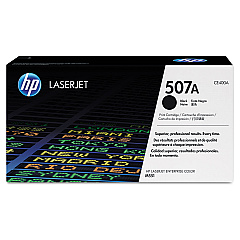
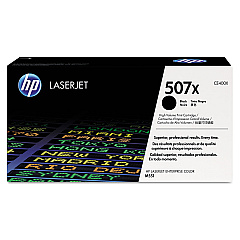
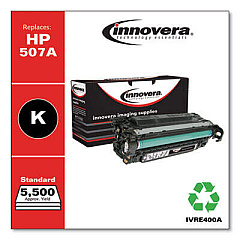
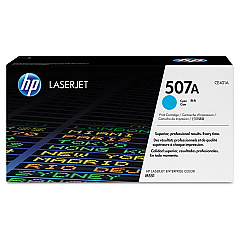
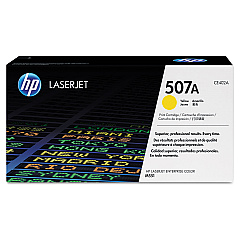
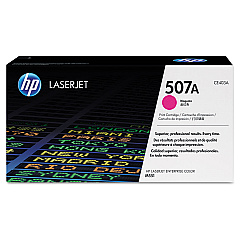
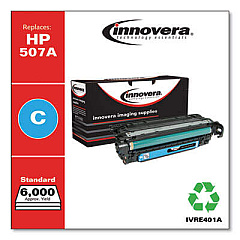
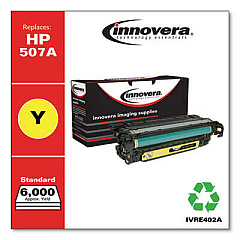
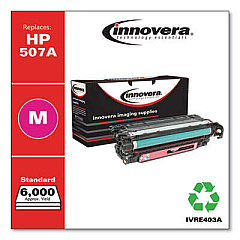
Enhance your printing experience with genuine HP LaserJet Pro 500 Color MFP M570dn Toner Cartridges. This versatile multifunction printer demands high-quality supplies to deliver exceptional results. Our comprehensive range includes the essential HP CE254A Toner Collection Unit, standard HP CE400A and high-yield HP CE400X Black Toner Cartridges, as well as vibrant HP CE401A Cyan, HP CE402A Yellow, and HP CE403A Magenta Toner Cartridges. For optimal performance, we also offer the HP CE484A Fuser and HP CE506A Fuser Kit. These authentic HP supplies ensure crisp text, vivid colors, and professional-quality prints every time. Whether you're printing business documents, marketing materials, or high-resolution images, these toner cartridges are designed to meet the demands of your busy office environment, providing reliability and cost-effectiveness for all your printing needs.

HP LaserJet Pro 500 Color MFP M570dn Toner Cartridges FAQs

  • How long do HP LaserJet Pro 500 Color MFP M570dn toner cartridges typically last?

    The lifespan of toner cartridges varies depending on usage, but standard black cartridges typically yield around 5,500 pages, while color cartridges yield about 6,000 pages. High-yield black cartridges can print up to 11,000 pages.

  • Are these toner cartridges compatible with other HP printers?

    These specific toner cartridges are designed for the HP LaserJet Pro 500 Color MFP M570dn. They may be compatible with some other HP models, but it's best to check your printer's specifications to ensure compatibility.

  • What's the difference between the CE400A and CE400X black toner cartridges?

    The CE400X is a high-yield cartridge that can print approximately twice as many pages as the standard CE400A cartridge, making it more cost-effective for high-volume printing.

  • How often should I replace the toner collection unit?

    The toner collection unit (CE254A) should be replaced when indicated by your printer, typically after processing about 36,000 pages.

  • Can I use third-party toner cartridges in this printer?

    While third-party cartridges may work, using genuine HP toner cartridges ensures optimal print quality and printer performance, and helps maintain your printer's warranty.

  • What's the purpose of the fuser kit?

    The fuser kit (CE506A) is responsible for bonding the toner to the paper. It should be replaced periodically to maintain print quality and prevent paper jams.

  • How do I know when it's time to replace a toner cartridge?

    Your printer will display a message when toner levels are low. You may also notice a decrease in print quality, such as faded or streaky prints.

  • Are these toner cartridges environmentally friendly?

    Yes, HP offers a recycling program for used toner cartridges, helping to reduce environmental impact. The cartridges are designed with recyclability in mind.

  • Can I replace individual color toner cartridges, or do I need to replace all at once?

    You can replace individual color cartridges as needed. There's no need to replace all colors simultaneously unless they're all depleted.

  • What's the shelf life of unopened toner cartridges?

    Unopened toner cartridges typically have a shelf life of about two years. It's best to store them in a cool, dry place away from direct sunlight.

Warehouse Locations

Policy & Agreement | Copyright © 1995-2026 BlueDogInk.com
