




Ads

HP LaserJet Pro 400 M401n Black Toner Cartridges

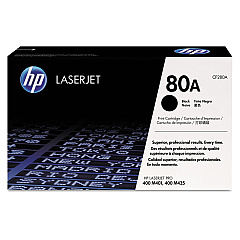
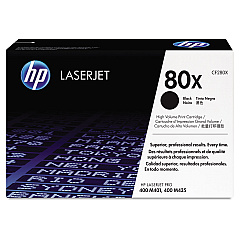
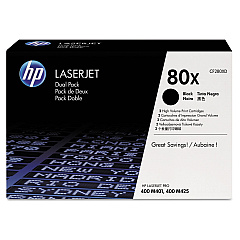
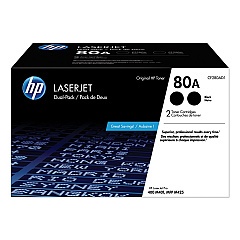
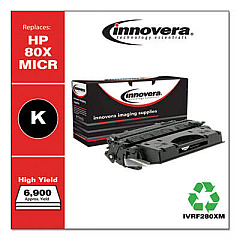
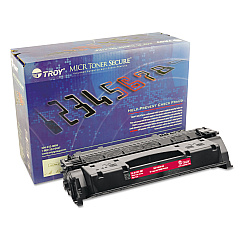
Ensure uninterrupted, high-quality printing with genuine HP LaserJet Pro 400 M401n Toner Cartridges. These reliable cartridges are designed specifically for your HP LaserJet Pro 400 M401n printer, delivering crisp, professional-grade text and graphics. Choose from a range of options, including the standard CF280A, high-yield CF280X, and cost-effective dual packs CF280AD1 and CF280XD. These cartridges offer exceptional page yields, reducing the frequency of replacements and minimizing downtime. Whether you're printing important business documents, educational materials, or healthcare records, these toner cartridges ensure consistent, smudge-free results. Compatible with various industries, including government and wholesale sectors, HP LaserJet Pro 400 M401n Toner Cartridges provide the perfect balance of quality, efficiency, and value for your printing needs.

HP LaserJet Pro 400 M401n Toner Cartridges FAQs

  • What is the page yield for the HP CF280A toner cartridge?

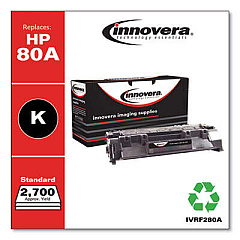
    The HP CF280A toner cartridge has an approximate page yield of 2,700 pages.

  • How does the CF280X differ from the CF280A?

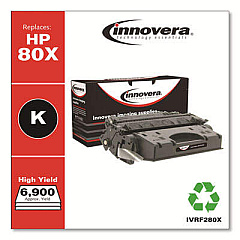
    The CF280X is a high-yield cartridge with an approximate page yield of 6,900 pages, while the CF280A yields about 2,700 pages.

  • Are these toner cartridges compatible with other HP printers?

    These cartridges are specifically designed for the HP LaserJet Pro 400 M401n and may not be compatible with other printer models.

  • What are the benefits of using genuine HP toner cartridges?

    Genuine HP toner cartridges ensure optimal print quality, reliability, and printer performance, and they're covered by HP's warranty.

  • How long do these toner cartridges typically last?

    The lifespan of a toner cartridge depends on usage, but generally, the CF280A lasts for about 2,700 pages and the CF280X for about 6,900 pages.

  • What is a dual pack toner cartridge?

    A dual pack, like the CF280AD1 or CF280XD, contains two toner cartridges in one package, offering cost savings for high-volume users.

  • Can I recycle these toner cartridges?

    Yes, HP offers a free recycling program for their toner cartridges through the HP Planet Partners program.

  • How do I install a new toner cartridge in my HP LaserJet Pro 400 M401n?

    Open the front cover, remove the old cartridge, unpack the new one, and insert it into the printer. Close the cover to complete installation.

  • What should I do if I experience print quality issues?

    First, ensure you're using genuine HP toner cartridges. If issues persist, try cleaning the printer and checking for any error messages or damaged parts.

  • How can I extend the life of my toner cartridge?

    To extend cartridge life, use draft mode for non-critical prints, print in grayscale when possible, and avoid unnecessary reprints by previewing documents before printing.

Warehouse Locations

Policy & Agreement | Copyright © 1995-2026 BlueDogInk.com
