




Ads

HP LaserJet Pro 200 Color M251n Black Toner Cartridges

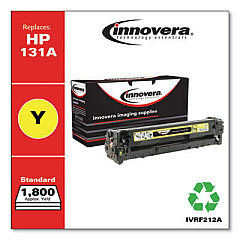
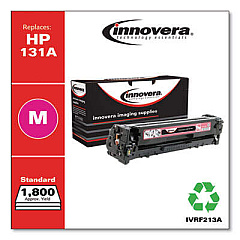
HP LaserJet Pro 200 Color M251n Color Toner Cartridges

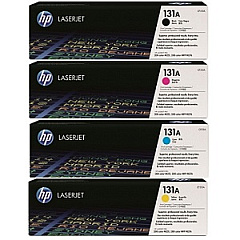
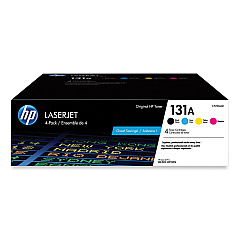
HP LaserJet Pro 200 Color M251n Toner Set

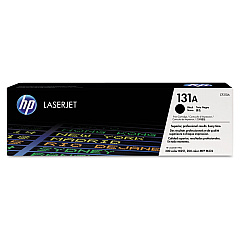
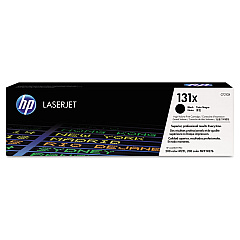
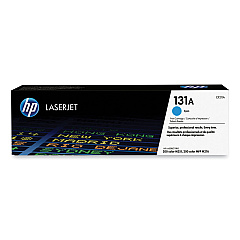
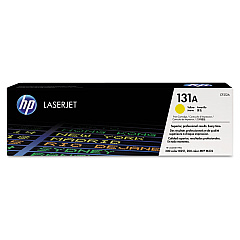
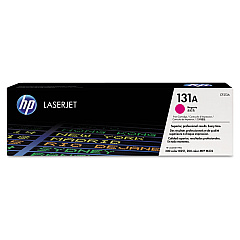
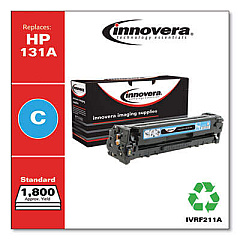
Enhance your printing experience with genuine HP LaserJet Pro 200 Color M251n Toner Cartridges. These high-quality cartridges ensure crisp text and vibrant colors for all your professional documents. Choose from a range of options including the HP 131A Black/Cyan/Magenta/Yellow Toner Cartridge bundle for comprehensive coverage, or individual cartridges like the CF210A Black, CF210X High-Yield Black, CF211A Cyan, CF212A Yellow, and CF213A Magenta. Each cartridge is designed to deliver consistent, reliable performance, maximizing your printer's potential. Whether you're printing reports, presentations, or marketing materials, these toner cartridges provide exceptional results page after page. Trust in HP's advanced technology to produce sharp, professional-quality prints that make a lasting impression. Invest in genuine HP toner cartridges to keep your LaserJet Pro 200 Color M251n running smoothly and efficiently.

HP LaserJet Pro 200 Color M251n Toner Cartridges FAQs

  • What is the page yield for the HP 131A Black toner cartridge?

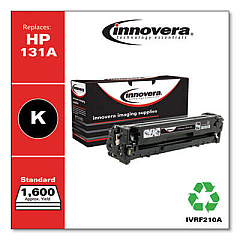
    The HP 131A Black toner cartridge (CF210A) has an approximate page yield of 1,600 pages.

  • Are these toner cartridges compatible with other HP printers?

    These cartridges are specifically designed for the HP LaserJet Pro 200 Color M251n printer. Always check your printer's compatibility before purchasing.

  • What's the difference between CF210A and CF210X black toner cartridges?

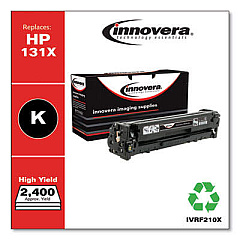
    The CF210X is a high-yield cartridge that produces more pages than the standard CF210A, making it more economical for high-volume printing.

  • How long do these toner cartridges typically last?

    The lifespan of a toner cartridge depends on your printing volume and habits. Under normal use, they can last several months to a year.

  • Can I use third-party toner cartridges in my HP LaserJet Pro 200 Color M251n?

    While third-party cartridges may work, HP recommends using genuine HP toner cartridges for optimal print quality and printer performance.

  • How do I install a new toner cartridge in my HP LaserJet Pro 200 Color M251n?

    Open the front cover, remove the old cartridge, and insert the new one until it clicks into place. Close the cover to complete installation.

  • Are these toner cartridges environmentally friendly?

    Yes, HP offers a recycling program for used toner cartridges, helping to reduce environmental impact.

  • What should I do if my prints are coming out faded or streaky?

    First, try redistributing the toner by gently shaking the cartridge. If the problem persists, it may be time to replace the cartridge.

  • Can I buy these toner cartridges in bulk?

    Yes, you can purchase the HP 131A Toner Cartridge Bundle, which includes all four colors, or buy individual cartridges in larger quantities.

  • How can I tell if my toner cartridge is genuine HP?

    Look for the HP hologram on the packaging and the security seal on the cartridge itself. You can also verify the authenticity code on HP's website.

Warehouse Locations

Policy & Agreement | Copyright © 1995-2026 BlueDogInk.com
