




Ads

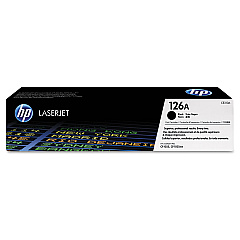
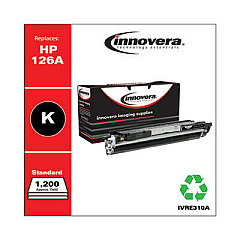
HP LaserJet Pro 100 Color MFP M175nw Black Toner Cartridges

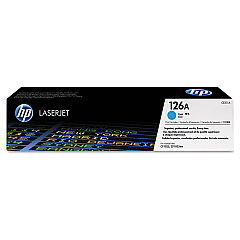
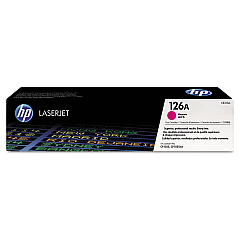
HP LaserJet Pro 100 Color MFP M175nw Color Toner Cartridges

HP LaserJet Pro 100 Color MFP M175nw Drum Units

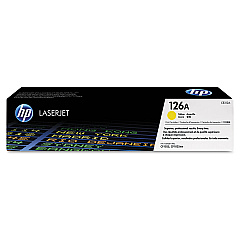
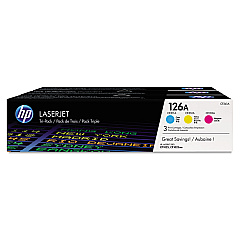
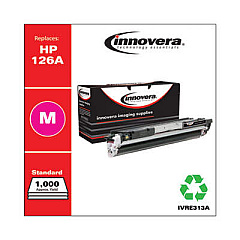
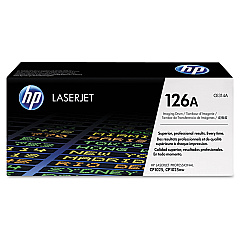
Enhance your printing experience with genuine HP LaserJet Pro 100 Color MFP M175nw Toner Cartridges. This versatile multifunction printer demands high-quality supplies for optimal performance. Choose from a range of options, including the cost-effective HP 126A Toner Cartridge Bundle or individual cartridges like the CE310A Black, CE311A Cyan, CE312A Yellow, and CE313A Magenta. For maximum efficiency, consider the CF341A Color Toner Cartridge Tri-Pack. Don't forget the CE314A Imaging Drum to maintain crisp, clear prints. These authentic HP cartridges ensure vibrant colors, sharp text, and professional-quality documents every time. Whether you're printing reports, presentations, or marketing materials, these toner cartridges deliver consistent results page after page. Trust in HP's reliability and superior print quality to keep your office productive and your documents looking their best.

HP LaserJet Pro 100 Color MFP M175nw Toner Cartridges FAQs

  • How long do HP LaserJet Pro 100 Color MFP M175nw toner cartridges last?

    The lifespan of toner cartridges varies depending on usage, but typically, black cartridges yield about 1,200 pages, while color cartridges yield about 1,000 pages each.

  • Can I use third-party toner cartridges in my HP LaserJet Pro 100 Color MFP M175nw?

    While third-party cartridges may work, HP recommends using genuine HP toner cartridges for optimal print quality and to protect your printer's warranty.

  • How often should I replace the imaging drum?

    The HP CE314A Imaging Drum typically lasts for about 14,000 pages in black or 7,000 pages in color. Replace it when print quality deteriorates or when prompted by the printer.

  • What's the difference between the individual cartridges and the tri-pack?

    Individual cartridges allow you to replace only the color you need, while the tri-pack includes cyan, magenta, and yellow cartridges, often at a slightly lower cost per cartridge.

  • Are these toner cartridges compatible with other HP printers?

    These specific cartridges are designed for the HP LaserJet Pro 100 Color MFP M175nw and may not be compatible with other printer models. Always check your printer's compatibility before purchasing.

  • How can I tell if my toner cartridge is running low?

    Your printer will display a warning message when toner levels are low. You can also check toner levels through the printer's control panel or your computer's printer software.

  • Is it necessary to replace all color cartridges at once?

    No, you can replace individual color cartridges as needed. However, for best color balance, consider replacing all color cartridges if they're all running low.

  • Can I recycle my used toner cartridges?

    Yes, HP offers a free recycling program for genuine HP toner cartridges. You can return them to participating retailers or request a shipping label from HP's website.

  • What should I do if I experience print quality issues?

    First, check if any cartridges need replacement. If issues persist, try cleaning the printer heads or replacing the imaging drum. Consult your printer's manual for troubleshooting steps.

  • How should I store unused toner cartridges?

    Store unused cartridges in their original packaging, in a cool, dry place away from direct sunlight. Avoid extreme temperatures and humidity to maintain cartridge quality.

Warehouse Locations

Policy & Agreement | Copyright © 1995-2026 BlueDogInk.com
