










Ads

HP LaserJet P3015x Black Toner Cartridges

HP LaserJet P3015x Fusers

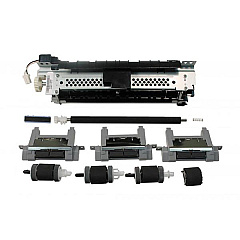
HP LaserJet P3015x Maintenance Kits

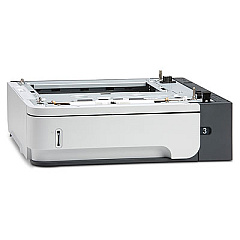
HP LaserJet P3015x Paper Trays

HP LaserJet P3015x Printer Parts

HP LaserJet P3015x Warranty and Services

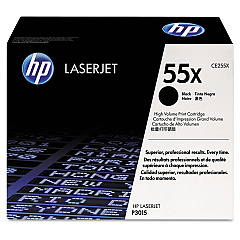
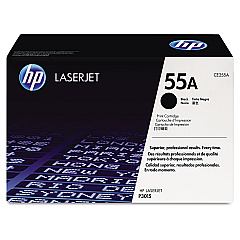
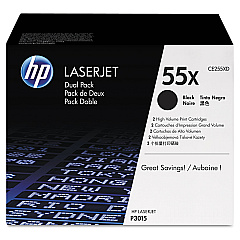
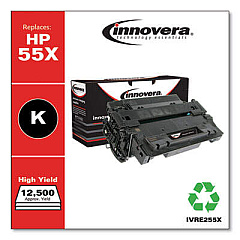
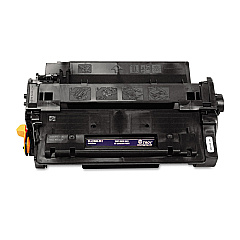
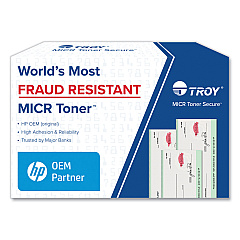
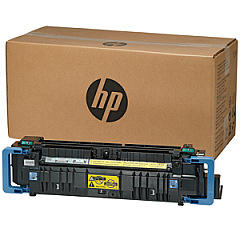
Enhance your printing efficiency with genuine HP LaserJet P3015x Toner Cartridges and supplies. Our comprehensive range includes the standard CE255A and high-yield CE255X black toner cartridges, as well as the cost-effective CE255XD dual pack. For increased paper capacity, consider the CE530-69002 500-Sheet Feeder or CE530A Paper Tray. Boost network connectivity with the J8025A#ABA Jetdirect 640n Gigabit Ethernet Print Server. We also offer essential maintenance parts like the RC2-8575 Separation Pad, RM1-6274 Fuser, and RM1-6279 Paper Input Tray Assembly. Keep your printer running smoothly with the RM1-6292 Rear Cover, RM1-6303 Separation Pad Assembly, RM1-6322 Laser/Scanner Assembly, and RM1-6323 Pickup Roller. Trust BlueDogInk.com for all your HP LaserJet P3015x Toner Cartridges and supplies to ensure optimal print quality and longevity for your business, educational, healthcare, or wholesale printing needs.

HP LaserJet P3015x Printers Supplies FAQs

  • What is the page yield for the CE255A toner cartridge?

    The CE255A toner cartridge has a page yield of approximately 6,000 pages at 5% coverage.

  • How does the CE255X differ from the CE255A?

    The CE255X is a high-yield cartridge with a page yield of approximately 12,500 pages, compared to the CE255A's 6,000 pages.

  • Is the CE255XD compatible with the HP LaserJet P3015x?

    Yes, the CE255XD is a dual pack of CE255X cartridges compatible with the HP LaserJet P3015x.

  • What is the purpose of the CE530-69002 500-Sheet Feeder?

    The CE530-69002 500-Sheet Feeder increases the printer's paper capacity, allowing for longer print runs without reloading.

  • Can I use third-party toner cartridges with the HP LaserJet P3015x?

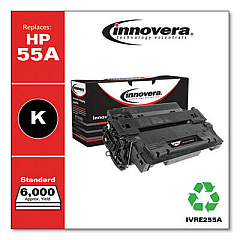
    While third-party cartridges may work, using genuine HP toner cartridges ensures optimal print quality and printer performance.

  • How often should I replace the RM1-6274 Fuser?

    The fuser typically needs replacement after 100,000 to 150,000 pages, but this can vary based on usage and print environment.

  • What is the function of the RM1-6322 Laser/Scanner Assembly?

    The Laser/Scanner Assembly is responsible for creating the image on the drum, which is then transferred to the paper during printing.

  • How do I install the J8025A#ABA Jetdirect 640n Print Server?

    The Jetdirect 640n Print Server can be installed in the EIO slot on the back of the printer. Consult the user manual for detailed instructions.

  • What signs indicate that the RM1-6323 Pickup Roller needs replacement?

    Signs include frequent paper jams, multiple pages feeding at once, or the printer failing to pick up paper from the tray.

  • Are these supplies compatible with other HP LaserJet models?

    While some supplies may be compatible with other models, it's best to check the specific compatibility for each item with your printer model.

Warehouse Locations

Policy & Agreement | Copyright © 1995-2026 BlueDogInk.com
