




Ads

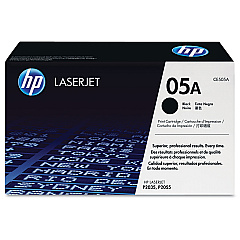
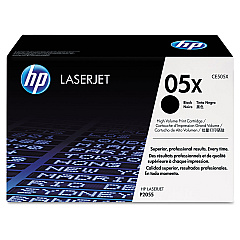
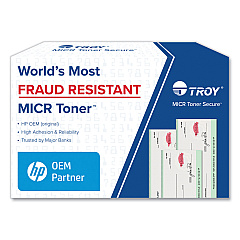
HP LaserJet P2055 Black Toner Cartridges

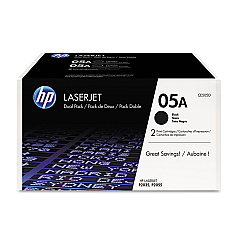
HP LaserJet P2055 Toner Set

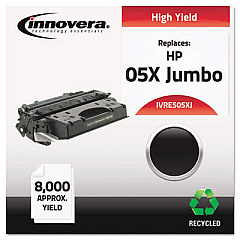
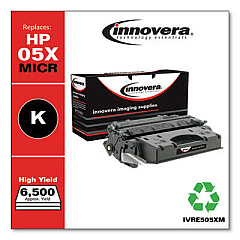
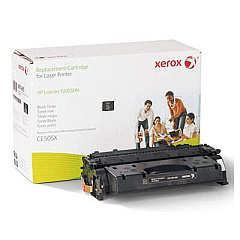
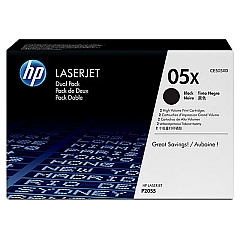
Enhance your printing experience with genuine HP LaserJet P2055 Toner Cartridges. These high-quality cartridges are designed to deliver crisp, professional-grade prints for businesses, educational institutions, government offices, healthcare facilities, and wholesale operations. Choose from a range of options including the standard CE505A, the high-yield CE505X, and cost-effective dual packs (CE505D and CE505XD). These toner cartridges ensure consistent performance, superior print quality, and reliability for your HP LaserJet P2055 printer. Whether you're printing important documents, reports, or presentations, these cartridges provide sharp text and clear graphics. By using genuine HP toner, you'll maximize your printer's efficiency and minimize downtime, ultimately boosting productivity in your workplace. Trust in HP's commitment to quality and sustainability with these eco-friendly, easily recyclable cartridges that help reduce your environmental impact.

HP LaserJet P2055 Toner Cartridges FAQs

  • What is the page yield for the HP CE505A toner cartridge?

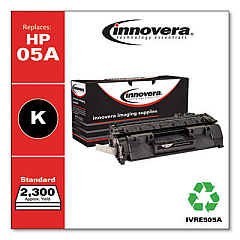
    The HP CE505A toner cartridge has an approximate page yield of 2,300 pages.

  • How does the CE505X differ from the CE505A?

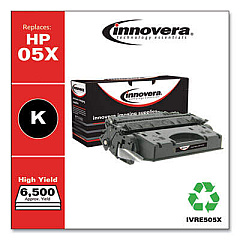
    The CE505X is a high-yield cartridge with approximately 6,500 page yield, compared to the standard CE505A with 2,300 pages.

  • Are these toner cartridges compatible with other HP LaserJet models?

    These cartridges are specifically designed for the HP LaserJet P2055 series. Always check your printer's compatibility before purchasing.

  • What are the benefits of buying a dual pack?

    Dual packs (CE505D and CE505XD) offer cost savings and convenience, ensuring you always have a replacement cartridge on hand.

  • How can I recycle my used HP toner cartridges?

    HP offers a free recycling program for genuine HP toner cartridges. Visit their website for details on how to participate.

  • What is the shelf life of these toner cartridges?

    Unopened HP toner cartridges typically have a shelf life of 24 to 30 months from the date of manufacture.

  • Can I use third-party or refilled cartridges in my HP LaserJet P2055?

    While third-party cartridges may work, using genuine HP cartridges ensures optimal print quality and protects your printer's warranty.

  • How do I install a new toner cartridge in my HP LaserJet P2055?

    Open the front cover, remove the old cartridge, unpack the new one, and insert it until it clicks into place. Close the cover to complete installation.

  • What should I do if I experience print quality issues?

    First, ensure you're using a genuine HP cartridge. Then, try printing a test page and cleaning the printer. If issues persist, consult your printer's manual or contact HP support.

  • Are these toner cartridges eligible for HP Instant Ink?

    No, the HP Instant Ink program is currently only available for select inkjet printers, not LaserJet models.

Warehouse Locations

Policy & Agreement | Copyright © 1995-2026 BlueDogInk.com
