










Ads

HP LaserJet M609 Black Toner Cartridges

HP LaserJet M609 Toner Set

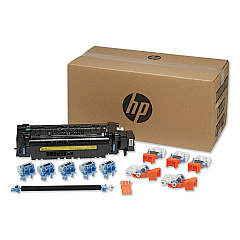
HP LaserJet M609 Maintenance Kits

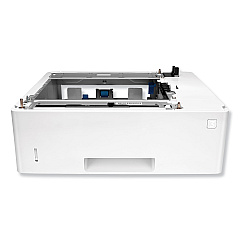
HP LaserJet M609 Paper Trays

HP LaserJet M609 Printer Accessories

HP LaserJet M609 Copy Paper

HP LaserJet M609 Warranty and Services

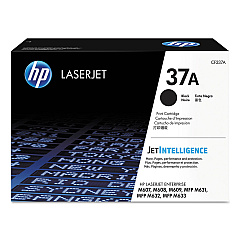
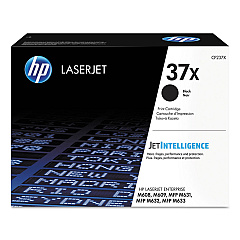
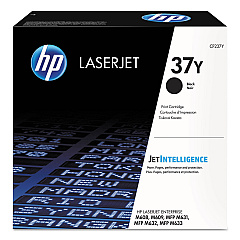
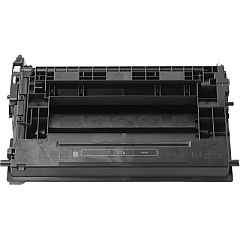
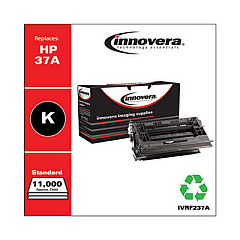
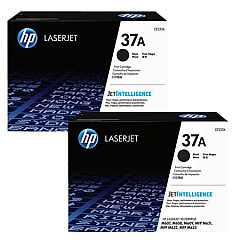
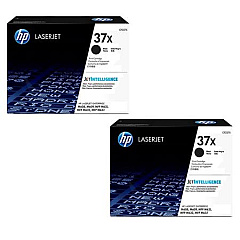
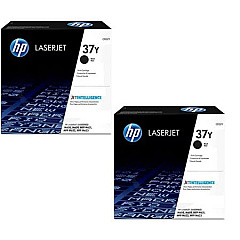
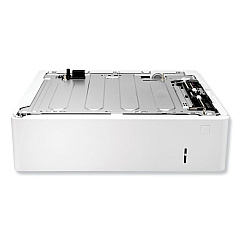
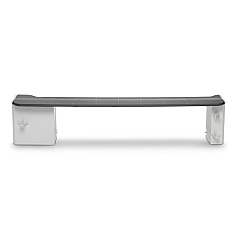
Maximize your printing efficiency with genuine HP LaserJet M609 Toner Cartridges and accessories. Choose from a range of options including the standard HP 37A, high-yield HP 37X, and extra high-yield HP 37Y Black Toner Cartridges, available in cost-effective 2-packs. These cartridges deliver exceptional print quality and reliability for your high-volume printing needs. Enhance your printer's capabilities with accessories like the L0H17A Paper Tray, L0H18A HCI Feeder and Stand, and L0H21A Envelope Feeder. Maintain peak performance with the L0H24A Maintenance Kit. Whether you're in business, education, government, healthcare, or wholesale, these genuine HP supplies ensure your LaserJet M609 consistently produces professional-quality documents while maximizing productivity and minimizing downtime.

HP LaserJet M609 Printers Supplies FAQs

  • What is the difference between HP 37A, 37X, and 37Y toner cartridges?

    HP 37A is the standard yield cartridge, 37X is high-yield, and 37Y is extra high-yield, offering progressively higher page yields for different printing volumes.

  • Are these toner cartridges compatible with other HP LaserJet models?

    These cartridges are specifically designed for the HP LaserJet M609 series. Always check your printer's compatibility before purchasing.

  • What is the page yield for each toner cartridge?

    Page yields vary by cartridge. Please refer to the product specifications for exact yield information.

  • How often should I replace the maintenance kit?

    The maintenance kit (L0H24A) should be replaced according to your printer's recommendations, typically after a certain number of pages or when print quality declines.

  • Can I use third-party toner cartridges in my HP LaserJet M609?

    While third-party cartridges may work, using genuine HP toner cartridges ensures optimal print quality and printer performance.

  • What is the purpose of the L0H20A Stapling Mailbox?

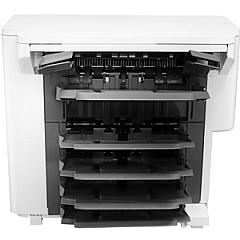
    The L0H20A Stapling Mailbox allows for automatic stapling and sorting of printed documents, enhancing document management efficiency.

  • How many additional sheets can the L0H17A Paper Tray hold?

    The L0H17A Paper Tray typically adds 550 sheets of paper capacity to your printer, but please verify the exact specifications for your model.

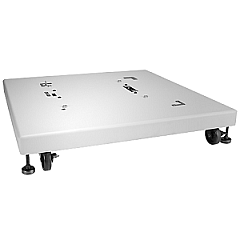
  • Is the L0H19A Printer Stand necessary?

    The L0H19A Printer Stand is optional but can improve ergonomics and provide additional storage space for supplies.

  • What does the L0H18A HCI Feeder and Stand do?

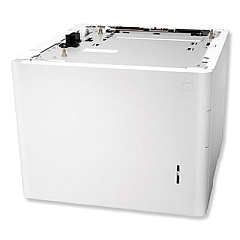
    The L0H18A HCI (High Capacity Input) Feeder and Stand significantly increases paper capacity and provides a sturdy base for the printer.

  • How do I install the L0H21A Envelope Feeder?

    The L0H21A Envelope Feeder can be easily installed by following the instructions provided in the user manual. If unsure, consult a technician or HP support.

Warehouse Locations

Policy & Agreement | Copyright © 1995-2026 BlueDogInk.com
