







Ads

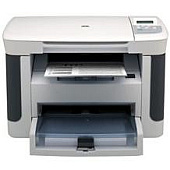
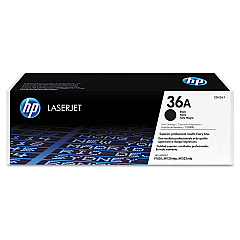
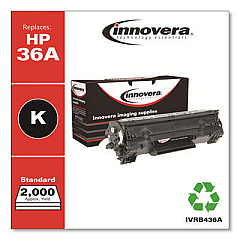
HP LaserJet M1120 Black Toner Cartridges

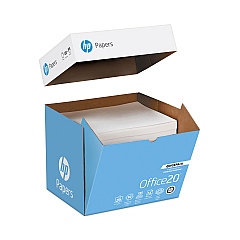
HP LaserJet M1120 Copy Paper

Ensure uninterrupted printing with genuine HP LaserJet M1120 Toner Cartridges. These high-quality cartridges are designed specifically for the HP LaserJet M1120 printer, delivering crisp, professional-grade text and graphics. Choose between the standard HP CB436A Black Toner Cartridge for everyday printing needs or opt for the cost-effective HP CB436D Black Toner Cartridge Dual Pack for high-volume printing environments. These cartridges offer reliable performance, consistent print quality, and optimal page yields, making them ideal for businesses, educational institutions, healthcare facilities, and government offices. By using authentic HP toner cartridges, you'll maximize your printer's efficiency and longevity while minimizing potential issues such as streaking or fading. Trust in HP's commitment to quality and sustainability, and keep your LaserJet M1120 running smoothly with these dependable toner cartridges.

HP LaserJet M1120 Toner Cartridges FAQs

  • What is the page yield for the HP CB436A Black Toner Cartridge?

    The HP CB436A Black Toner Cartridge has an approximate page yield of 2,000 pages at 5% coverage.

  • Is the HP CB436D Black Toner Cartridge Dual Pack more cost-effective?

    Yes, the dual pack typically offers better value for money compared to buying individual cartridges, especially for high-volume printing needs.

  • Are these toner cartridges compatible with other HP LaserJet models?

    These cartridges are specifically designed for the HP LaserJet M1120. Always check your printer's compatibility before purchasing toner cartridges.

  • How long do these toner cartridges typically last?

    The lifespan of a toner cartridge depends on your printing volume. Under normal use, they can last several months to a year.

  • Can I use third-party or refilled cartridges in my HP LaserJet M1120?

    While third-party cartridges may work, HP recommends using genuine HP toner cartridges for optimal print quality and to protect your printer's warranty.

  • How can I tell if my toner cartridge needs replacement?

    Your printer will typically display a low toner warning. You may also notice a decrease in print quality or faded text.

  • Are these toner cartridges environmentally friendly?

    HP offers a recycling program for used toner cartridges, contributing to environmental sustainability.

  • What's the difference between toner and ink cartridges?

    Toner cartridges contain a fine powder and are used in laser printers, while ink cartridges contain liquid ink and are used in inkjet printers.

  • Can I store unused toner cartridges for long periods?

    Yes, unopened toner cartridges can be stored for extended periods. Keep them in a cool, dry place away from direct sunlight.

  • How do I install a new toner cartridge in my HP LaserJet M1120?

    Open the printer's front cover, remove the old cartridge, unpack the new one, and insert it into the printer. Detailed instructions are provided in your printer's manual.

Warehouse Locations

Policy & Agreement | Copyright © 1995-2026 BlueDogInk.com
