




Ads

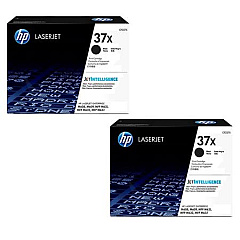
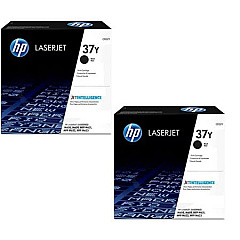
HP LaserJet Enterprise MFP M632 fht Black Toner Cartridges

HP LaserJet Enterprise MFP M632 fht Toner Set

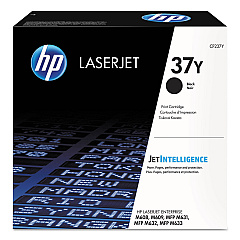
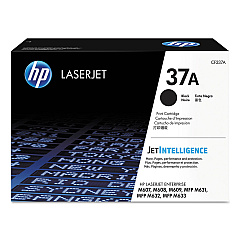
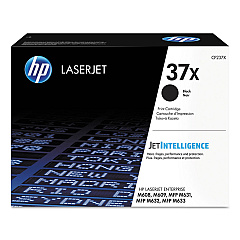
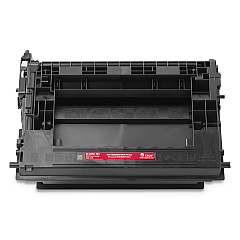
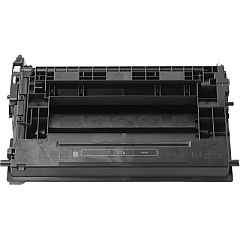
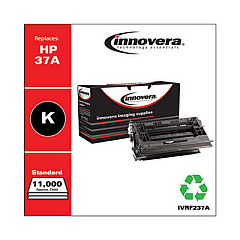
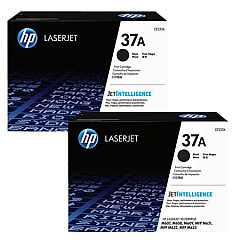
Enhance your printing efficiency with genuine HP LaserJet Enterprise MFP M632 fht Toner Cartridges. These high-quality cartridges are designed to deliver exceptional results for businesses, schools, government offices, and healthcare facilities. Choose from a range of options, including the standard HP 37A Black Toner Cartridge, the high-yield HP 37X, or the extra high-yield HP 37Y for maximum productivity. Available in convenient 2-pack options, these cartridges ensure consistent, professional-grade output for all your printing needs. The HP CF237A, CF237X, and CF237Y cartridges offer varying page yields to suit different printing volumes, allowing you to optimize costs while maintaining superior print quality. Trust in HP's reliable toner technology to produce sharp text and crisp images, keeping your LaserJet Enterprise MFP M632 fht performing at its best.

HP LaserJet Enterprise MFP M632 fht Toner Cartridges FAQs

  • What is the page yield for each toner cartridge?

    The page yield varies by cartridge: CF237A yields about 11,000 pages, CF237X yields about 25,000 pages, and CF237Y yields about 41,000 pages.

  • Are these cartridges compatible with other HP printers?

    These cartridges are specifically designed for the HP LaserJet Enterprise MFP M632 fht and may not be compatible with other models.

  • What's the difference between the 37A, 37X, and 37Y cartridges?

    The main difference is the page yield. 37A is standard, 37X is high-yield, and 37Y is extra high-yield, offering progressively more prints per cartridge.

  • How long do these toner cartridges typically last?

    The lifespan depends on usage, but generally, they can last several months to a year in a typical office environment.

  • Are these genuine HP cartridges?

    Yes, all cartridges listed are genuine HP products, ensuring optimal performance and print quality.

  • Can I use third-party cartridges in my HP LaserJet Enterprise MFP M632 fht?

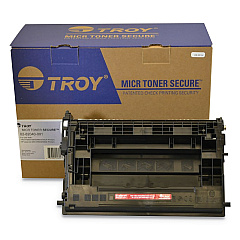
    While third-party cartridges may work, HP recommends using genuine HP cartridges for best results and to maintain warranty coverage.

  • How do I install a new toner cartridge?

    Open the front cover, remove the old cartridge, unpack the new one, and insert it until it clicks into place. Close the cover to complete installation.

  • What should I do with my used toner cartridges?

    HP offers a free recycling program for used cartridges. Visit their website or check the packaging for details on how to return them.

  • Do these cartridges come with a warranty?

    Yes, genuine HP toner cartridges come with a warranty against defects in materials and workmanship.

  • Can I buy these cartridges in bulk for my business?

    Yes, bulk purchasing options are available. Contact the seller or HP directly for volume pricing and availability.

Warehouse Locations

Policy & Agreement | Copyright © 1995-2026 BlueDogInk.com
