




Ads

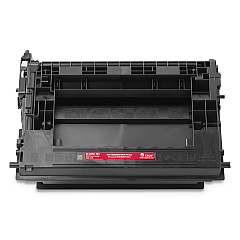
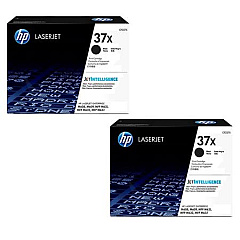
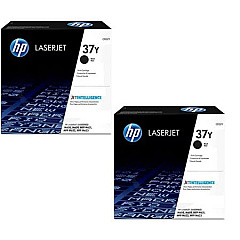
HP LaserJet Enterprise MFP M631 dn Black Toner Cartridges

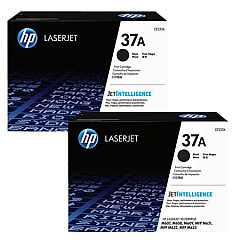
HP LaserJet Enterprise MFP M631 dn Toner Set

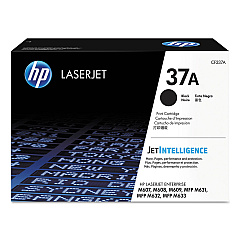
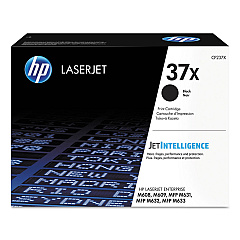
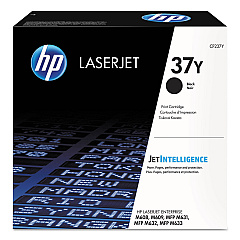
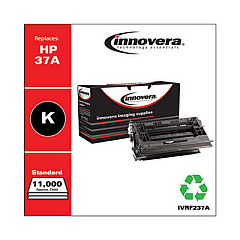
Enhance your printing efficiency with genuine HP LaserJet Enterprise MFP M631 dn Toner Cartridges. These high-quality cartridges are designed to deliver exceptional results for businesses, schools, government offices, and healthcare facilities. Choose from a range of options, including the standard HP 37A Black Toner Cartridge, the high-yield HP 37X, and the extra high-yield HP 37Y. For added convenience, 2-pack options are available for each yield level. These cartridges ensure crisp, professional-quality prints with every page, maximizing your printer's performance. Whether you need to print high volumes or occasional documents, there's a perfect cartridge to suit your needs. Trust in HP's reliability and superior print quality to keep your office running smoothly and efficiently.

HP LaserJet Enterprise MFP M631 dn Toner Cartridges FAQs

  • What is the page yield for each cartridge type?

    The HP 37A yields approximately 11,000 pages, the HP 37X yields about 25,000 pages, and the HP 37Y yields around 41,000 pages.

  • Are these cartridges compatible with other HP printers?

    These cartridges are specifically designed for the HP LaserJet Enterprise MFP M631 dn and may not be compatible with other models.

  • How long do these toner cartridges typically last?

    The lifespan of a cartridge depends on your printing volume. Under normal use, they can last several months to a year.

  • Can I use third-party or refilled cartridges in this printer?

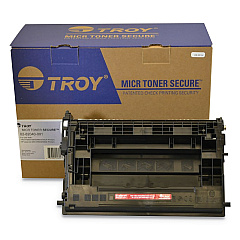
    While third-party cartridges may work, HP recommends using genuine HP cartridges for optimal performance and print quality.

  • What's the difference between the 37A, 37X, and 37Y cartridges?

    The main difference is the page yield. 37Y offers the highest yield, followed by 37X, then 37A.

  • Are these cartridges environmentally friendly?

    Yes, HP offers a recycling program for used cartridges, helping to reduce environmental impact.

  • How do I install a new toner cartridge in the HP LaserJet Enterprise MFP M631 dn?

    Open the front cover, remove the old cartridge, unpack the new one, and insert it until it clicks into place. Close the cover to complete installation.

  • What should I do if I experience print quality issues?

    First, check if the cartridge is genuine and properly installed. If issues persist, run a printer cleaning cycle or consult the user manual for troubleshooting steps.

  • Can I buy these cartridges in bulk for my business?

    Yes, bulk purchasing options are available. Contact the supplier for information on volume discounts and business accounts.

  • How should I store unused toner cartridges?

    Store cartridges in a cool, dry place away from direct sunlight. Keep them in their original packaging until ready for use to maintain quality.

Warehouse Locations

Policy & Agreement | Copyright © 1995-2026 BlueDogInk.com
