




















HP LaserJet Enterprise Flow MFP M528z Black Toner Cartridges

HP LaserJet Enterprise Flow MFP M528z Toner Set

HP LaserJet Enterprise Flow MFP M528z Fusers

HP LaserJet Enterprise Flow MFP M528z Paper Trays

HP LaserJet Enterprise Flow MFP M528z Printer Accessories

HP LaserJet Enterprise Flow MFP M528z Warranty and Services

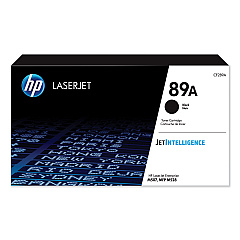
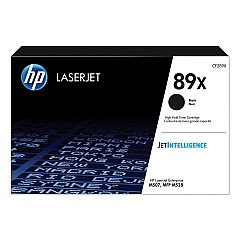
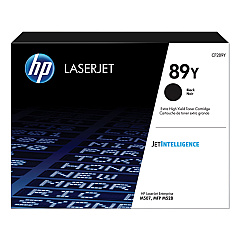
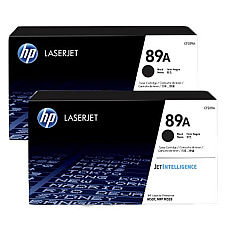
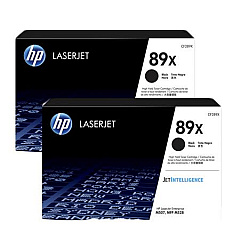
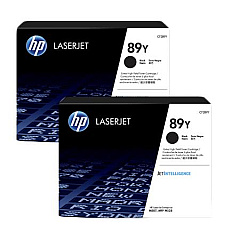
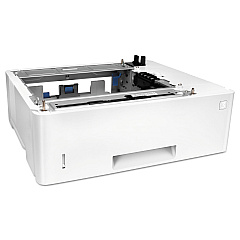
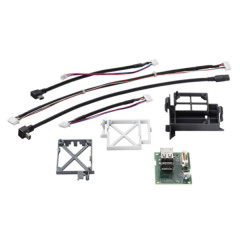
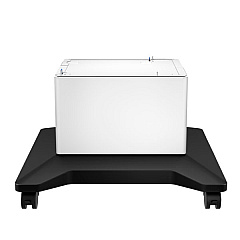
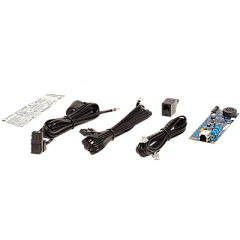
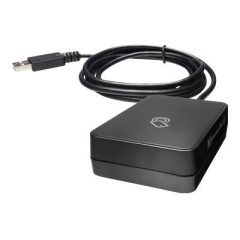
Enhance your printing capabilities with genuine HP LaserJet Enterprise Flow MFP M528z Toner Cartridges and accessories. This comprehensive range includes various toner options to suit your printing needs, from standard yield to extra high yield cartridges. The HP 89A, 89X, and 89Y toner cartridges ensure consistent, high-quality output for all your business documents. Boost productivity with add-ons like the HP 2EH31A Analog Fax Accessory 700 and HP B5L28A Internal USB Port Kit. Expand your printer's capacity with the HP F2A72A Paper Tray and organize your workspace using the HP F2A73A Printer Cabinet. For wireless printing, consider the HP J8030A Wireless Accessory. Maintain optimal performance with the HP RM2-2585 Fuser Unit. Whether you're in healthcare, education, or government, these genuine HP supplies guarantee reliability and exceptional print quality for your HP LaserJet Enterprise Flow MFP M528z.

HP LaserJet Enterprise Flow MFP M528z Toner Cartridges FAQs

  • What is the difference between HP 89A, 89X, and 89Y toner cartridges?

    HP 89A is the standard yield cartridge, 89X is high yield, and 89Y is extra high yield, offering progressively more prints per cartridge.

  • Are these toner cartridges compatible with other HP printers?

    These cartridges are specifically designed for the HP LaserJet Enterprise Flow MFP M528z. Always check your printer's compatibility before purchasing.

  • How many pages can I print with the HP CF289Y 89Y Black Toner Cartridge?

    The HP CF289Y 89Y Black Toner Cartridge is an extra high yield cartridge that can print approximately 20,000 pages.

  • What is the purpose of the HP B5L28A Internal USB Port Kit?

    The HP B5L28A Internal USB Port Kit allows you to add an additional USB port to your printer for connecting external devices or accessories.

  • How often should I replace the HP RM2-2585 Fuser Unit?

    The fuser unit typically needs replacement after 150,000 to 200,000 pages, but this can vary based on usage and print environment.

  • Can I use third-party toner cartridges with this printer?

    While third-party cartridges may work, using genuine HP toner cartridges ensures optimal print quality and printer performance.

  • What is the benefit of the HP F2A72A Paper Tray?

    The HP F2A72A Paper Tray increases the printer's paper capacity, reducing the frequency of paper refills and improving overall productivity.

  • Is the HP J8030A Wireless Accessory necessary for wireless printing?

    The HP J8030A Wireless Accessory enables wireless printing capabilities if your printer doesn't have built-in Wi-Fi functionality.

  • What is the purpose of the HP 2EH31A Analog Fax Accessory 700?

    The HP 2EH31A Analog Fax Accessory 700 adds fax functionality to your printer, allowing you to send and receive faxes directly from the device.

  • Are these supplies covered under HP's warranty?

    Yes, genuine HP supplies are covered under HP's warranty. Using non-HP supplies may void your printer's warranty.

Warehouse Locations

Policy & Agreement | Copyright © 1995-2026 BlueDogInk.com
