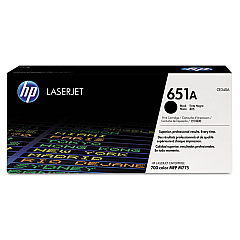
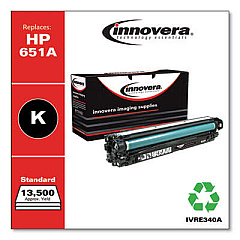
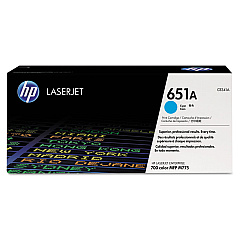
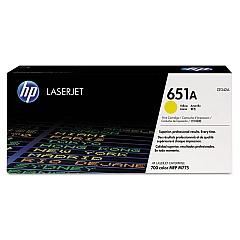





HP LaserJet Enterprise 700 Color MFP M775 d Toner Cartridges

Ads

HP LaserJet Enterprise 700 Color MFP M775 d Black Toner Cartridges

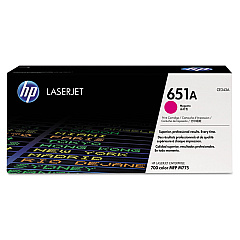
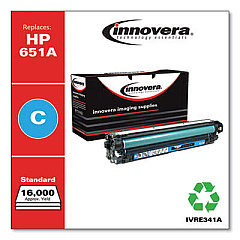
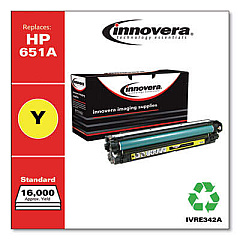
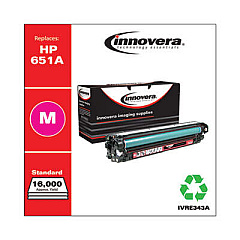
HP LaserJet Enterprise 700 Color MFP M775 d Color Toner Cartridges

HP LaserJet Enterprise 700 Color MFP M775 d Waste Toner Kits

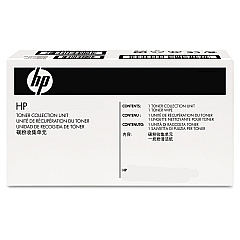
  • HP CE980A Toner Collection Unit

    Item CE980A

    HP CE980A Toner Collection Unit

    CE980A (CE710-69005, CE980-67901) Toner Collection Unit; Yield: 150,000 pages..

    Status

    In Stock

    $33.98

HP LaserJet Enterprise 700 Color MFP M775 d Fusers

HP LaserJet Enterprise 700 Color MFP M775 d Transfer Units

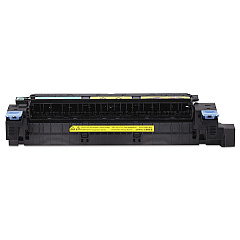
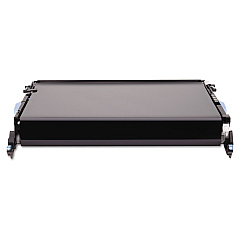
Enhance your printing experience with genuine HP LaserJet Enterprise 700 Color MFP M775 d Toner Cartridges. These high-quality consumables ensure optimal performance and stunning color output for your business needs. The range includes HP CE340A Black, CE341A Cyan, CE342A Yellow, and CE343A Magenta toner cartridges, delivering crisp text and vibrant graphics. For maintenance, the HP CE514A Fuser Kit and CE516A Transfer Kit keep your printer running smoothly, while the CE980A Toner Collection Unit manages waste efficiently. These original HP supplies are designed specifically for the M775 d model, guaranteeing compatibility and reliability. Invest in these authentic cartridges to maximize your printer's potential, reduce downtime, and produce professional-quality documents consistently. Trust in HP's superior technology to meet the demanding printing requirements of businesses, educational institutions, government offices, and healthcare facilities.

HP LaserJet Enterprise 700 Color MFP M775 d Toner Cartridges FAQs

  • How long do HP LaserJet Enterprise 700 Color MFP M775 d Toner Cartridges typically last?

    The lifespan of toner cartridges varies depending on usage, but on average, they can print between 11,500 to 16,500 pages for color cartridges and up to 13,500 pages for black cartridges.

  • Are these toner cartridges compatible with other HP printer models?

    These cartridges are specifically designed for the HP LaserJet Enterprise 700 Color MFP M775 d model and may not be compatible with other printer models.

  • How often should I replace the Fuser Kit and Transfer Kit?

    The Fuser Kit and Transfer Kit typically need replacement after about 150,000 pages, but this can vary based on usage patterns.

  • Can I use third-party or refilled toner cartridges in this printer?

    While third-party cartridges may work, using genuine HP toner cartridges ensures the best print quality and printer performance, and maintains your warranty.

  • How do I know when it's time to replace a toner cartridge?

    The printer will display a message on its control panel when a cartridge is running low or needs replacement.

  • What is the purpose of the Toner Collection Unit?

    The Toner Collection Unit collects excess toner that doesn't adhere to the paper during printing, helping to keep the printer clean and functioning properly.

  • Are these toner cartridges environmentally friendly?

    Yes, HP offers a recycling program for used toner cartridges, helping to reduce environmental impact.

  • Can I replace toner cartridges while a print job is in progress?

    It's best to wait until the current print job is complete before replacing toner cartridges to avoid potential print quality issues or paper jams.

  • How should I store unused toner cartridges?

    Store unused cartridges in their original packaging in a cool, dry place away from direct sunlight to maintain their quality and extend shelf life.

  • What should I do if I experience print quality issues after installing new cartridges?

    First, ensure the cartridges are properly installed. If issues persist, run the printer's built-in calibration and cleaning processes. If problems continue, contact HP support for assistance.

Warehouse Locations

Policy & Agreement | Copyright © 1995-2026 BlueDogInk.com
