




Ads

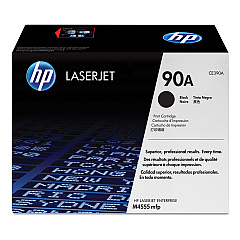
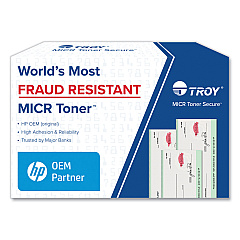
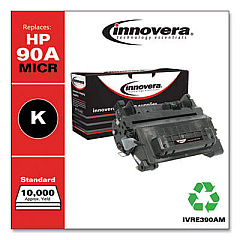
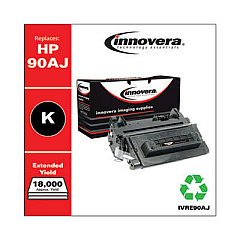
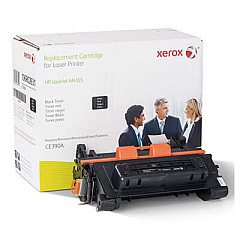
HP LaserJet Enterprise 600 M601 n Black Toner Cartridges

HP LaserJet Enterprise 600 M601 n Fusers

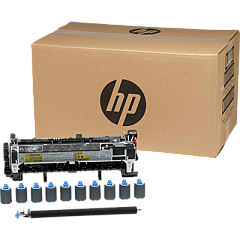
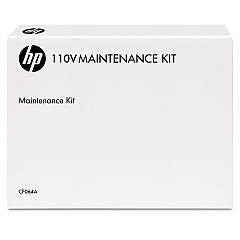
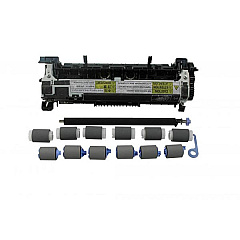
HP LaserJet Enterprise 600 M601 n Maintenance Kits

Ensure peak performance from your HP LaserJet Enterprise 600 M601 n with our premium HP LaserJet Enterprise 600 M601 n Toner Cartridges. These high-quality supplies are designed to deliver crisp, professional prints consistently. The HP CE390A Black Toner Cartridge offers exceptional yield and sharp text, perfect for high-volume printing environments. For optimal printer maintenance, consider the HP CF064A and HP CF065A Maintenance Kits, which help extend your device's lifespan and maintain print quality. These genuine HP supplies are engineered to work seamlessly with your printer, minimizing downtime and maximizing productivity. Whether you're printing important business documents, educational materials, or healthcare records, these toner cartridges ensure reliable, high-quality output. Invest in genuine HP supplies to protect your printer and guarantee outstanding results page after page.

HP LaserJet Enterprise 600 M601 n Toner Cartridges FAQs

  • What is the page yield of the HP CE390A Black Toner Cartridge?

    The HP CE390A Black Toner Cartridge has a page yield of approximately 10,000 pages at 5% coverage.

  • Are these toner cartridges compatible with other HP LaserJet models?

    These cartridges are specifically designed for the HP LaserJet Enterprise 600 M601 n. Always check your printer's compatibility before purchasing.

  • How often should I replace the maintenance kit?

    Typically, maintenance kits should be replaced every 200,000 to 225,000 pages, but this can vary based on usage.

  • What's the difference between the CF064A and CF065A Maintenance Kits?

    The CF064A is for 110V printers, while the CF065A is for 220V printers. Ensure you choose the correct voltage for your region.

  • Can I use third-party toner cartridges in my HP LaserJet Enterprise 600 M601 n?

    While third-party cartridges may work, using genuine HP supplies ensures optimal print quality and protects your printer's warranty.

  • How do I know when it's time to replace my toner cartridge?

    Your printer will typically display a low toner warning. You may also notice a decrease in print quality.

  • Are these toner cartridges environmentally friendly?

    Yes, HP offers a recycling program for used toner cartridges, promoting environmental sustainability.

  • What should I do if I experience print quality issues?

    First, ensure you're using genuine HP supplies. If issues persist, try cleaning the printer and replacing the maintenance kit if necessary.

  • Can I store extra toner cartridges for future use?

    Yes, store cartridges in a cool, dry place away from direct sunlight. Properly stored, they can last up to two years.

  • Does using genuine HP supplies affect my printer's warranty?

    Using genuine HP supplies helps maintain your printer's warranty. Non-HP supplies may void the warranty if they cause damage to the printer.

Warehouse Locations

Policy & Agreement | Copyright © 1995-2026 BlueDogInk.com
