





Ads

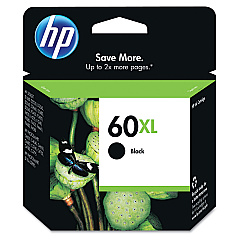
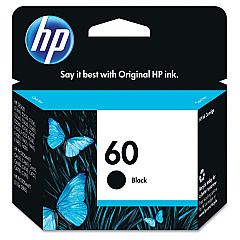
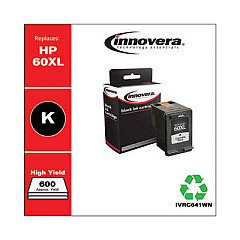
HP ENVY 121 Black Ink Cartridges

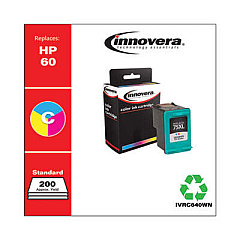
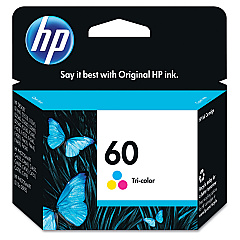
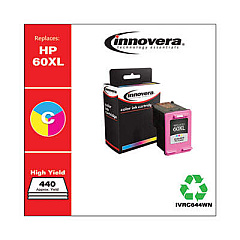
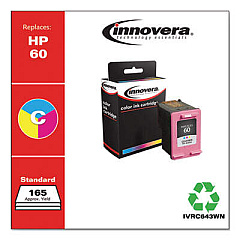
HP ENVY 121 Color Ink Cartridges

HP ENVY 121 Copy Paper

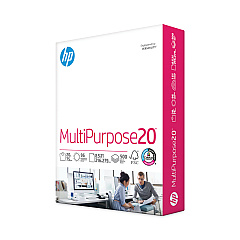
  • HP 112000 Multipurpose Paper

    Item 112000

    HP 112000 Multipurpose Paper

    HPM1120R Multipurpose Ultra White Paper, 96 Brightness, 20lb, 8 1/2 x 11, 500 Sh..

    Status

    In Stock

    $10.09

  • HP 115100 Multipurpose Paper

    Item 115100

    HP 115100 Multipurpose Paper

    HPM115RC Multipurpose Ultra White Paper, 96 Brightness, 20lb, 8-1/2 x 11, 500 sh..

    Status

    In Stock

    $50.99

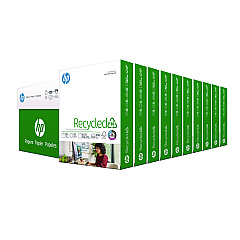
  • HP 112100 Recycled Paper

    Item 112100

    HP 112100 Recycled Paper

    HPE1120C Recycled Paper, 92 Bright, 20lb, 8-1/2 x 11, 500 sheets per ream, 10 re..

    Status

    In Stock

    Free Shipping

    $97.72

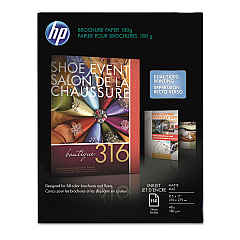
  • HP CH016A Inkjet Brochure Paper

    Item CH016A

    HP CH016A Inkjet Brochure Paper

    Inkjet Brochure/Flyer Paper, 103 Brightness, 48lb, 8-1/2 x 11, White, 150/Pack..

    Status

    In Stock

    $44.30

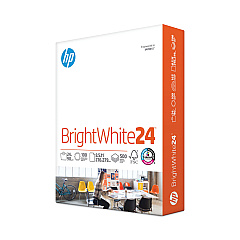
  • HP 203000 Bright White Inkjet Paper

    Item 203000

    HP 203000 Bright White Inkjet Paper

    HPB1124 Bright White Inkjet Paper, 97 Brightness, 24lb, 8-1/2 x 11, 500 Sheets/R..

    Status

    In Stock

    $14.10

HP ENVY 121 Photo Paper

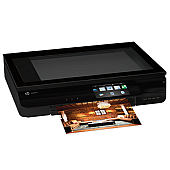
Keep your HP ENVY 121 printer running smoothly with genuine HP ENVY 121 Ink Cartridges. These high-quality cartridges are designed specifically for your printer, ensuring optimal performance and stunning print results. Choose from the HP CC640WN Black Ink Cartridge for crisp text and sharp documents, or opt for the higher-capacity HP CC641WN Black Ink Cartridge for extended printing. For vibrant color prints, the HP CC643WN Tricolor Ink Cartridge delivers rich, lifelike hues. These cartridges are easy to install and provide consistent, fade-resistant prints that are perfect for both personal and professional use. Whether you're printing important business documents, school projects, or cherished family photos, HP ENVY 121 Ink Cartridges ensure your prints look their best. Trust in HP's reliability and quality to keep your printer performing at its peak.

HP ENVY 121 Ink Cartridges FAQs

  • How long do HP ENVY 121 Ink Cartridges typically last?

    The lifespan of ink cartridges varies depending on usage, but on average, they can last for 200-300 pages for standard cartridges and 400-600 pages for high-capacity cartridges.

  • Are these ink cartridges compatible with other HP printers?

    These cartridges are specifically designed for the HP ENVY 121 printer. Always check your printer's compatibility before purchasing ink cartridges.

  • Can I use third-party ink cartridges in my HP ENVY 121 printer?

    While third-party cartridges may work, HP recommends using genuine HP ink cartridges for optimal print quality and to maintain your printer's warranty.

  • How do I install the ink cartridges in my HP ENVY 121 printer?

    Open the printer's ink cartridge access door, remove the old cartridge, insert the new cartridge, and close the access door. The printer will automatically align the new cartridge.

  • What's the difference between the CC640WN and CC641WN black ink cartridges?

    The CC641WN is a high-capacity cartridge that contains more ink than the standard CC640WN, allowing for more prints before replacement.

  • How can I tell if my ink cartridge is running low?

    Your HP ENVY 121 printer will display a low ink warning on its control panel or through your computer when cartridges are running low.

  • Are these ink cartridges recyclable?

    Yes, HP offers a free recycling program for used ink cartridges. You can return them to HP or participating retailers for proper recycling.

  • How should I store unused ink cartridges?

    Store unused cartridges in their original sealed packaging at room temperature, away from direct sunlight and heat sources, to maintain their quality.

  • Can I refill these ink cartridges myself?

    HP does not recommend refilling cartridges as it may affect print quality and potentially damage your printer. It's best to use new, genuine HP cartridges.

  • What should I do if my printer doesn't recognize the new ink cartridge?

    Try removing and reinserting the cartridge, cleaning the cartridge contacts, or running the printer's alignment process. If issues persist, contact HP support for assistance.

Warehouse Locations

Policy & Agreement | Copyright © 1995-2026 BlueDogInk.com
