





Ads

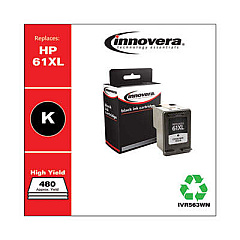
HP Deskjet 1510 Black Ink Cartridges

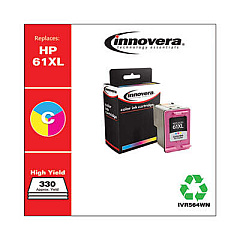
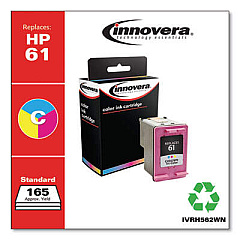
HP Deskjet 1510 Color Ink Cartridges

HP Deskjet 1510 Copy Paper

  • HP 115100 Multipurpose Paper

    Item 115100

    HP 115100 Multipurpose Paper

    HPM115RC Multipurpose Ultra White Paper, 96 Brightness, 20lb, 8-1/2 x 11, 500 sh..

    Status

    In Stock

    $50.99

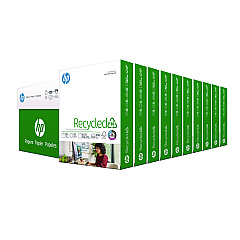
  • HP 112100 Recycled Paper

    Item 112100

    HP 112100 Recycled Paper

    HPE1120C Recycled Paper, 92 Bright, 20lb, 8-1/2 x 11, 500 sheets per ream, 10 re..

    Status

    In Stock

    Free Shipping

    $97.72

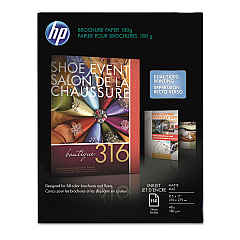
  • HP CH016A Inkjet Brochure Paper

    Item CH016A

    HP CH016A Inkjet Brochure Paper

    Inkjet Brochure/Flyer Paper, 103 Brightness, 48lb, 8-1/2 x 11, White, 150/Pack..

    Status

    In Stock

    $44.30

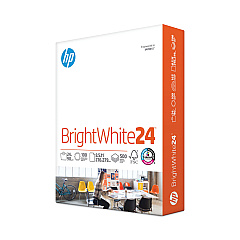
  • HP 203000 Bright White Inkjet Paper

    Item 203000

    HP 203000 Bright White Inkjet Paper

    HPB1124 Bright White Inkjet Paper, 97 Brightness, 24lb, 8-1/2 x 11, 500 Sheets/R..

    Status

    In Stock

    $14.10

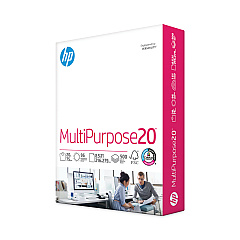
  • HP 112000 Multipurpose Paper

    Item 112000

    HP 112000 Multipurpose Paper

    HPM1120R Multipurpose Ultra White Paper, 96 Brightness, 20lb, 8 1/2 x 11, 500 Sh..

    Status

    In Stock

    $10.09

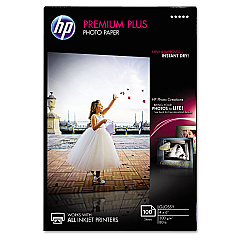
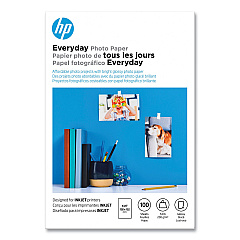
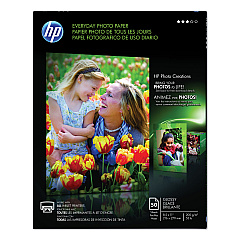
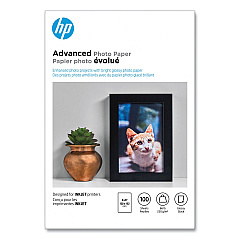
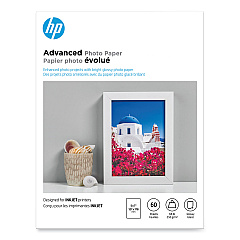
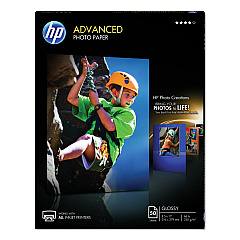
HP Deskjet 1510 Photo Paper

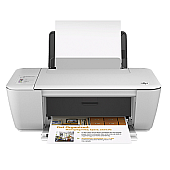
Keep your HP Deskjet 1510 printer running smoothly with genuine HP Deskjet 1510 Ink Cartridges from BlueDogInk.com. Our selection includes the essential HP CH561WN Black and HP CH562WN Tricolor cartridges, as well as the high-capacity HP CH563WN Black and HP CH564WN Tricolor options. These authentic HP inks ensure crisp text and vibrant color prints for all your home, school, or small business needs. Compatible with various HP Deskjet models, these cartridges offer reliable performance and long-lasting results. Whether you're printing documents, photos, or creative projects, our HP Deskjet 1510 Ink Cartridges deliver exceptional quality and value. Trust BlueDogInk.com for genuine HP supplies and enjoy free shipping on orders over $75. Stock up today and never run out of ink when you need it most!

HP Deskjet 1510 Ink Cartridges FAQs

  • What ink cartridges are compatible with the HP Deskjet 1510?

    The HP Deskjet 1510 is compatible with HP CH561WN Black, HP CH562WN Tricolor, HP CH563WN Black, and HP CH564WN Tricolor ink cartridges.

  • How long do HP Deskjet 1510 ink cartridges typically last?

    The lifespan of ink cartridges varies depending on usage, but standard cartridges typically last for 190-200 pages, while high-capacity cartridges can print up to 480 pages.

  • Can I use third-party ink cartridges in my HP Deskjet 1510?

    While third-party cartridges may work, using genuine HP ink cartridges is recommended for optimal print quality and to maintain your printer's warranty.

  • How do I install new ink cartridges in my HP Deskjet 1510?

    To install new cartridges, turn on the printer, open the cartridge access door, wait for the carriage to move to the center, remove the old cartridge, insert the new one, and close the access door.

  • What's the difference between standard and high-capacity ink cartridges?

    High-capacity cartridges (HP CH563WN and CH564WN) contain more ink and can print more pages than standard cartridges (HP CH561WN and CH562WN), making them more cost-effective for frequent printing.

  • How can I check my HP Deskjet 1510's ink levels?

    You can check ink levels through the printer software on your computer or by pressing the Cancel button on the printer. The ink level indicator lights will show the approximate levels.

  • Are HP Deskjet 1510 ink cartridges recyclable?

    Yes, HP offers a free recycling program for used ink cartridges. You can return them to HP or participating retailers for environmentally friendly disposal.

  • Can I use black ink only if my color cartridge is empty?

    Yes, the HP Deskjet 1510 can print using only the black cartridge if the color cartridge is empty or removed. However, for best results, it's recommended to have both cartridges installed.

  • How should I store unused ink cartridges?

    Store unused cartridges in their original sealed packaging at room temperature. Avoid extreme temperatures and direct sunlight to maintain ink quality.

  • What should I do if my HP Deskjet 1510 doesn't recognize a new ink cartridge?

    Try removing and reinserting the cartridge, cleaning the cartridge contacts, or running the printer's alignment process. If issues persist, contact HP support or your retailer for assistance.

Warehouse Locations

Policy & Agreement | Copyright © 1995-2026 BlueDogInk.com
