






Ads

HP DeskJet 1000cse Black Ink Cartridges

HP DeskJet 1000cse Copy Paper

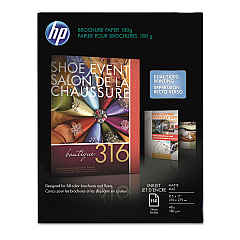
  • HP CH016A Inkjet Brochure Paper

    Item CH016A

    HP CH016A Inkjet Brochure Paper

    Inkjet Brochure/Flyer Paper, 103 Brightness, 48lb, 8-1/2 x 11, White, 150/Pack..

    Status

    In Stock

    $44.30

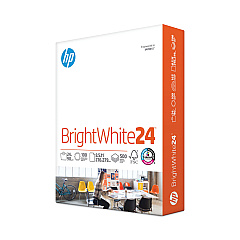
  • HP 203000 Bright White Inkjet Paper

    Item 203000

    HP 203000 Bright White Inkjet Paper

    HPB1124 Bright White Inkjet Paper, 97 Brightness, 24lb, 8-1/2 x 11, 500 Sheets/R..

    Status

    In Stock

    $14.10

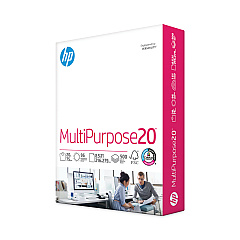
  • HP 112000 Multipurpose Paper

    Item 112000

    HP 112000 Multipurpose Paper

    HPM1120R Multipurpose Ultra White Paper, 96 Brightness, 20lb, 8 1/2 x 11, 500 Sh..

    Status

    In Stock

    $10.09

  • HP 115100 Multipurpose Paper

    Item 115100

    HP 115100 Multipurpose Paper

    HPM115RC Multipurpose Ultra White Paper, 96 Brightness, 20lb, 8-1/2 x 11, 500 sh..

    Status

    In Stock

    $50.99

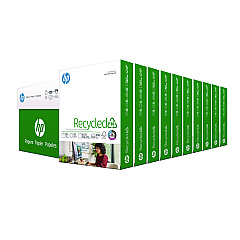
  • HP 112100 Recycled Paper

    Item 112100

    HP 112100 Recycled Paper

    HPE1120C Recycled Paper, 92 Bright, 20lb, 8-1/2 x 11, 500 sheets per ream, 10 re..

    Status

    In Stock

    Free Shipping

    $97.72

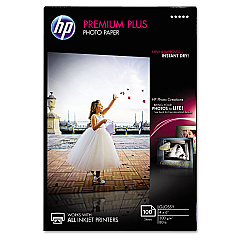
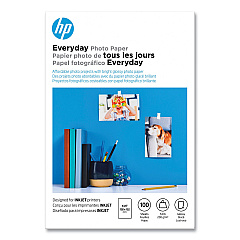
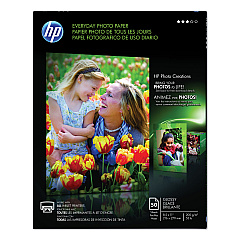
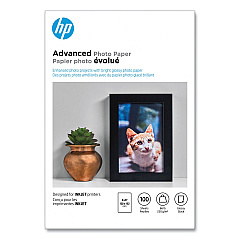
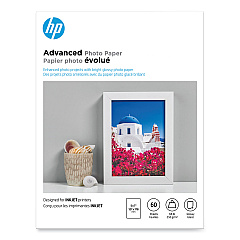
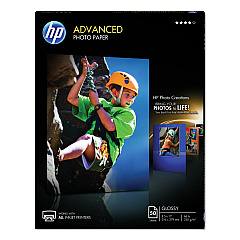
HP DeskJet 1000cse Photo Paper

Ensure your HP DeskJet 1000cse printer continues to deliver high-quality prints with genuine HP DeskJet 1000cse Ink Cartridges. These reliable cartridges are specifically designed for optimal performance in your printer, producing crisp text and vibrant graphics. The HP 45 Black Ink Cartridge (51645A) is the perfect choice for this model, offering excellent page yield and consistent results. Whether you're printing important documents or creative projects, these cartridges provide the quality and reliability you need. By choosing authentic HP ink, you'll extend the life of your printer and avoid potential damage caused by third-party alternatives. Don't compromise on quality – trust HP DeskJet 1000cse Ink Cartridges to keep your printer running smoothly and your prints looking professional. Order now to ensure you always have a supply on hand for uninterrupted printing.

HP DeskJet 1000cse Ink Cartridges FAQs

  • How often should I replace the ink cartridge in my HP DeskJet 1000cse?

    Replacement frequency depends on usage, but typically when print quality noticeably decreases or when the printer indicates low ink levels.

  • Can I use non-HP ink cartridges in my HP DeskJet 1000cse?

    While third-party cartridges may work, HP recommends using genuine HP cartridges for optimal performance and to protect your printer's warranty.

  • What is the page yield of the HP 45 Black Ink Cartridge (51645A)?

    The HP 45 Black Ink Cartridge typically yields around 930 pages, though this can vary based on the content being printed.

  • How do I install a new ink cartridge in my HP DeskJet 1000cse?

    Open the printer's top cover, wait for the carriage to move to the center, remove the old cartridge, insert the new one, and close the cover.

  • Is the HP 45 Black Ink Cartridge compatible with other HP printer models?

    Yes, the HP 45 cartridge is compatible with several HP printer models. Check your printer's manual or HP's website for a full list of compatible printers.

  • How long does an unopened HP 45 ink cartridge last?

    An unopened HP 45 ink cartridge typically has a shelf life of 24 months from the date of manufacture when stored properly.

  • Can I recycle my used HP ink cartridges?

    Yes, HP offers a free recycling program for used ink cartridges. Visit HP's website for details on how to participate.

  • What should I do if my printer doesn't recognize the new ink cartridge?

    Try removing and reinserting the cartridge, cleaning the contacts, or running the printer's alignment process. If issues persist, contact HP support.

  • Does using genuine HP ink cartridges affect my printer's warranty?

    Using genuine HP ink cartridges helps maintain your printer's warranty. Non-HP cartridges may void the warranty if they cause damage to the printer.

  • Can I refill my HP 45 Black Ink Cartridge instead of buying a new one?

    While refilling is possible, HP doesn't recommend it as it may lead to poor print quality and potential printer damage. It's best to use new, genuine HP cartridges.

Warehouse Locations

Policy & Agreement | Copyright © 1995-2026 BlueDogInk.com
